Enclosed vs Open-Frame 3D Printers: Which Do You Need?
An enclosure helps with some materials and noise, and hurts with others. Here is a plain way to decide which style fits what you will print.
By Sepehr Sabbagh-pour · Published 10 October 2026 · 2 min read
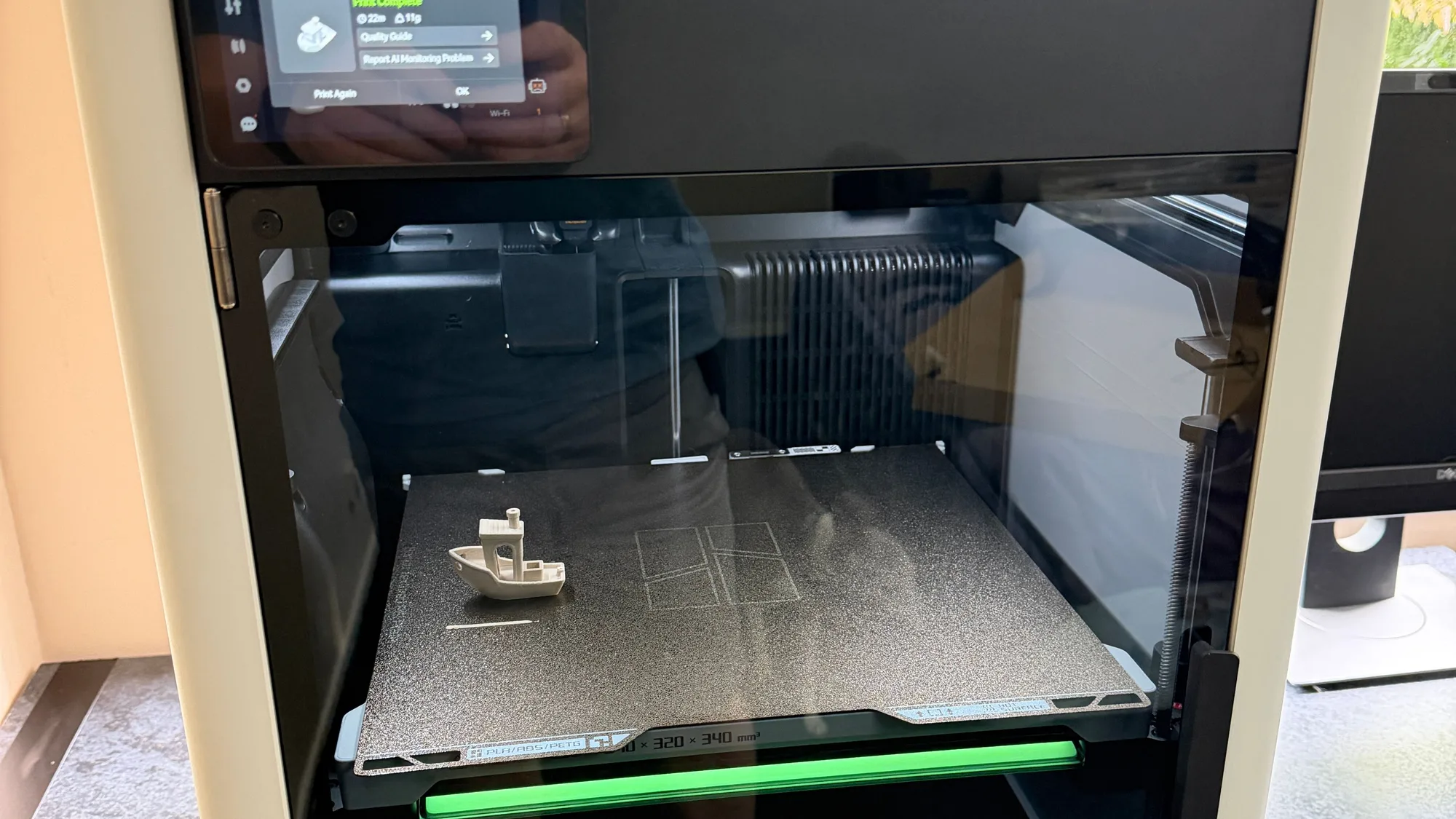
An enclosed printer has walls and a lid around the print area; an open-frame printer does not. The right choice depends mostly on which materials you will print and where the machine will live.
What an enclosure does
- Keeps heat in. A stable, warm chamber stops materials like ABS and ASA from cooling unevenly, which cuts warping and layer cracks.
- Blocks draughts. Open windows, doors and fans can ruin a first layer; an enclosure largely removes that variable.
- Dampens noise. Panels take the edge off fan and motor sound, though they do not silence a printer.
- Keeps hands and pets away. Useful in a family home, though the hot parts inside are still hot when you open it.
What it does not do
An enclosure is not a fume filter. Some models add a carbon or HEPA filter, which helps with particles and some odours, but they are not a substitute for ventilation. Use ABS and ASA in a well-ventilated space and follow the manufacturer’s guidance.
The downsides
- Cost and size. Enclosed machines usually cost more and take more room.
- Heat can hurt PLA. In a closed, warm chamber PLA can soften before it reaches the nozzle, causing jams. With PLA you often prop the lid open or remove the top panel.
- Access. Reaching in to fix a failed print or change a nozzle is a little fiddlier.
Which should you pick?
| If you will mostly print… | Choose |
|---|---|
| PLA and PETG for models and gadgets | Open frame is fine and usually cheaper |
| ABS, ASA, nylon or heat-resistant parts | Enclosed |
| In a shared or noisy living space, or with children and pets | Enclosed |
| Anything, on a tight budget, in a draught-free room | Open frame, and add an enclosure later if you need one |
If you are comparing materials as well, read PLA vs PETG vs ABS vs TPU, and for the wider buying checklist see how to choose your first 3D printer.
A note on DIY enclosures. Tents and cabinets can work, but keep electronics and the control board out of the hot zone, never block cooling, use materials rated for the heat, and do not leave a heated printer unattended. If in doubt, buy an enclosure designed for the printer.
Frequently asked questions
Do I need an enclosure for PLA?
No. PLA prints well on open printers and can actually print worse in a hot closed chamber. An enclosure is mainly for materials that warp, for draughts and for noise.
Does an enclosure make 3D printing safe?
It reduces some risks, such as touching moving parts, but it does not remove fume or fire risks. Ventilate the room, use the printer as the manufacturer instructs and do not leave it unattended for long.
Can I add an enclosure to an open printer later?
Often yes, with an off-the-shelf enclosure made for your model. Check the electronics stay cool and that the enclosure suits your printer rather than improvising.

Founder and editor
Software engineer since 2009 and Head of Engineering by day, a maker who has owned several 3D printers, writing practical guides to 3D printers, filament and running costs, with every article saying what was and was not tested.
Keep reading
Best Resin 3D Printers: What to Look For
Four consumer resin printers from $179 to $499, compared on maker-listed screens, build volumes and speeds. A research-only list, not a test, with the method stated.
10 October 2026 · 6 min read
Best Budget 3D Printers: What to Look For
Four budget FDM printers from $179 to $349, compared on listed specs and US prices from maker pages. A research-only list, not a test, with the selection method stated.
10 October 2026 · 6 min read
Best 3D Printers for Beginners: How to Choose
A spec and price shortlist of four beginner-friendly 3D printers, with the downsides of each and a way to choose between them. Research only, not tested.
10 October 2026 · 6 min read