What Is OctoPrint? Remote Control for 3D Printers
OctoPrint is a free web interface that lets you watch and control a 3D printer from a browser. Here is what it does, what it runs on and who needs it.
By Sepehr Sabbagh-pour · Published 11 October 2026 · 4 min read
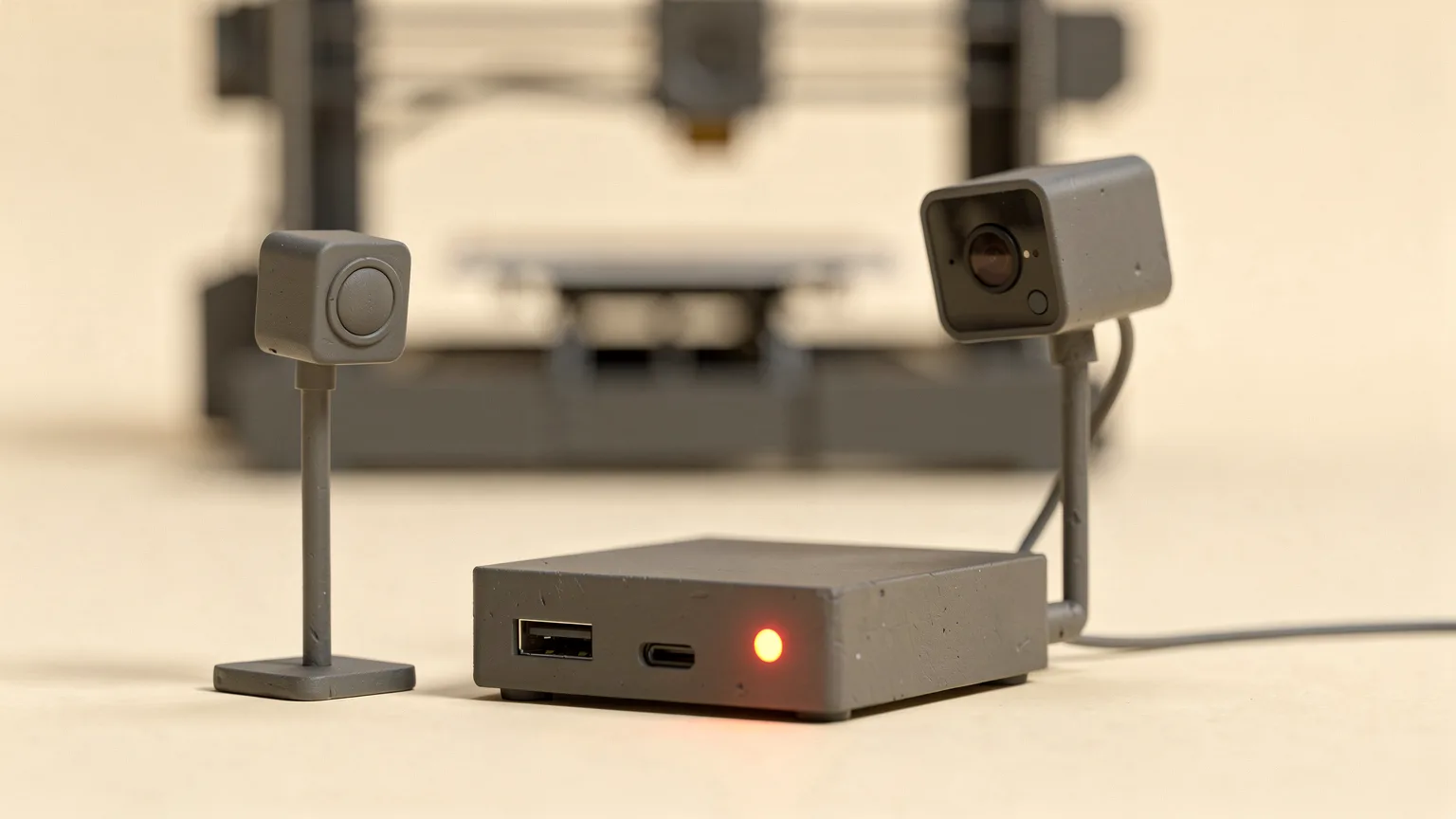
OctoPrint is a free web interface for 3D printers. You run it on a small computer connected to your printer, then open it in a browser to start prints, watch a webcam feed and adjust temperatures from anywhere on your network. This guide explains what it does, what it needs and when it is worth setting up. It is written from OctoPrint's own documentation and website, not from our own testing.
What is OctoPrint?
The project's documentation describes OctoPrint as a snappy web interface for controlling consumer 3D printers. It is free software released under the GNU Affero General Public License (AGPL), and it is created and maintained by Gina Haeussge, who works on it full time and is funded by supporters.
It is not firmware. The firmware (such as Marlin or Klipper) still runs on the printer board and moves the motors. OctoPrint sits between you and the printer, sending G-code and showing status. If you want the firmware side of the picture, read what Klipper is.
What can OctoPrint do?
The OctoPrint website lists these abilities:
- View the embedded webcam feed and watch a print remotely.
- See progress feedback on the current print job.
- Look at the integrated G-code visualizer to see what is being printed.
- Monitor hotend and bed temperatures and change them on the fly.
- Move the print head along all axes, extrude, retract or define custom controls.
- Start, stop or pause a print job.
- Create timelapse recordings of prints.
- Slice STL files directly within OctoPrint.
- Control who can use the printer with built-in access controls.
- Add system commands to restart the server or the printer, and configure event hooks to run commands or send G-code when something happens.
If the slicing step is new to you, our guide to what a slicer is explains what happens before G-code reaches OctoPrint, and STL, 3MF and G-code explains the file types.
What does OctoPrint run on?
OctoPrint runs on a computer next to the printer, not on the printer itself. The download page lists several ways to install it, including OctoPi for the Raspberry Pi, Octo4a for Android, an Orange Pi version, Docker, a Windows installer and a manual install on Linux, Windows or Mac.
OctoPi is a Raspberry Pi SD card image that already contains OctoPrint and its dependencies, plus MJPG-Streamer for live viewing and timelapse video from supported USB webcams and the Raspberry Pi camera. According to the download page:
- Recommended hardware is a Raspberry Pi 3B, 3B+, 4B or Zero 2.
- Other hardware can cause print artifacts and long loading times, especially with a webcam or third-party plugins, and is not officially supported.
- The Raspberry Pi Zero and Zero W are explicitly not recommended, because severe performance problems were observed that can affect print quality. The Zero 2 is recommended.
OctoPi can be installed with the Raspberry Pi Imager, and the page tells you to follow its instructions precisely, including not formatting the SD card after installing. Once running, you reach it in a browser at octopi.local or the hostname you chose. The page also says you can buy all-in-one OctoPrint kits if you would rather not assemble the parts.
What are OctoPrint plugins?
OctoPrint has a plugin system, and the official plugin repository is integrated into the interface so that installing a plugin takes a click. The OctoPrint website names examples such as Bed Level Visualizer, Octolapse for timelapses, Themeify for theming and Firmware Updater for flashing printer firmware. Plugins come from the community, so check each one is maintained before relying on it.
Does OctoPrint work with Klipper?
Yes. The Klipper documentation says Klipper can be controlled through OctoPrint, and that OctoPrint can be installed with the OctoPi image or with the KIAUH installer. It also lists Mainsail and Fluidd as the two main alternatives. The firmware underneath is the same whichever front end you choose.
Do you need OctoPrint?
This is opinion drawn from the documentation. OctoPrint is most useful on printers with no network features, such as many older or budget machines that print from an SD card or USB cable. It adds remote monitoring and a webcam without replacing the printer.
It is less needed if your printer already has its own app, camera and network control. It also adds another device to power, update and secure. The official documentation says it currently focuses mainly on developers rather than end users, so the community forum and FAQ it links to are the places to look for setup help. Before you start, make sure the basics are working: the printer should already print well from its own storage, and a failed print caught early by a webcam is exactly the kind of problem OctoPrint helps with.
Security note. Do not expose a printer interface directly to the internet. Follow OctoPrint's own guidance on remote access and keep the software updated.
Frequently asked questions
What does OctoPrint do?
OctoPrint is a web interface for 3D printers. It lets you start, pause and stop prints, watch a webcam, monitor temperatures, view G-code and record timelapses from a browser.
Is OctoPrint free?
Yes. OctoPrint is free and open source software released under the GNU Affero General Public License. Its development is funded by supporters, and the project invites donations.
What do I need to run OctoPrint?
You need a separate computer connected to the printer. The OctoPrint site recommends a Raspberry Pi 3B, 3B+, 4B or Zero 2 with the OctoPi image. The Raspberry Pi Zero and Zero W are not recommended.
Is OctoPrint firmware?
No. Firmware such as Marlin or Klipper runs on the printer board. OctoPrint runs on a separate computer and talks to the printer, so it does not replace the firmware.
Sources

Founder and editor
Software engineer since 2009 and Head of Engineering by day, a maker who has owned several 3D printers, writing practical guides to 3D printers, filament and running costs, with every article saying what was and was not tested.
Keep reading
Where to Find 3D Models to Print: Printables, MakerWorld and More
A practical guide to the best places to download printable 3D models, what each site offers, how Creative Commons licences work and how to choose a good file.
11 October 2026 · 8 min read
Free CAD Software for 3D Printing: Where to Start
Six free CAD options for designing your own 3D prints, with the platform, license terms and limits of each, and a simple way to pick where to start.
10 October 2026 · 8 min read
What Is Klipper? Firmware for 3D Printers Explained
Klipper is 3D printer firmware that splits the work between a small computer and the printer board. Here is how it works, what it adds and what it takes to run it.
10 October 2026 · 4 min read