Where to Find 3D Models to Print: Printables, MakerWorld and More
A practical guide to the best places to download printable 3D models, what each site offers, how Creative Commons licences work and how to choose a good file.
By Sepehr Sabbagh-pour · Published 11 October 2026 · 8 min read
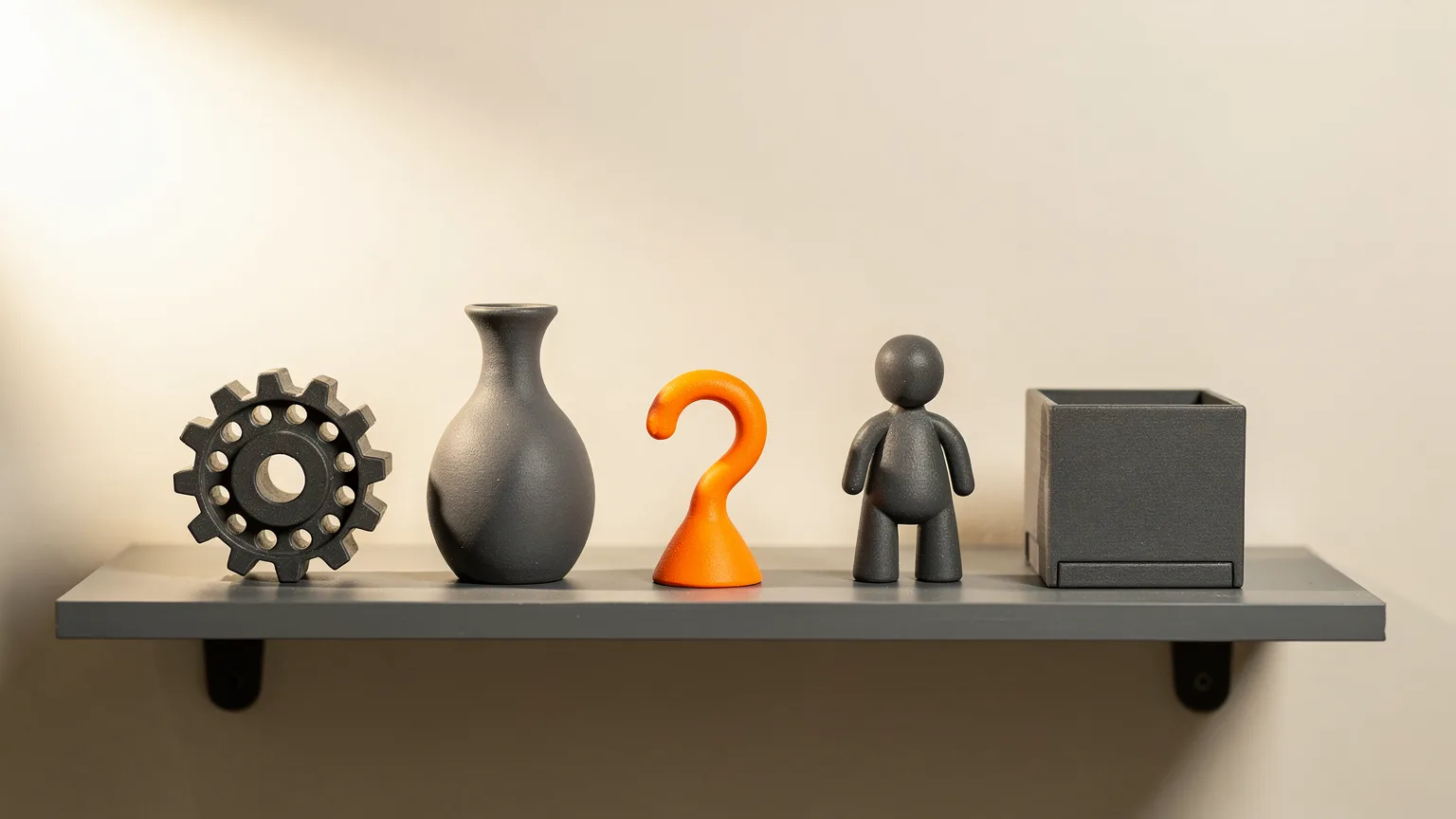
You do not need to design anything to start 3D printing. A very large number of ready-made models are free to download. This guide lists where to find them, what each site is known for, how licences work, and what to check before you press print. It is research-based, drawn from the platforms' own documentation and help pages, not from our own download tests. Site features change, so check each site for its current rules.
The short list
- Printables: run by Prusa; models, 3MF projects and ready-sliced G-code files; built into PrusaSlicer.
- MakerWorld: Bambu Lab's platform; models with attached print profiles and photos.
- Thingiverse: one of the oldest model sites, founded in 2008; huge archive and many remixes.
- MyMiniFactory, Cults and others: platforms that Prusa lists, some with both free and paid models.
- Your own models: Tinkercad and other free tools are easier than most beginners expect.
What file types to look for
Prusa's documentation says models should be in .stl, .obj or .3mf format to be used in its slicer. STL is the plain shape of the object. 3MF can carry the shape plus colors, settings and plate layout. Our guide to STL vs 3MF vs G-code explains the differences. A model file must be run through a slicer to become printer instructions; see what is a slicer.
Printables
Printables.com is Prusa's own platform. According to Prusa's knowledge base, you can download both object files and pre-made G-code files for thousands of projects, and the site is built around its community, including a Groups feature for finding people in your area.
Since PrusaSlicer 2.9.0, Printables is built into the slicer. A Printables tab sits near the Printers tab. Prusa says you can search the database without leaving the slicer, download models or 3MF projects straight into PrusaSlicer, and send G-code directly to a printer registered in Prusa Connect, when the G-code was sliced for that printer.
Good for: any printer brand, since models are plain STL or 3MF; users of PrusaSlicer.
MakerWorld
MakerWorld is Bambu Lab's model platform, documented in the Bambu Lab Wiki. Its distinctive feature is print profiles. The wiki says that when someone uploads a print profile, MakerWorld requires at least one photo of a model printed with that profile to demonstrate printability, and that high-quality profiles offer real improvements such as wider printer compatibility, multi-color versions or tuned slicing parameters for reliability.
The wiki also describes Featured and Exclusive model programs and creator commission incentive rules, so the site has a creator-reward system on top of free sharing. Its Featured model guidelines say models are evaluated on content compliance, design quality, printability and user feedback.
Good for: Bambu Lab owners who want a model that opens with settings already chosen. If you own one of those printers, our Bambu Studio guide shows how the slicer side works.
Thingiverse
Thingiverse is a long-running design-sharing site. Wikipedia lists it as launched in 2008 by Zach Smith as a companion to MakerBot, and says it provides mostly free designs under GNU General Public License or Creative Commons licences, with contributors choosing the licence type. It is widely used for repair parts, decorations and organizers, and encourages derivatives and remixes. Wikipedia also reports that MyMiniFactory announced the acquisition of Thingiverse from UltiMaker in February 2026.
Good for: older, well-known designs and remix chains.
MyMiniFactory, Cults and other marketplaces
Prusa's guide lists Thingiverse, Pinshape, YouMagine, Yeggi, MyMiniFactory and Cults as other platforms worth trying, and notes some have both free and paid models. Wikipedia describes MyMiniFactory as a London-headquartered platform founded in 2013 that opened an STL store in 2018 where designers can sell files.
Paid models can be worth it when you want a specific designer's work and want to support them, as Prusa's guide puts it. For everyday functional prints, free models are usually enough.
Using more than one site
Prusa's list includes Yeggi among the platforms it has found helpful. Whichever site you use, check each model's licence on the page where it is hosted.
Licences: what you can do with a download
Prusa notes that models are generally free to download under Creative Commons Attribution Non-Commercial licences, which means they should not be used commercially and you must always credit the author. That is the common pattern, but each model carries its own licence, so read it.
Creative Commons describes six licence types. In short:
| Licence | What it allows |
|---|---|
| CC BY | Reuse and remix, including commercially, with credit |
| CC BY-SA | As CC BY, but adaptations must be shared under the same or a compatible licence |
| CC BY-ND | Copying and sharing unchanged, with credit; no adaptations |
| CC BY-NC | Reuse and remix for non-commercial purposes only, with credit |
| CC BY-NC-SA | Non-commercial, with credit, and adaptations shared under the same terms |
| CC BY-NC-ND | Non-commercial, unchanged copies only, with credit |
If you plan to sell prints or share modified versions, check the exact licence text on the model page. This is general information, not legal advice. Paid models usually have their own licence terms.
How to pick a good model
- Look for photos of real prints. A render proves nothing about printability. MakerWorld requires a printed photo for each profile for this reason.
- Check the print orientation and supports. Prusa's design guidance notes that printers cannot print in mid-air and that surfaces above supports will not have the same finish as side walls or top fill.
- Read the description for recommended settings, such as layer height, infill and material.
- Prefer models with remixes and comments from people who report results.
- Match the size to your printer. See our guide to build volume.
Prepare the file before printing
Open the model in your slicer, check its size and orientation, and slice it. If a model looks broken in the preview, such as holes or missing faces, try another download or a remix before spending hours on it. If you are brand new, our walkthrough on how to 3D print covers the full path from file to finished part.
Start with a test print
Bambu's wiki lists community models that are ready to print, including the 3D Benchy boat, a bed scraper and a foldable phone stand. A small, well-known model is a good first print because many people have printed it, so comparing results is easy. For more ideas, see what you can make with a 3D printer.
Making your own
When nothing you find fits, design it. Prusa's guide recommends Tinkercad as the easiest way to create models quickly, an online editor that needs no installation, and Autodesk Fusion as a more capable but more complex option. It also lists OpenSCAD and Blender as free options. Our walkthrough of a first Tinkercad design is a good place to begin, and the overview of free CAD software covers the rest.
If you only read one thing: start on Printables or MakerWorld, pick a model with photos of real prints, check its licence, and slice it with the profile for your printer.
Frequently asked questions
What is the best website for free 3D printing models?
Printables and MakerWorld are the two most common starting points, and Thingiverse has the older archive. Which is best depends on your printer: Prusa users get Printables built into PrusaSlicer, and Bambu Lab users get print profiles on MakerWorld.
Can I sell prints made from free models?
It depends on the licence. Prusa notes that many free models use Creative Commons Attribution Non-Commercial licences, which rule out commercial use. Always read the licence on the model page, and check the Creative Commons descriptions if unsure.
What file format do I need?
STL is the most common, and 3MF can also carry colors and settings. Prusa lists .stl, .obj and .3mf as formats its slicer can open.
Can I make my own models without CAD experience?
Yes. Prusa recommends Tinkercad as an easy online editor for beginners, and Autodesk Fusion as a more advanced option once you are comfortable.
Sources
- Where can you get 3D models?, Prusa Knowledge Base
- Printables in PrusaSlicer, Prusa Knowledge Base
- MakerWorld, Bambu Lab Wiki
- Print profile guidelines, MakerWorld, Bambu Lab Wiki
- Featured model guidelines, MakerWorld, Bambu Lab Wiki
- Links to STL models, Bambu Lab Wiki
- Thingiverse, Wikipedia
- MyMiniFactory, Wikipedia
- Creative Commons licenses
- Creating your own 3D models, Prusa Knowledge Base
- Modeling with 3D printing in mind, Prusa Knowledge Base

Founder and editor
Software engineer since 2009 and Head of Engineering by day, a maker who has owned several 3D printers, writing practical guides to 3D printers, filament and running costs, with every article saying what was and was not tested.
Keep reading
What Is OctoPrint? Remote Control for 3D Printers
OctoPrint is a free web interface that lets you watch and control a 3D printer from a browser. Here is what it does, what it runs on and who needs it.
11 October 2026 · 4 min read
Free CAD Software for 3D Printing: Where to Start
Six free CAD options for designing your own 3D prints, with the platform, license terms and limits of each, and a simple way to pick where to start.
10 October 2026 · 8 min read
What Is Klipper? Firmware for 3D Printers Explained
Klipper is 3D printer firmware that splits the work between a small computer and the printer board. Here is how it works, what it adds and what it takes to run it.
10 October 2026 · 4 min read