What Can You Make With a 3D Printer?
From brackets and hooks to miniatures, phone cases and prototypes: a practical look at what home 3D printers make well, which materials suit each job and where the limits are.
By Sepehr Sabbagh-pour · Published 10 October 2026 · 7 min read
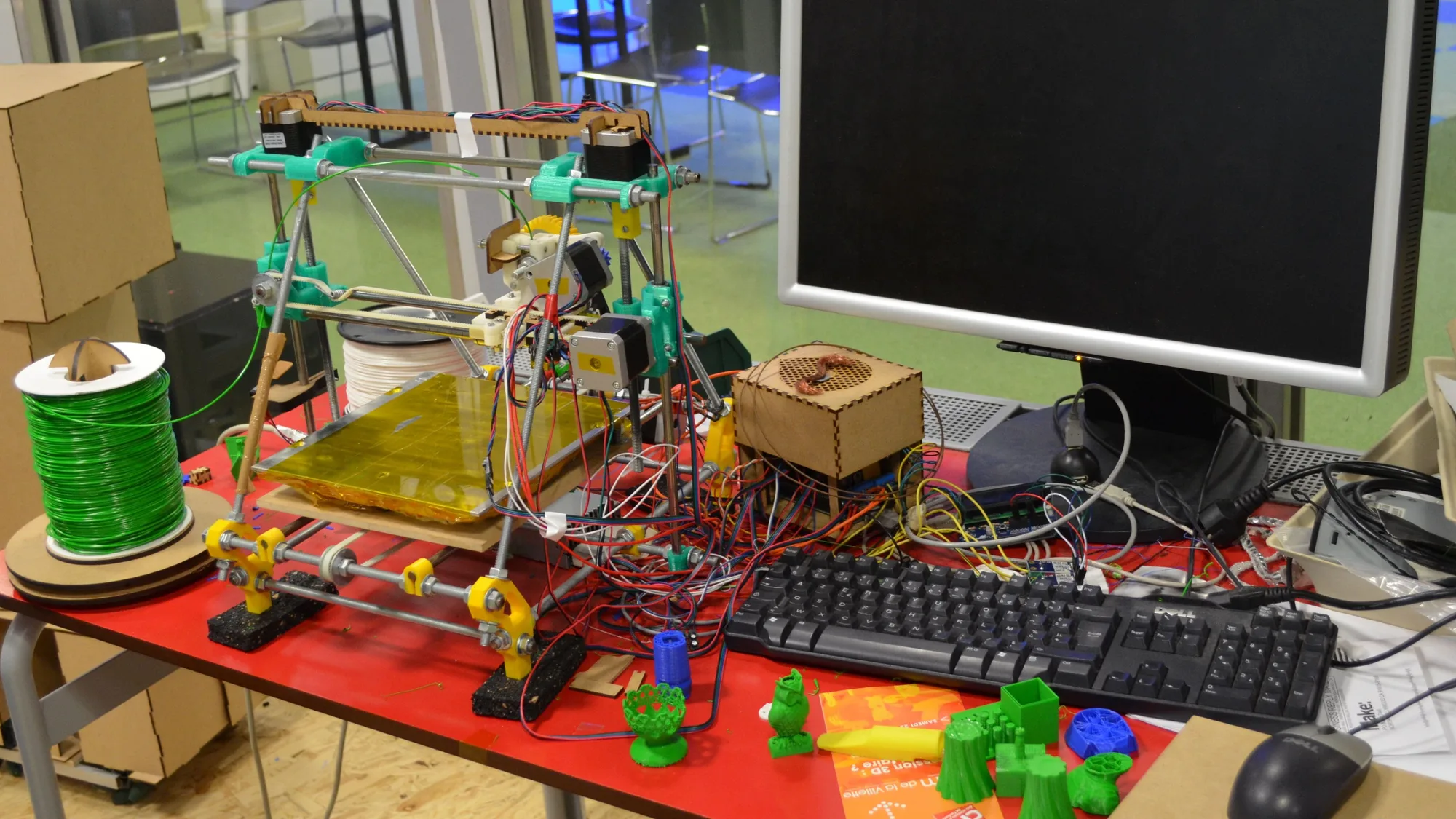
A home 3D printer makes plastic objects layer by layer from a digital model. That sounds narrow, but in practice it covers a wide range: household fixes, organizers, toys, game miniatures, phone stands, flexible bumpers, test fits for bigger projects and replacement parts that are no longer sold.
This is a research guide built from maker pages, Wikipedia and public model sites, checked on 2026-10-10. It is not a test of any printer, and it does not rank anything. It explains what is realistic, which materials suit each job, and where the limits are.
Everyday household items
Most people start with small practical objects. The categories that model sites use give a good picture: Prusa's Printables site groups models into household, hobby and makers, art and design, tabletop miniatures, toys and games, and 3D printers. Typical household items include:
- Hooks, brackets, clips and cable organizers.
- Drawer dividers, tool holders and desk organizers.
- Stands for phones, tablets and headphones.
- Replacement knobs, caps, covers and handles.
- Wall mounts and shelf holders, including pegboard organizers.
These are small, simple shapes, which suits basic printers. PLA is the usual choice, and PETG is common for parts that need a bit more toughness. See PETG vs PLA for how they differ.
Food and safety. Do not assume a printed part is food safe or suitable for heat. Follow the filament maker's data sheet and safety guidance for any item that touches food, skin or hot surfaces.
Spare parts and repairs
A lot of the value of a printer is in fixing things. Broken plastic clips, battery covers, gear wheels and appliance knobs can often be modeled or downloaded and printed. Prusa's own marketing for its larger CORE One L+ talks about producing parts for broken appliances and machinery with tough carbon-fiber reinforced materials. For small household parts, plain PETG or PLA is a more modest starting point.
Remember that a printed part is not the same as a molded original. Printed parts are generally weaker between layers than along them, so orient a part so the main stress does not pull the layers apart. For load-bearing or heat-exposed parts, choose the material first; see PLA, PETG, ABS and TPU compared.
Toys, games and miniatures
Toys, board game pieces and tabletop miniatures are among the biggest model categories on public sites. Fine detail depends on nozzle size and layer height, covered in nozzle sizes explained. Resin printers are usually the choice for very small, detailed figures; see FDM vs resin printers.
Multi-color printing opens up more ideas, such as colored name plates, puzzles and figures; our multicolor printing explainer covers how it works.
Flexible and rubber-like items
Flexible TPU filament prints phone cases, bumpers, seals, grips and vibration dampeners. Prusa lists these as typical TPU uses in its CORE One L+ marketing. Bambu Lab lists TPU among the supported filaments on its A1 mini, so even a small machine can print flexible parts. TPU often needs slower speeds and a printer that feeds it reliably; read our guide to TPU before buying a spool.
Prototypes, jigs and tools
Printing began as rapid prototyping, and Wikipedia describes it as a primary early application used to develop designs before mass production. At home or in a small workshop, that translates into:
- Test fits of enclosures and mounting brackets before committing to final materials.
- Jigs and alignment tools. Prusa's CORE One L+ page lists jigs, tools and workholding fixtures as uses for its 30 liter volume.
- Architectural and scale models. The same Prusa page mentions scale prototypes and props.
- Custom tool holders and storage for your own workshop.
If you want to design your own parts, start with a first Tinkercad design or read about free CAD software for 3D printing.
Costumes, props and large objects
Cosplay parts, masks and helmets are common projects. Prusa describes printing a full helmet in one piece on its 300 x 300 x 330 mm CORE One L+; on smaller printers the same object is normally split into sections and glued. Check the printer's size before committing; see build volume explained.
Art, gifts and decoration
Lamp shades, vases, planters, desk toys, keychains and wall art all print well in PLA, and silk or multi-color filaments add visual effect. Gifts such as custom name tags, coasters and ornaments are a popular reason to buy a first printer.
Education and learning
Wikipedia notes that schools and libraries adopt 3D printers for STEM learning and for making scientific equipment, and that museums use them to recreate archaeological artifacts and architectural models. At home the same logic applies: printing a gear or a model helps explain how it works.
Beyond the desktop
For context, the technology goes well beyond hobby use. Wikipedia lists aerospace parts, prosthetics, dental appliances, custom footwear and even food printing among industrial and research applications. Those are mostly done on industrial machines, not desktop printers, so do not assume a home printer can match them.
What does not work well
- Parts bigger than the plate. They need splitting into sections.
- High-temperature or high-stress parts. Bambu Lab says the A1 mini can print materials that do not need an enclosure and does not recommend ABS, ASA, PC, PA and PET on it. Such materials need enclosed machines.
- Fiber-filled filaments. They wear brass nozzles; see hotends and nozzle materials.
- Smooth surface finish. Layer lines show, and sanding, filling or painting takes extra work.
- Instant results. Prints can take hours, and the first model may need tuning; see common 3D printer problems.
How to start without designing anything
- Pick something simple, such as a hook or a phone stand, from a public model site. See where to find 3D models.
- Use PLA first. It is the easiest material for beginners.
- Follow how to 3D print for the full workflow.
- Estimate the cost of each project with the print cost calculator and read 3D printer running costs.
If you are still deciding whether to buy, our is 3D printing worth it guide weighs the costs and the benefits.
If you only read one thing. Start with small, useful items in PLA or PETG, such as hooks, organizers and spare parts. Only move to flexible, engineering or fiber-filled materials when you have a specific project and a printer that supports it.
Frequently asked questions
What can you make with a 3D printer at home?
Household items like hooks, brackets and organizers, spare parts, toys, game miniatures, phone stands, flexible cases and bumpers, prototypes, jigs and decorative objects. Size and material are the main limits.
What is the easiest thing to 3D print first?
A small, simple model in PLA, such as a hook, a phone stand or a calibration cube. These print quickly and show whether your settings work before you try larger projects.
Can you 3D print useful things, or only toys?
Useful parts are a major use. Model sites sort designs into household, hobby and makers, and toys categories, and printed brackets, covers, clips and jigs are common. Check the material suits the job.
Can I sell things I make with a 3D printer?
That depends on the model's license and local rules. Many public models carry licenses that limit commercial use, so read the license on each model, and check applicable laws for the product type.
Do I need to design my own 3D models?
No. Public sites host large libraries of free models. Prusa advertises over one million free models online. You only need to design models for custom or one-off parts, and beginner CAD tools such as Tinkercad are free.
Sources

Founder and editor
Software engineer since 2009 and Head of Engineering by day, a maker who has owned several 3D printers, writing practical guides to 3D printers, filament and running costs, with every article saying what was and was not tested.
Keep reading
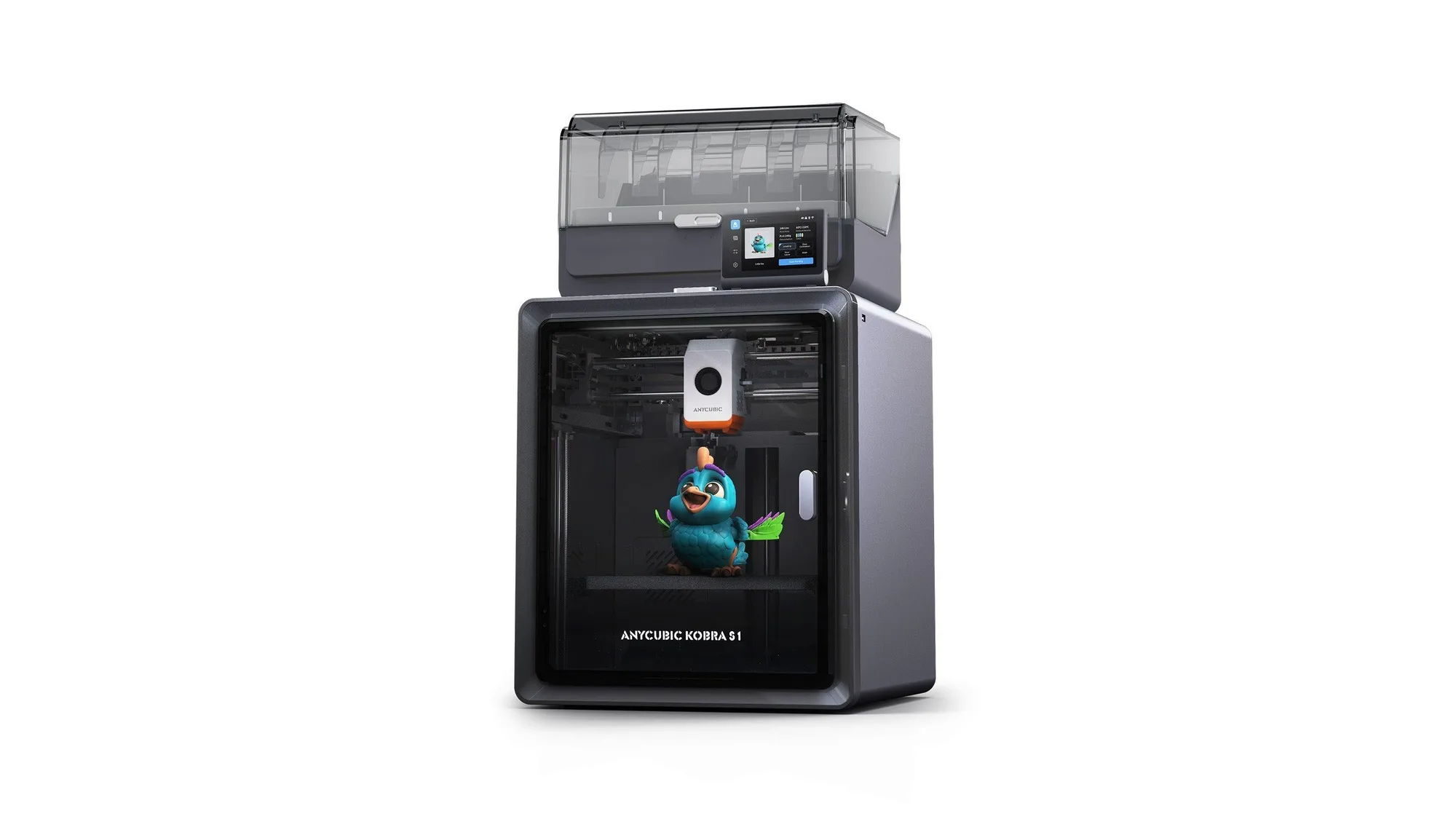
Anycubic Kobra S1: Specs, Price and Who It Suits
Anycubic Kobra S1 Combo specs, launch price and who it suits, from Anycubic's own pages. Not tested by us.
10 October 2026 · 5 min read
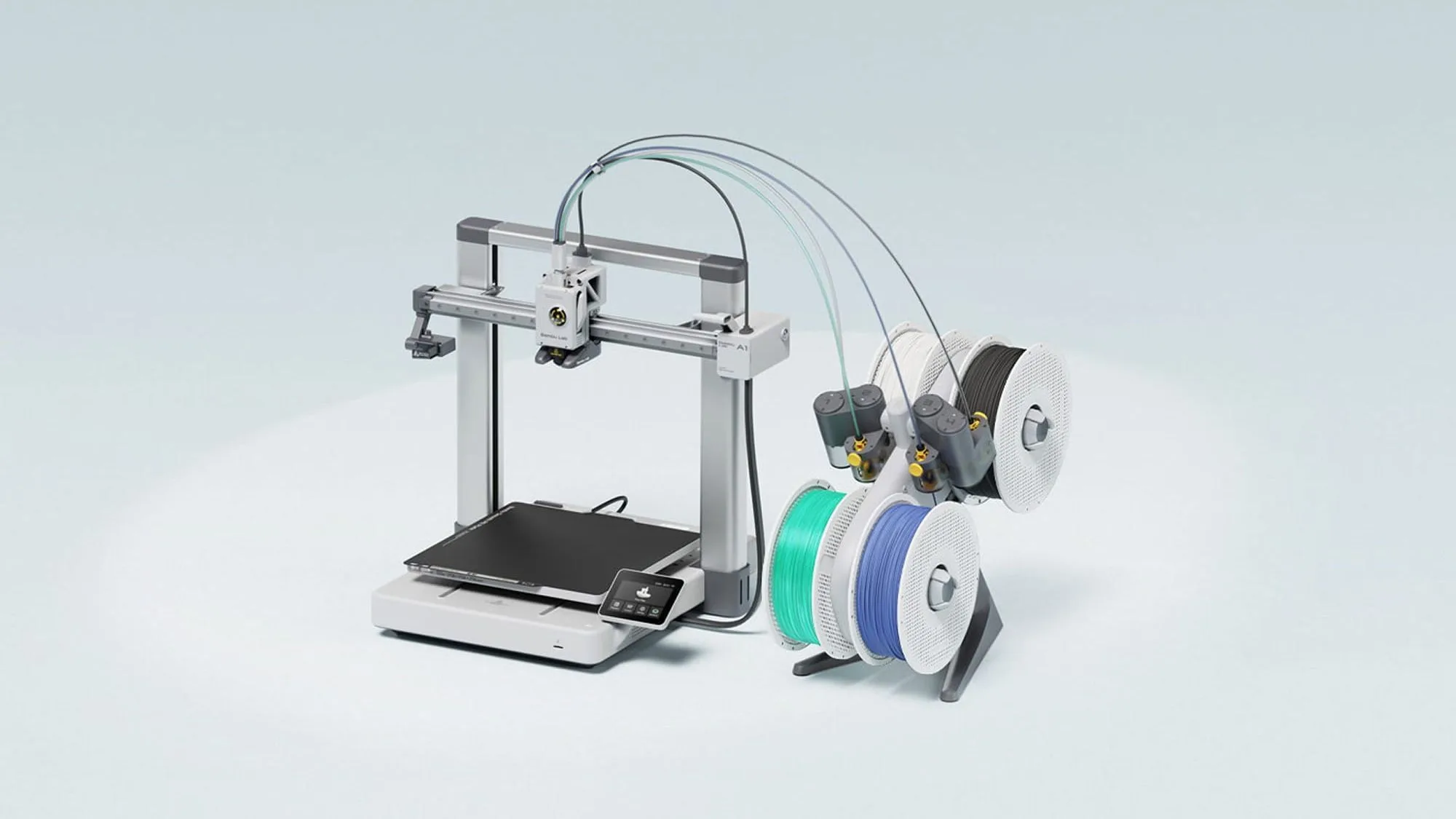
Bambu Lab A1: Specs, Price and Who It Suits
The Bambu Lab A1 is an open-frame 256 mm bed slinger sold from £209 in the UK store. Here are the maker's specs, prices and who it suits. Not tested by Nozzle Notes.
10 October 2026 · 5 min read
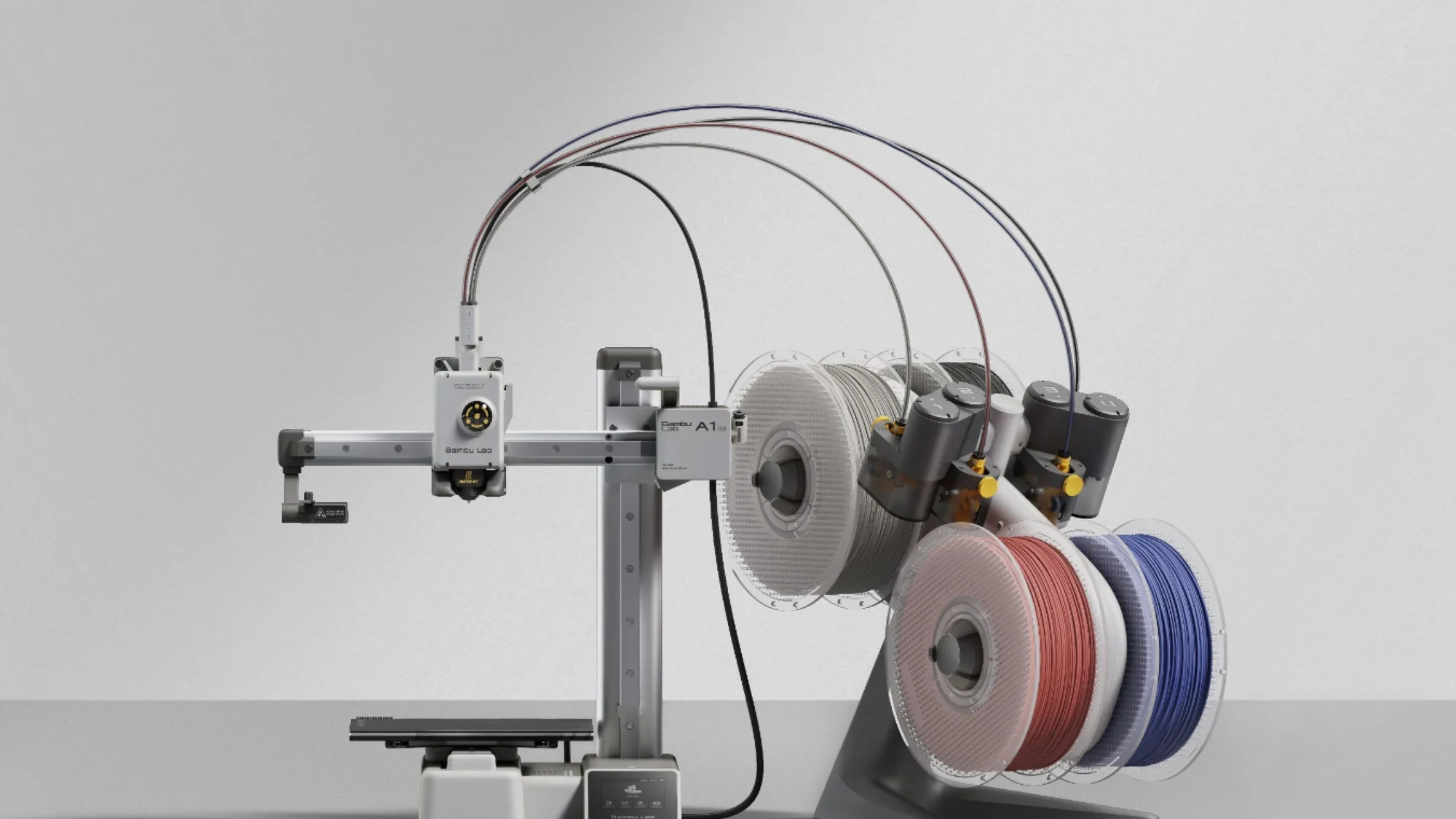
Bambu Lab A1 mini: Specs, Price and Who It Suits
The Bambu Lab A1 mini is the smallest and cheapest current Bambu Lab printer here at £149 in the UK store. Maker specs, prices and who it suits. Not tested by Nozzle Notes.
10 October 2026 · 5 min read