What Is TPU? A Guide to Printing Flexible Filament
TPU is a flexible, wear-resistant filament for grips, gaskets and tires. Here is what it is, how hardness works and how makers recommend printing it.
By Sepehr Sabbagh-pour · Published 10 October 2026 · 7 min read
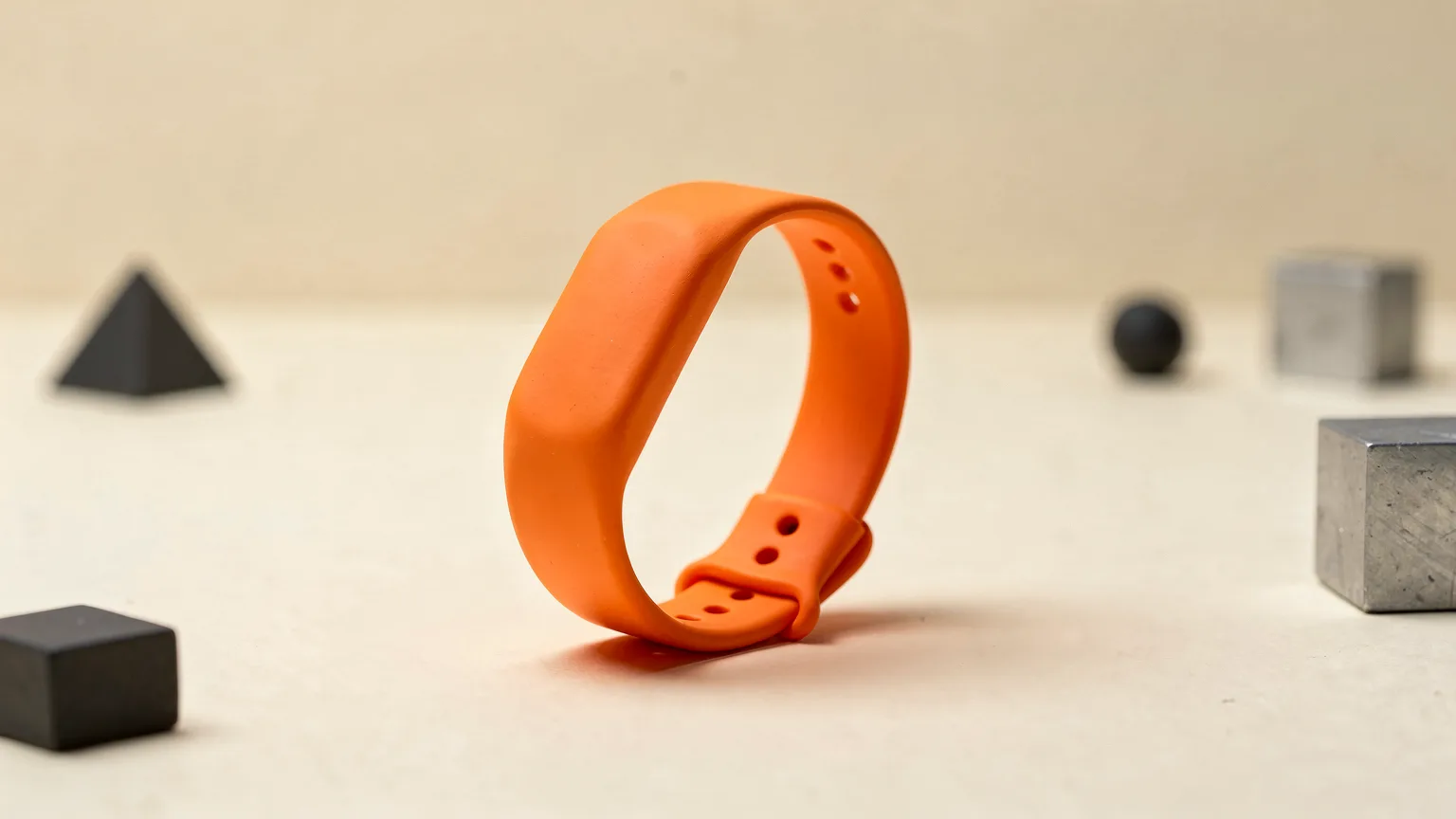
TPU is a flexible, rubber-like 3D printing filament. It bends, stretches and springs back, which makes it the usual choice for phone cases, gaskets, grips and wheel tires. It is also harder to print than PLA or PETG. This explainer covers what TPU is, how hardness is measured, the print settings makers recommend and the mistakes to avoid. It is built from manufacturer pages and is research, not our own print testing.
What TPU is
TPU stands for thermoplastic polyurethane. Wikipedia describes TPUs as thermoplastic elastomers: they soften when heated and harden when cooled, usually staying flexible and elastic with good resistance to impact, abrasion and weather. Prusa groups flexible filaments as TPE (thermoplastic elastomer) materials sold under names such as TPU and TPEE, and says TPU is a subtype of TPE. The main difference between TPU and other TPEs, it says, is shore hardness.
Shore hardness: what 95A means
Shore hardness measures how soft a rubbery material is. Prusa says TPU usually falls around 60A to 90A on the scale, and that the softer a filament is, the harder it is to print. A listing that says 95A, like Prusament TPU 95A, is firmer than a 60A filament and generally easier to feed. If you are new to flexibles, a harder grade is the safer start.
Typical TPU properties
| Property | Prusa guidance |
|---|---|
| Nozzle temperature | 230 to 245 °C for flexibles, depending on hardness and brand; Prusament TPU 95A lists 230 ± 10 °C |
| Bed temperature | 60 to 75 °C for flexibles; Prusament TPU 95A lists 65 ± 10 °C |
| Print speed | About 20 mm/s typical, maximum recommended roughly 30 to 40 mm/s |
| Shrinkage and warping | Little to none for flexibles in general; Prusament says large TPU 95A prints may warp slightly |
| Layer adhesion | Strong |
| Cold behavior | Prusament TPU 95A keeps its elasticity and impact resistance at temperatures as low as -50 °C |
| Heat deflection | Prusament TPU 95A: 78.6 °C at 1.80 MPa |
| Moisture | Flexibles absorb moisture in general; Prusament rates TPU 95A as very low absorption but says drying may still be needed in humid storage |
Good uses
Prusa's examples for flexible filament include spacing washers, stamps, RC tires, shoe soles and belts. For Prusament TPU 95A it lists O-rings, spacers, rugged housings, grips, sharp-edge covers, cable protectors and sports equipment parts. Wear resistance and the ability to take repeated impact are the main reasons to choose TPU over a rigid plastic.
Why TPU is hard to print
Prusa recommends flexible filaments only for experienced makers, and lists the usual troubles: frequent nozzle clogging, poor bridging and overhangs, filament tangling in the extruder gears, stringing and oozing. A flexible strand can buckle rather than push when the path between the extruder gears and nozzle has gaps. Prusa notes that the long filament path on its XL needs special handling, which shows how much the feed path matters. Our explainer on direct drive vs Bowden extruders covers why.
Print settings to start from
These are Prusa's rules for flexible filament, so adapt them to your printer:
- Start with a clear nozzle. If you are not sure, do a cold pull first.
- Loosen the idler so the gears push gently. If they press too hard the filament can tangle.
- Print slowly. The slower, the better, and about 20 mm/s is typical.
- Raise the nozzle temperature by about 5 °C, which lowers the resistance in the filament.
- Turn print cooling off, Prusa says.
- Use a separation layer such as a glue stick or Kapton tape on smooth or satin sheets. Prusa says a powder-coated textured sheet needs none.
- Cut retraction. Lower retraction reduces the risk of clogging and tangling, and Prusa says it is fine to turn it off and raise it step by step. Our page on retraction settings explains the options, and fixing stringing covers what to expect.
- Add space for supports, since flexible supports can bond too well. Prusa suggests increasing the Z distance to 0.3 mm.
- Keep the spool dry. Wet flexible filament is hard to print. Note that Bambu Lab says its static drying mode is unsuitable for TPU, among other low-softening-point filaments. See how to dry filament.
Prusa also warns that automatic filament changes may not work properly with flexible filaments.
Price
On prusament.com, checked on 2026-10-10 and showing US dollars, Prusament TPU 95A in Jet Black was listed at 37.99 USD and the 500 g Natural spool at 34.99 USD. Other brands, sizes and hardness grades vary, so check the current listing.
TPU compared with PETG and PLA
TPU is the soft, wear-resistant option. PETG is tough but still rigid, and PLA is stiff and brittle. If you need a part that bends, gives under impact and returns to shape, choose TPU. If it only needs to be tough, PETG is much easier to print. For a broader comparison read PLA vs PETG vs ABS vs TPU.
Short version. TPU is the filament for flexible, wear-resistant parts. Start with a firm grade around 95A, print slowly with cooling off, keep the spool dry and expect a steeper learning curve than PLA.
Frequently asked questions
What does TPU stand for?
TPU stands for thermoplastic polyurethane. It is a thermoplastic elastomer, a plastic that is flexible and elastic and softens when heated.
Is TPU hard to print?
Yes, compared with PLA or PETG. Prusa recommends flexible filaments mainly for experienced users because of clogging, stringing, tangling in the extruder and poor bridging. Firmer grades are easier than very soft ones.
What speed should I print TPU at?
Prusa says about 20 mm/s is typical for flexible filaments and the maximum recommended speed is roughly 30 to 40 mm/s. Faster speeds risk clogging or tangling the filament in the gears.
Does TPU need a heated bed?
Prusa lists a bed temperature of 60 to 75 °C for flexible filaments, and Prusament TPU 95A lists 65 ± 10 °C. Use a glue stick or Kapton tape on smooth or satin sheets as a separation layer.
Sources

Founder and editor
Software engineer since 2009 and Head of Engineering by day, a maker who has owned several 3D printers, writing practical guides to 3D printers, filament and running costs, with every article saying what was and was not tested.
Keep reading
PLA vs PETG vs ABS vs TPU: Which Filament Should You Use?
Four materials cover most home printing. Here is what each is good at, what it demands from your printer, and how to choose without overthinking it.
10 October 2026 · 2 min read
0.2, 0.4 or 0.6 mm? What Nozzle Size Actually Changes
The standard 0.4 mm nozzle is a good all-rounder, but swapping size trades detail for speed and strength. Here is what changes and what to watch for.
10 October 2026 · 2 min read
ABS vs PETG: Which Should You Print With?
ABS and PETG are both tougher than PLA. PETG prints easily on open printers; ABS needs an enclosure but can be smoothed with acetone. Here is how to choose.
10 October 2026 · 7 min read