FDM vs Resin 3D Printers: Which Should You Buy?
FDM printers melt filament and suit larger, tougher, lower-cost prints. Resin printers cure liquid with light and win on fine detail, with more cleanup and safety steps.
By Sepehr Sabbagh-pour · Published 10 October 2026 · 7 min read
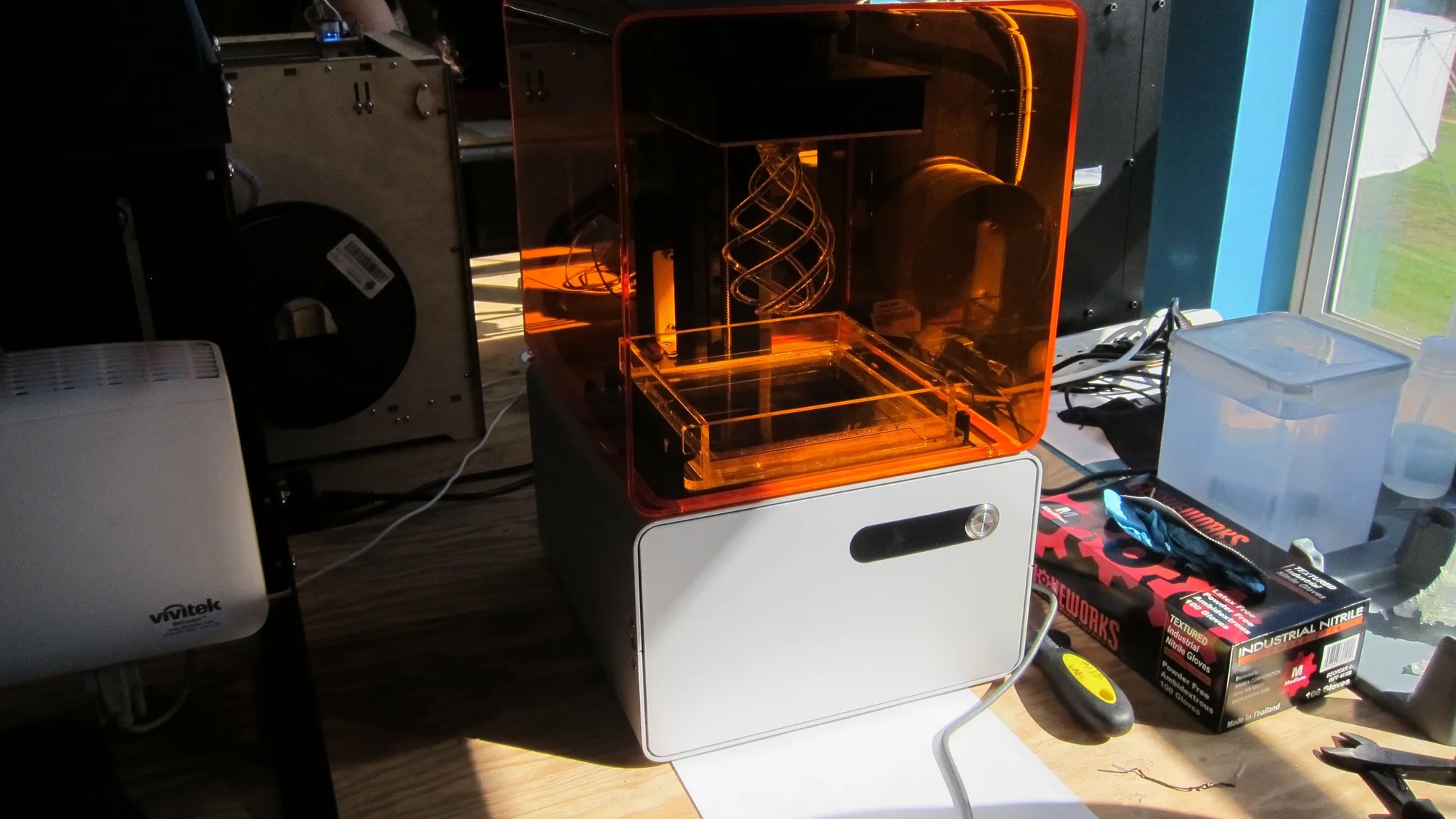
FDM and resin are the two main ways to 3D print at home. An FDM printer melts plastic filament and draws each layer. A resin printer uses light to harden liquid resin, one layer at a time. This is a research-based comparison built from maker and engineering documentation. It has not been tested side by side by us, and the figures are typical ranges, not measurements of any one printer.
The short answer
- Pick FDM if you want functional parts, bigger prints, cheap materials and the least mess. It is also the better first printer for most people.
- Pick resin if your main goal is small, highly detailed models such as miniatures, with smooth surfaces straight off the printer, and you have a ventilated space to work in.
- Not sure? Start with FDM. It has a gentler learning curve and fewer safety steps. Our first printer checklist walks through the wider decision.
How each technology works
FDM (fused deposition modeling, also called FFF) feeds thermoplastic filament through a heated nozzle and lays it down in layers. Protolabs describes it as simple and cost-effective, and a favorite of both hobbyists and professionals. Common filaments include PLA, PETG, ABS and nylon. If you are new to the materials, start with PETG vs PLA.
Resin printing uses a photopolymer: a liquid that solidifies when exposed to UV light. Prusa notes that resins are cured by UV light, which includes sunlight, and that they are used on DLP, SLA and MSLA printers. Unlike filament, there is no wide family of materials such as PLA or PETG. Prusa describes it as one base resin that can be enhanced with colors or additives such as ones that add hardness or toughness. For a deeper primer, see what resin 3D printing is.
FDM vs resin side by side
The figures below come from the Protolabs Network comparison of FDM and SLA. SLA there means resin printing in general. Treat them as typical ranges: individual printers vary.
| FDM | Resin (SLA) | |
|---|---|---|
| Material | Thermoplastic filament such as ABS, PLA, PETG, nylon | Photo-reactive resin: standard, tough, high-temperature, flexible |
| Layer thickness | About 0.1 to 0.4 mm | About 0.025 to 0.05 mm |
| Typical desktop build volume | About 220 x 220 x 250 mm | About 145 x 145 x 185 mm |
| Surface finish | Visible layer lines; smoothing often needed | Very smooth; minimal finishing |
| Strength | Excellent for functional prototypes with tough filaments | Standard resins can be brittle; tough and high-temperature resins help |
| Speed and cost | Faster for larger volumes, lower material cost | Slower for high-resolution parts, higher resin and post-curing costs |
| Best uses | Functional prototypes, enclosures, jigs, fixtures | High-detail prototypes, aesthetic models, casting molds |
Detail and surface quality
This is where resin earns its place. Layers of 0.025 to 0.05 mm are thinner than the typical FDM range of 0.1 to 0.4 mm, and Protolabs says resin parts look good straight off the printer. FDM parts show layer lines, and while settings and finishing can improve them, a miniature printed in resin will usually show finer features. If you want to understand what layer height does on FDM, read the guide to layer height.
Strength and durability
FDM has the advantage for parts that must survive use. Protolabs lists FDM as durable and suited to functional parts, and notes that resins can be less impact-resistant. Specialized tough and high-temperature resins narrow the gap, but they are a specific choice, not the default. For brackets, clips, enclosures and tools, filament is the usual route.
Build size and speed
Typical desktop FDM printers offer more room than typical desktop resin printers, per the Protolabs ranges above. Protolabs also says SLA parts may need to be split and assembled when they exceed the build size. FDM is generally quicker for larger parts, while resin can be slow when you need high resolution.
Cleanup, workflow and safety
The biggest day-to-day difference is what happens after the print finishes. FDM prints are ready once supports are removed. Resin prints need supports removed, cleaning and UV curing, which Protolabs says adds steps and lead time. Our guide to washing and curing resin prints covers the sequence.
Safety is the other difference, and it matters more than the spec sheet. Prusa's resin guidance says to wear gloves to avoid skin contact, recommends a simple respirator, and says to keep resin out of the reach of children and pets. Its longer resin safety article advises working in a well-ventilated room, using disposable gloves and protective eyewear, and following the safety data sheet for your specific resin. It also notes that some gloves can be partly dissolved by isopropanol, so check glove compatibility with the cleaning liquid.
Follow the maker. This page summarizes manufacturer guidance and is not health advice. Read the safety data sheet and instructions for your own printer and resin, and follow them. See resin 3D printing safety for more.
FDM has its own cautions, mainly hot surfaces and moving parts, but it does not involve handling liquid chemicals. If a shared home, a small workspace or children and pets are a concern, that points toward FDM.
Cost: what to check
Prices change often, so check current listings rather than relying on a figure here. The cost comparison has more parts than the printer price:
- Printer: both types have entry-level options. Protolabs notes resin machines can also be inexpensive.
- Materials: Protolabs describes FDM as lower material cost and resin as higher material and processing cost.
- Extras: resin adds gloves, cleaning liquid, wash and cure equipment and disposal. FDM may add a filament dryer, spare nozzles and a build plate.
For the filament side, see 3D printer running costs and the print cost calculator.
Choose FDM if / choose resin if
| Choose FDM if | Choose resin if |
|---|---|
| You want functional or larger parts | You want miniatures, jewelry patterns or fine detail |
| You want the simplest workflow and no liquid chemicals | You are comfortable with gloves, ventilation and a wash and cure routine |
| You will print in several materials | You mostly print small models that need a smooth surface |
| It is your first printer | You already have FDM and want a second machine for detail |
Many makers end up with both. Protolabs notes that engineers combine the two, using FDM for structural parts and SLA for detailed, aesthetic ones. If you are leaning toward resin, see our shortlist of best resin 3D printers.
Frequently asked questions
Is resin printing better than FDM?
Neither is better overall. Resin gives finer detail and smoother surfaces, while FDM suits larger, tougher parts at a lower material cost and with a simpler, less hazardous workflow. Choose by what you plan to print.
Is resin 3D printing harder than FDM?
Usually it involves more steps. Resin prints need cleaning and UV curing, and liquid resin calls for gloves, eye protection and good ventilation per the maker guidance. FDM has fewer after-print steps and no liquid chemicals.
Are resin prints stronger than FDM prints?
Generally not. Protolabs says standard resins can be brittle and FDM suits durable functional parts, though tough and high-temperature resins improve resin durability.
Which is better for miniatures, FDM or resin?
Resin is the usual choice for miniatures because its thin layers, typically 0.025 to 0.05 mm, capture fine detail and give a smooth surface. FDM can print miniatures, but layer lines are more visible.
Can I use a resin printer in a bedroom or small flat?
Follow the resin and printer maker's instructions and the safety data sheet. Prusa advises a well-ventilated room, gloves and eye protection, and keeping resin away from children and pets. If you cannot meet that guidance, FDM is the simpler option.
Sources

Founder and editor
Software engineer since 2009 and Head of Engineering by day, a maker who has owned several 3D printers, writing practical guides to 3D printers, filament and running costs, with every article saying what was and was not tested.
Keep reading
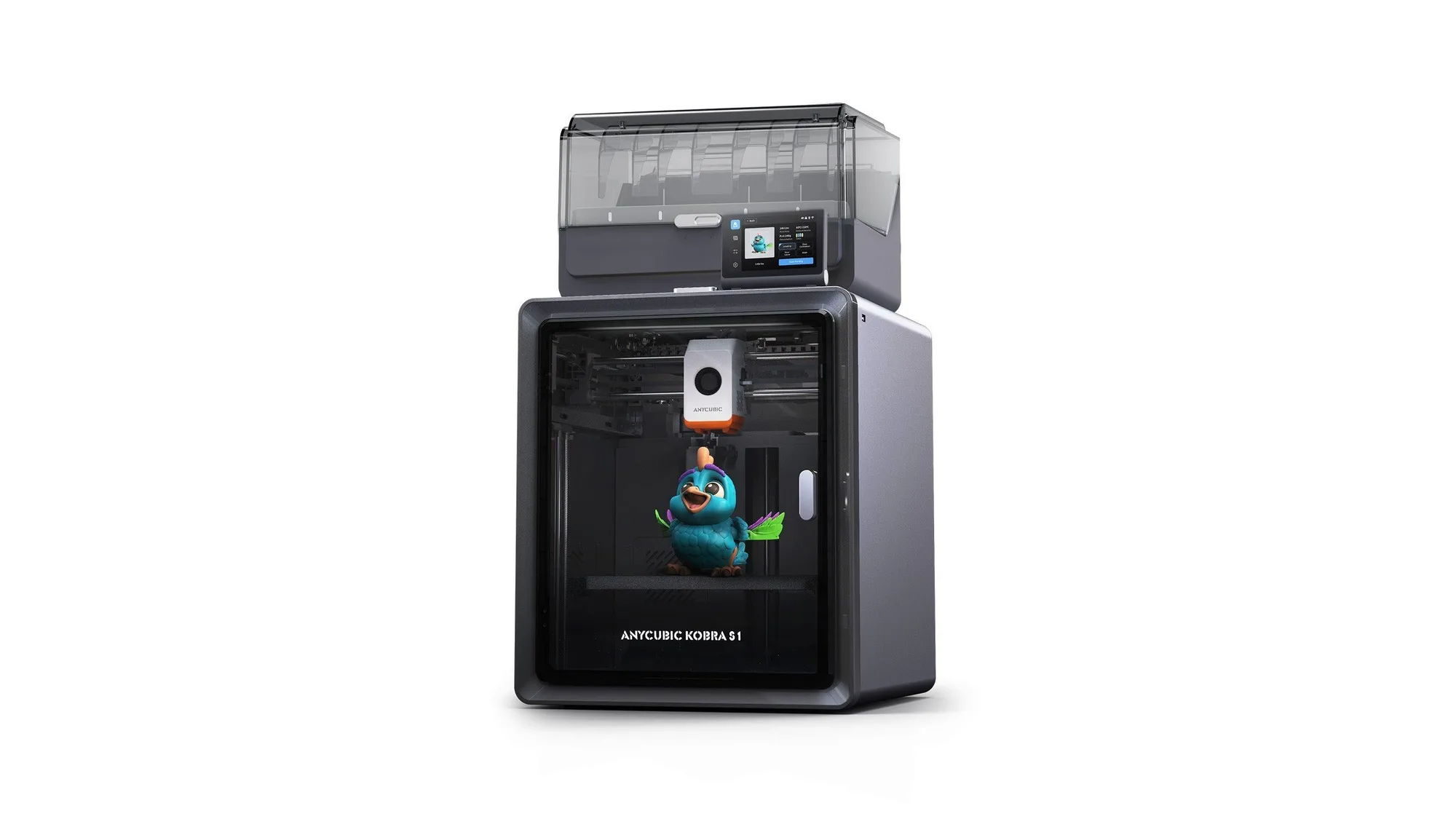
Anycubic Kobra S1: Specs, Price and Who It Suits
Anycubic Kobra S1 Combo specs, launch price and who it suits, from Anycubic's own pages. Not tested by us.
10 October 2026 · 5 min read
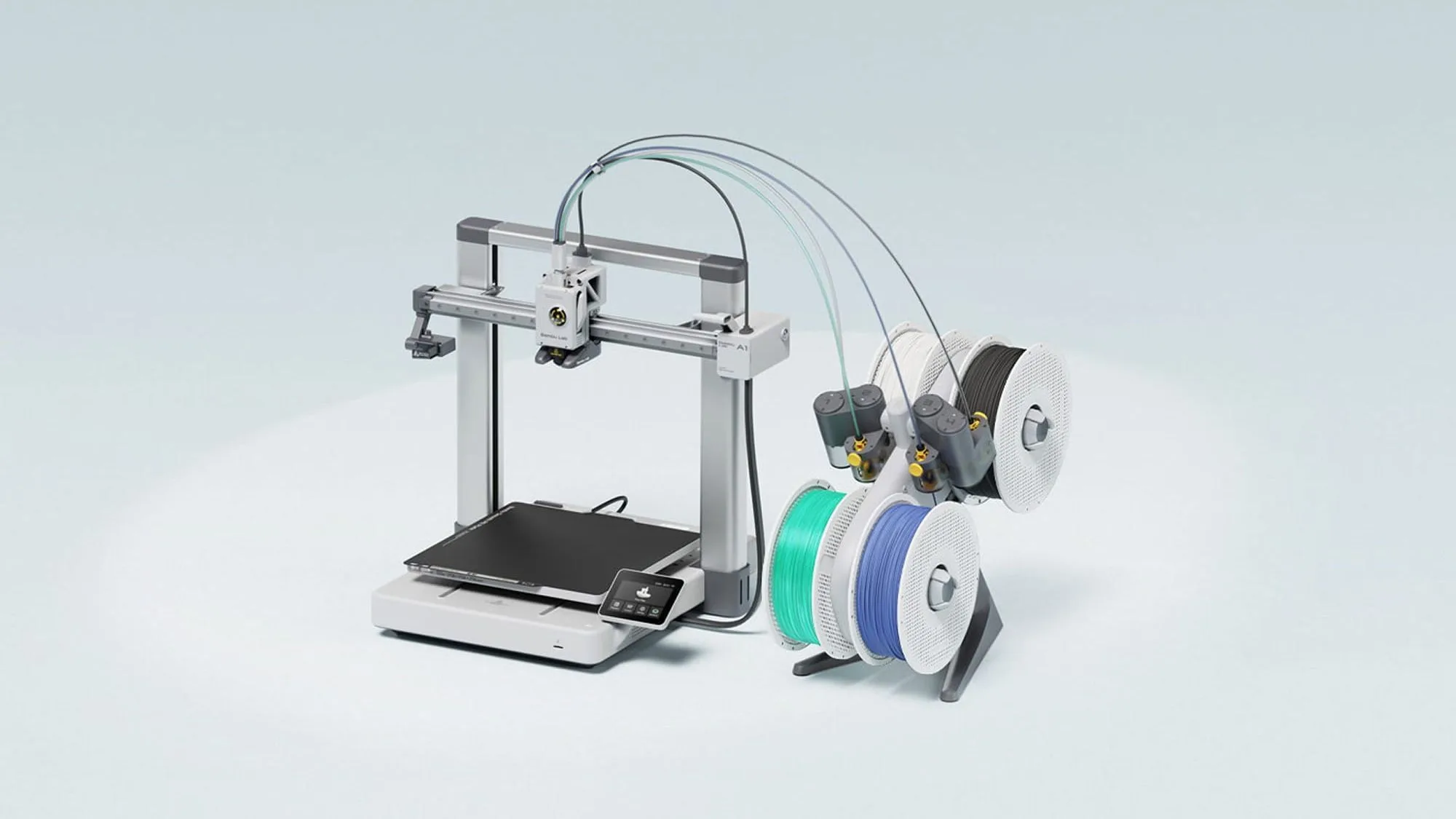
Bambu Lab A1: Specs, Price and Who It Suits
The Bambu Lab A1 is an open-frame 256 mm bed slinger sold from £209 in the UK store. Here are the maker's specs, prices and who it suits. Not tested by Nozzle Notes.
10 October 2026 · 5 min read
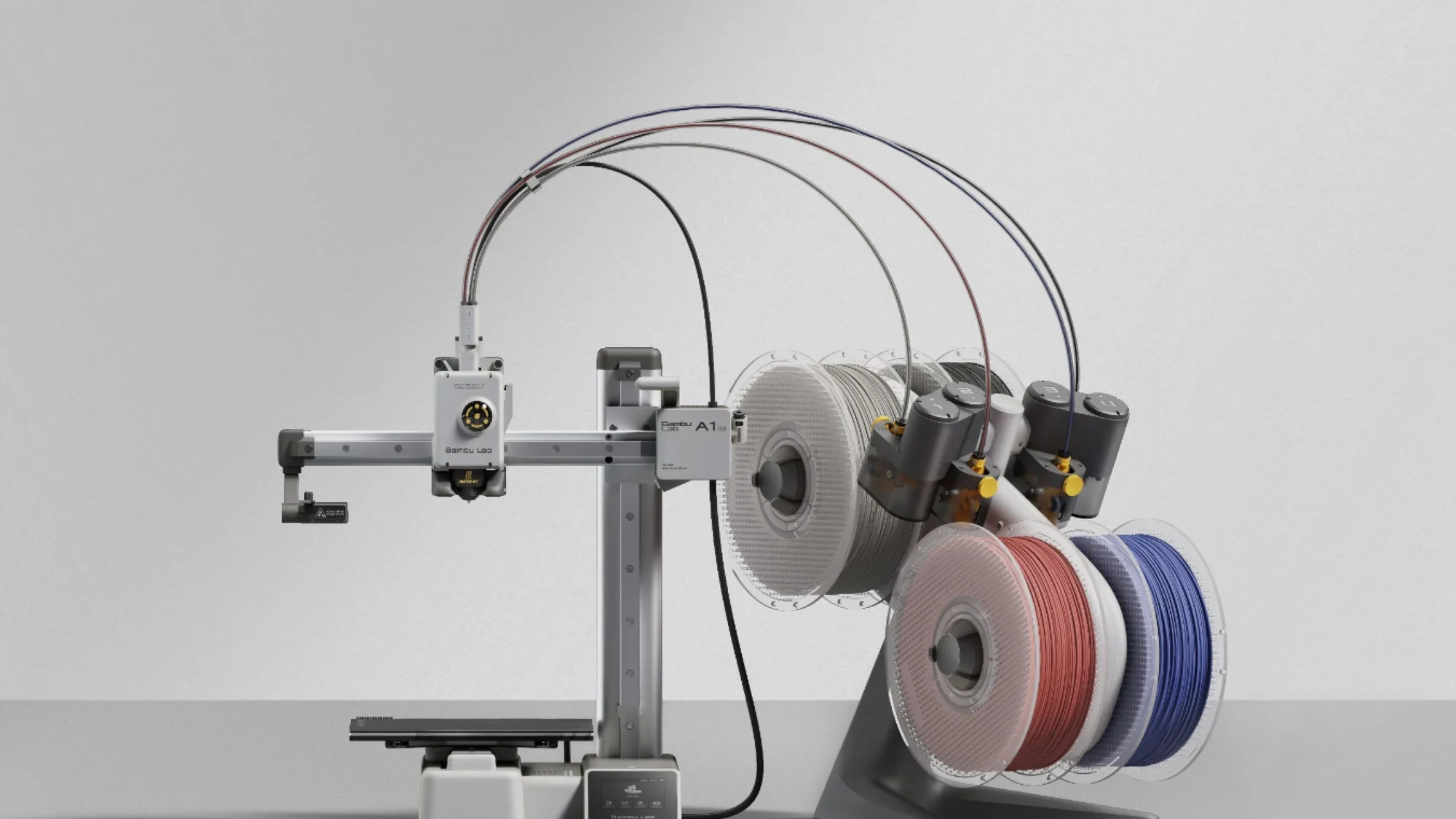
Bambu Lab A1 mini: Specs, Price and Who It Suits
The Bambu Lab A1 mini is the smallest and cheapest current Bambu Lab printer here at £149 in the UK store. Maker specs, prices and who it suits. Not tested by Nozzle Notes.
10 October 2026 · 5 min read