Multicolor 3D Printing Explained: AMS, Tool Changers and Waste
Multicolor FDM prints change filament mid-print. Single-nozzle systems must flush the old color out, which creates waste. Tool changers and dual nozzles avoid some of it.
By Sepehr Sabbagh-pour · Published 10 October 2026 · 8 min read
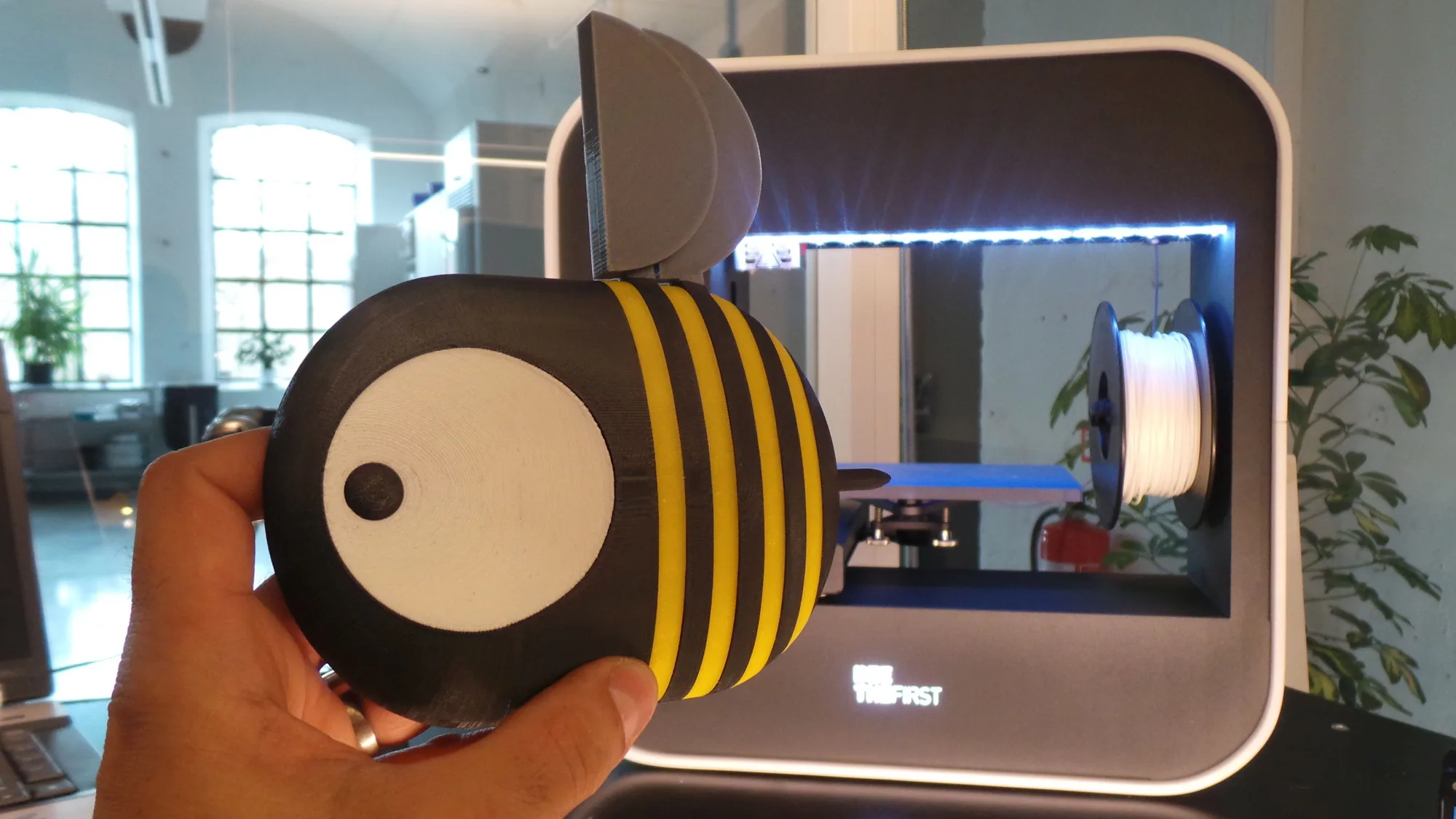
Multicolor printing lets one FDM printer produce a part in several colors or materials in a single job. It works by changing filament during the print. How the printer does that decides how much plastic is wasted and how long the job takes. This is a research-based explainer built from Bambu Lab and Prusa documentation. It has not been tested by us, and it does not rank products.
The short answer
- A single-nozzle changer (for example, a Bambu Lab AMS feeding one nozzle) swaps filament and flushes the old color out of the nozzle each time. Flexible and affordable, but it creates purge waste.
- A tool changer (such as the Prusa XL multi-tool) swaps whole toolheads, each with its own nozzle. Prusa says it can print true multi-material prints without needing a purge or wipe tower, though the tower is on by default.
- A dual-nozzle printer such as the Bambu Lab H2D has two nozzles, which Bambu Lab's wiki covers in its filament grouping guidance for dual-nozzle printers.
How single-nozzle multicolor works
With one nozzle, every color change has the same problem. Bambu Lab's wiki explains that each time the filament changes, a small amount of the old filament stays in the extruder and nozzle. As the new filament loads, it pushes the old filament out, and the color of what comes out changes gradually. To make sure the model's color is not messed up, enough new filament must be pushed through. Bambu Lab calls this the flushing volume.
Bambu Lab breaks the filament change into stages:
- Flushing (purging): the old filament is retracted, the new one fed in, and the extruder pushes plastic through until it is purely the new color. This purged material is directed away from the print.
- Wiping: the nozzle moves over a wiper to release the purged filament and clean the tip.
- Priming: by default, the nozzle then extrudes into the prime tower, a sacrificial piece printed beside the model, to stabilize flow before returning to the part.
Prusa's MMU3 documentation describes the same mechanism: during a filament change a small amount of melted plastic remains in the nozzle, and loading the new filament pushes it out. Prusa's slicer uses a wipe tower for that job, and the company says its smart wipe tower aims to waste as little filament as possible.
What the AMS does
An AMS is a multi-spool feeder. It holds several spools and loads the right one on demand. When you send a job, Bambu Studio maps the colors in the sliced project to the AMS spools automatically, matching by color and material type. Setting up a job takes a few steps: add filaments for the colors you want, color the model by assigning filaments to parts or painting the surface, then slice and print. Our guide to what a slicer is explains the software side.
Tool changers and dual nozzles
A tool changer avoids clearing one nozzle by giving each color its own toolhead. Prusa says the XL multi-tool can print multi-material parts without any purge or wipe tower. The tower is still on by default when you mix materials or colors, because Prusa considers it the best way to cover a wide range of materials and ensure reliability with its default profiles. Prusa says that under some circumstances you can turn it off, but the main factor is how dry the filament is: moisture is the main cause of filament leaking out of a pre-heated nozzle during travel moves and while the tool is parked, so the filament must be dry and the print checked regularly. See how to dry filament.
Dual-nozzle printers like the Bambu Lab H2D reduce the number of changes by having two nozzles. Bambu Lab's wiki lists dedicated guidance on filament grouping for dual-nozzle printers and on printing large models with the dual nozzles. For the maker's announcement and specs, see our Bambu Lab H2D first look.
Why waste happens, and what drives it
Bambu Lab's waste guide is clear about the main factor: the colors. Even a small amount of old filament can leave a visible mark, so the flushing volume depends on the pair of filaments. Darker colors need a higher volume flush to switch to lighter colors, and lighter colors need less to switch to darker ones. Material properties count too. Support filaments are designed to detach from a specific filament, so flush volumes are set to prevent contamination that would cause sticking.
Two other factors from the same guide:
- Nozzle size. Flushing runs at the filament's maximum volumetric speed, so a 0.2 mm nozzle can take noticeably longer than a standard 0.4 mm nozzle. See nozzle sizes explained.
- Prime tower height. The tower must be as tall as the highest layer with a color change, so a print whose changes occur only near the top still builds a tall tower.
Ways to reduce waste
| Method | What it does | Caution from the maker |
|---|---|---|
| Flush into infill | Redirects purge filament into the model's infill | Bambu Lab says lighter and transparent filaments may show odd infill color through the walls, more so with few wall loops |
| Flush into support | Uses support material as the purge destination | Bambu Lab lists this as enabled by default |
| Edit flushing volumes | Lowers purge for specific color pairs | Too little leaves color bleed; Bambu Studio can recalculate defaults |
| Fewer color changes | Design or paint with fewer swaps | Changes only near the top still need a full-height tower |
| Turn off the tower (tool changer) | Skips the purge tower on a Prusa XL multi-tool | Prusa says filament must be dry and the print watched |
Waste also costs money. Our print cost calculator helps you estimate the filament side, and 3D printer running costs covers the rest.
Common mistakes
- Assuming the waste is a fault. Purging is part of how single-nozzle multicolor works.
- Cutting flush volumes to the minimum and then seeing muddy colors at transitions.
- Using wet filament: moisture-driven oozing on tool changers can leave blobs on the tower, per Prusa.
- Painting many tiny color regions when a few clean regions would look as good and need fewer swaps.
Before you buy. Ask how much multicolor printing you will really do. A single-nozzle AMS-style system is a practical entry point; tool changers and dual nozzles trade higher complexity for less purging. Check the maker's current spec and price pages, as options and bundles change.
Frequently asked questions
Does multicolor 3D printing waste a lot of filament?
Single-nozzle systems must flush old filament at each color change, so some waste is built in. Bambu Lab says the amount depends mostly on the color pair and also on the prime tower. Settings such as flushing into infill can reduce it, with limits.
How does an AMS print multiple colors?
An AMS holds several spools and feeds the one the printer needs. At each change the printer retracts the old filament, loads the new one and flushes the nozzle so the new color comes out clean. The slicer maps project colors to AMS slots by color and material.
What is a prime tower in 3D printing?
A prime tower, called a wipe tower in PrusaSlicer, is a sacrificial structure printed beside the model during multicolor jobs. Bambu Lab says it cleans residue from the nozzle and stabilizes pressure in the nozzle so the model's surface is cleaner.
Can a tool changer print multiple colors without a purge tower?
Prusa says the XL multi-tool can print true multi-material parts without a purge or wipe tower, but the tower is enabled by default for reliability. If you disable it, Prusa advises keeping filament dry and checking the print regularly.
Sources

Founder and editor
Software engineer since 2009 and Head of Engineering by day, a maker who has owned several 3D printers, writing practical guides to 3D printers, filament and running costs, with every article saying what was and was not tested.
Keep reading
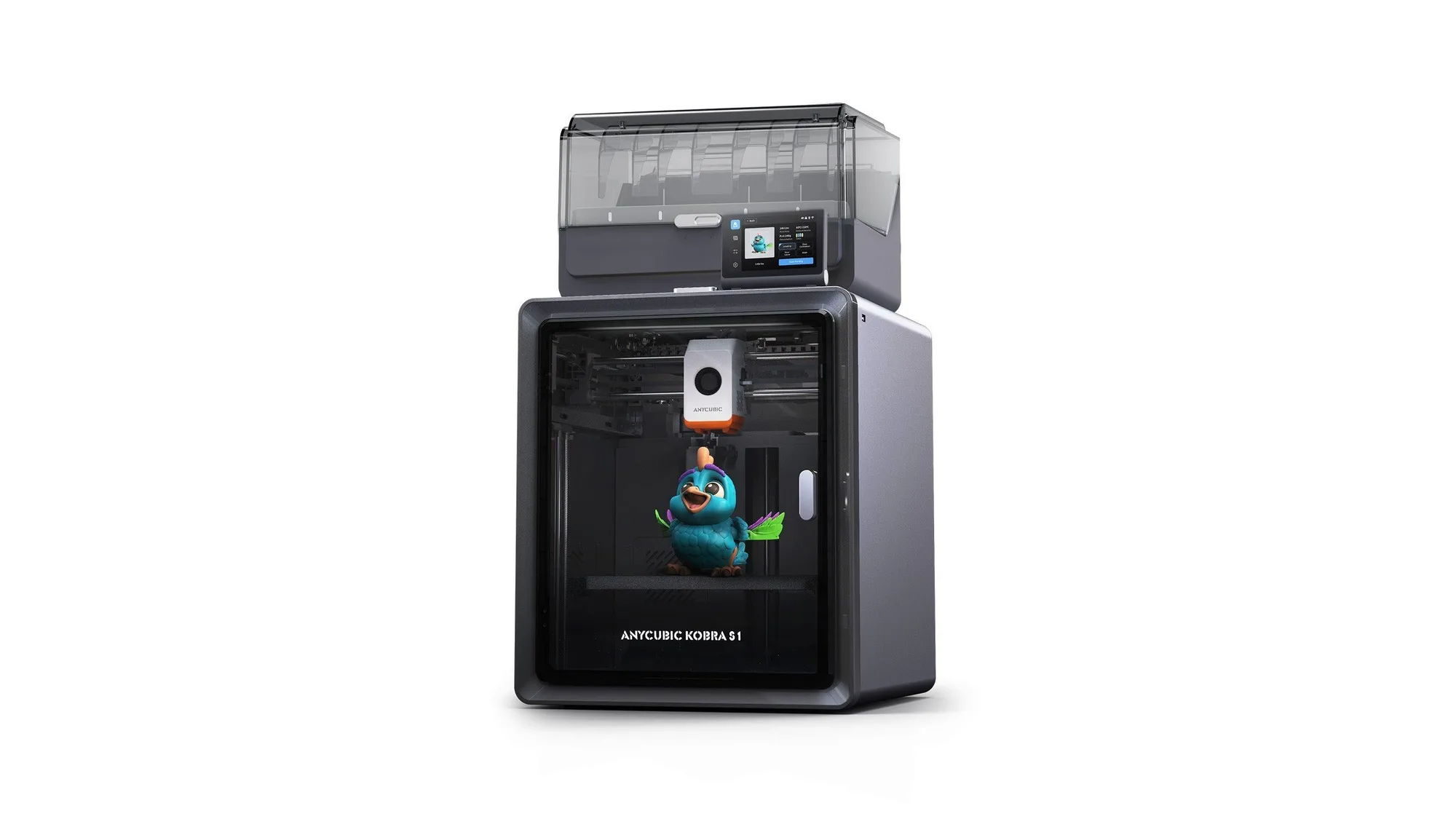
Anycubic Kobra S1: Specs, Price and Who It Suits
Anycubic Kobra S1 Combo specs, launch price and who it suits, from Anycubic's own pages. Not tested by us.
10 October 2026 · 5 min read
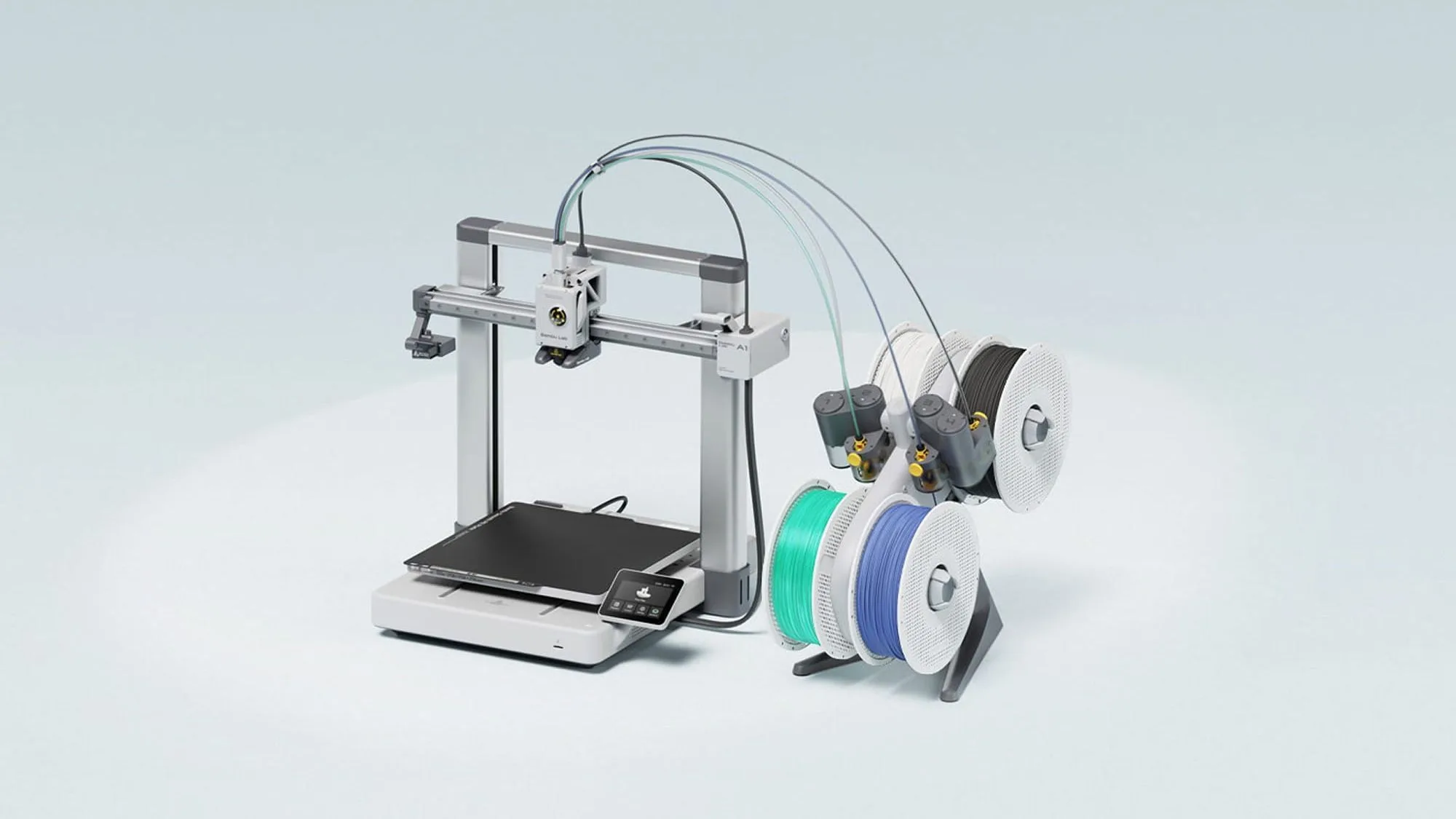
Bambu Lab A1: Specs, Price and Who It Suits
The Bambu Lab A1 is an open-frame 256 mm bed slinger sold from £209 in the UK store. Here are the maker's specs, prices and who it suits. Not tested by Nozzle Notes.
10 October 2026 · 5 min read
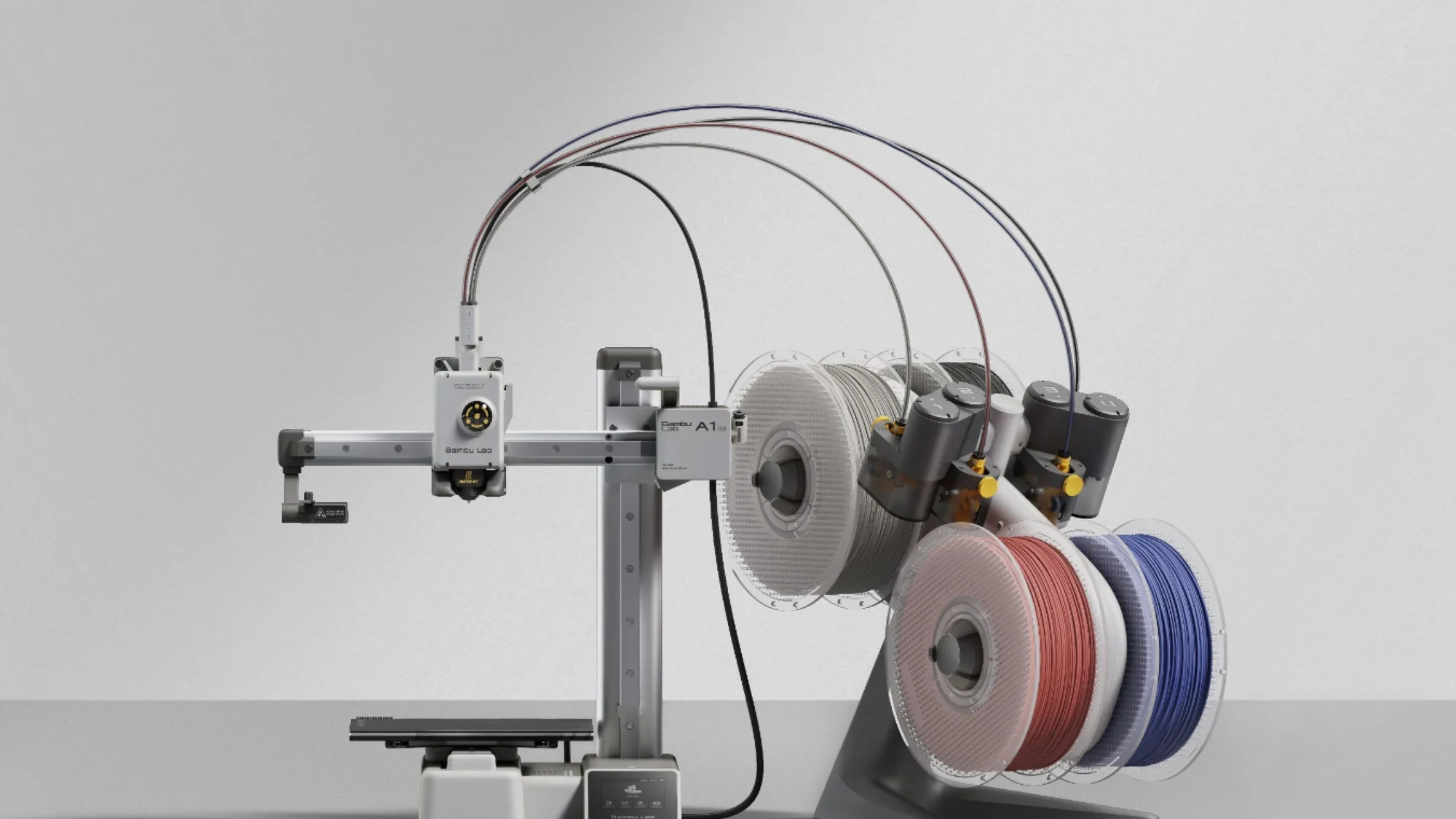
Bambu Lab A1 mini: Specs, Price and Who It Suits
The Bambu Lab A1 mini is the smallest and cheapest current Bambu Lab printer here at £149 in the UK store. Maker specs, prices and who it suits. Not tested by Nozzle Notes.
10 October 2026 · 5 min read