3D Printer Problems and Fixes: A Troubleshooting Guide
A symptom-first guide to common 3D printer problems: what causes them and what to try first, based on manufacturer troubleshooting documentation.
By Sepehr Sabbagh-pour · Published 10 October 2026 · 7 min read
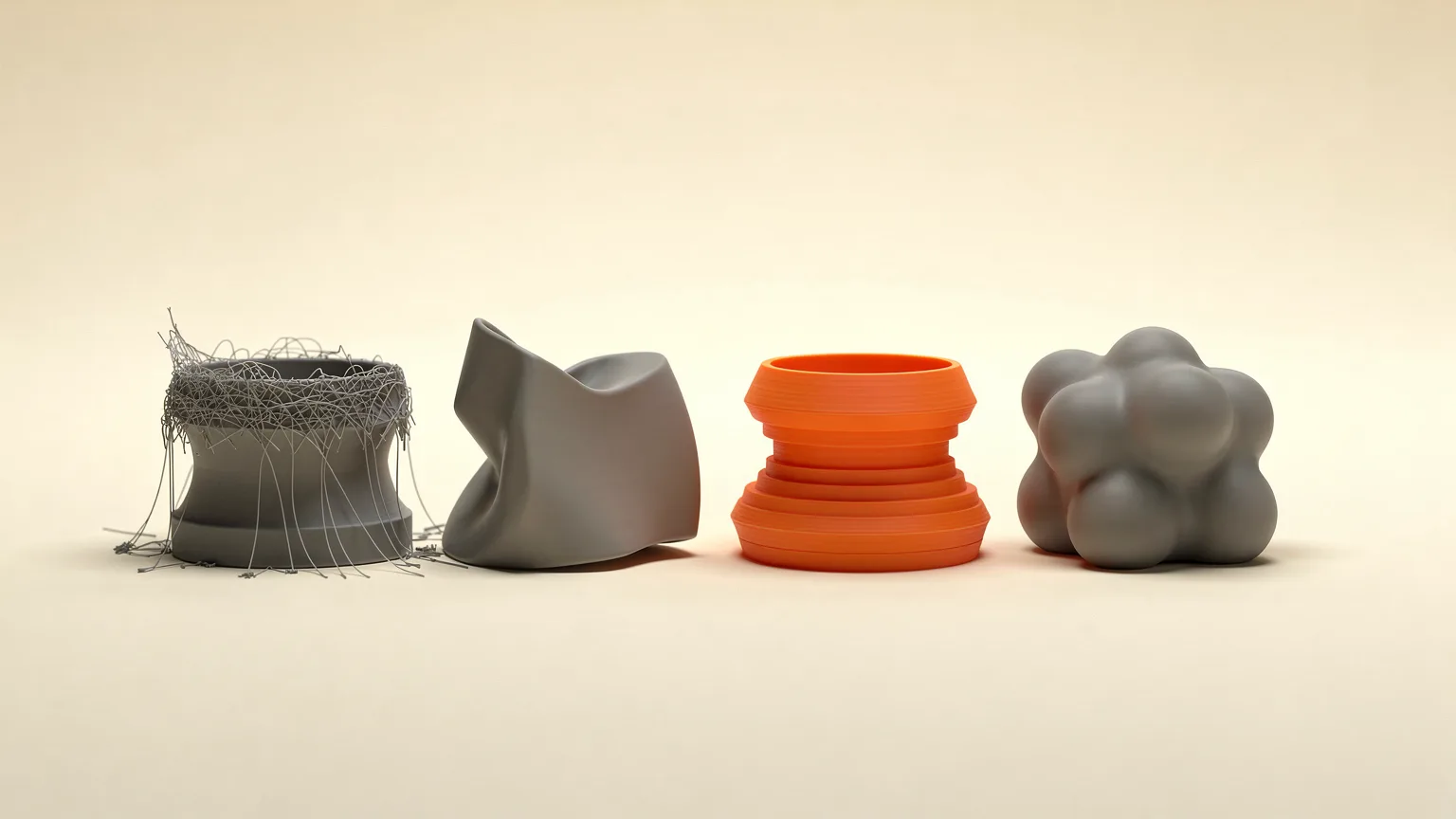
Most 3D printing failures come from a short list of causes: a poor first layer, filament that is wet or too hot, loose belts, a clogged hotend and too little or too much cooling. This guide lists the common problems by symptom, gives the most likely cause of each, and says what to try first. It is built from the Prusa Knowledge Base troubleshooting articles and is research, not our own test results. The menu names come from Prusa printers and PrusaSlicer, so look for the equivalent setting in your own slicer.
Treat every number here as a starting point. Your printer's profile, your filament's spool label and the maker's documentation come first.
Find your problem by symptom
| What you see | Most likely cause | Try first |
|---|---|---|
| Print does not stick, or corners lift | Dirty bed, nozzle too far from the sheet, or a temperature difference that shrinks the plastic | Clean the sheet with 90% isopropyl alcohol, then check first layer height |
| Thin strands between parts | Nozzle too hot, retraction set wrong, or damp filament | Lower nozzle temperature by 5 to 10 °C, then check retraction and dry the spool |
| Gaps in layers, weak or fragile walls | Under-extrusion: nozzle too close, wrong profile, partial clog | Redo first layer calibration and use the stock filament profile |
| Whole print shifted sideways partway up | Loose belts or loose motor pulleys | Check belt tension and pulley set screws |
| Cracks or splits between layers | Too much cooling, drafts, or too cold a nozzle | Reduce cooling and raise temperature in 5 °C steps |
| Ripples that echo sharp corners | Vibration, made worse by speed and loose belts | Slow down and check belts |
| Sagging under bridges | Too much flow or speed over thin air, or too little cooling | Lower bridge speed and flow, or reorient the part |
| Filament stops coming out, extruder clicks | Clogged nozzle or hotend | Cold pull |
Print will not stick, or the first layer is bad
Prusa calls first layer trouble by far the most common 3D printing problem, and says many other failures start there. Work through the causes in this order:
- Clean the print surface. Prusa recommends 90% isopropyl alcohol for most materials, and warns that lotions and cosmetic cleaners can leave oils behind. If adhesion fades over time, a few drops of dish soap in warm (not hot) water can remove residue that alcohol leaves.
- Check the nozzle height. If the nozzle is too close it blocks the opening and little plastic comes out. Prusa warns against pressing the first layer down to make up for poor adhesion, because a nozzle set too low can damage the sheet.
- Slow down and use the recommended temperatures. Prusa suggests dropping speed to about 75% for the first three layers.
- Use a separation layer where the material needs it. For PETG, ABS, ASA and flexible filaments on a smooth PEI sheet, Prusa recommends a glue stick, because adhesion can otherwise be strong enough to damage the sheet.
Our step-by-step pages cover this in more detail: fix a bad first layer and fix a print that will not stick.
Warping and lifting corners
Warping happens when the plastic cools and shrinks faster than the layers below it can hold on. Prusa says it appears mostly with high-temperature materials such as PC Blend, ASA and ABS, and usually comes from the sudden difference between nozzle temperature and the air around the print.
- Start from the maker's profile for that material, and keep the bed free of grease.
- Add a brim. If that is not enough, Prusa suggests adding a few-layer-tall extra shape, such as a small cylinder, at the corner that keeps lifting.
- Keep drafts away. An open window or an air conditioner near the printer increases warping.
- For ASA, ABS and PC Blend, a printed skirt used as a draft shield and a printer enclosure help hold heat. Prusa notes that PLA and PETG need a lot of part cooling, so an enclosure is not always a good idea for them.
- Slow the print down. Prusa says this can help a lot with high-warping materials.
See how to fix warping and PLA vs PETG vs ABS vs TPU to pick a material that warps less.
Stringing and oozing
Stringing leaves thin hairs of plastic between parts. Prusa traces it to a nozzle that is too hot, wrong retraction settings or filament that has absorbed moisture. Try these in order:
- Lower the nozzle temperature by 5 to 10 °C and see whether the strings thin out.
- Check retraction length, retraction speed and the minimum travel distance that triggers a retraction.
- Try a different spool. Damp filament causes a lot of stringing, so see how to dry filament.
- Clean the nozzle of leftovers from a previous material.
For finished prints, Prusa says a heat gun at around 200 °C for one or two seconds removes strings, but a longer exposure can deform the part. Full steps are in how to fix stringing, and PETG has its own page: fix PETG stringing.
Under-extrusion and clogs
Under-extrusion shows up as missing material between layers, and parts that snap apart. Prusa lists common causes: a first layer calibrated too close, slicer settings that do not match the filament, a badly seated nozzle, extruder gears, poor hotend cooling and the filament itself. Start by running first layer calibration again and using the stock profile for your printer and material before changing anything else.
A clog is the other usual suspect. The signs Prusa lists are filament that does not extrude consistently, thin lines that do not stick, filament curling up at the nozzle and clicking or ticking from the extruder. The clog can sit in the PTFE tube rather than the nozzle, so changing the nozzle does not always fix it. Prusa's first method is a cold pull. Our pages fix under-extrusion and fix a clogged nozzle go through the options.
Layer shifts, ghosting and layer separation
Layer shifting is when part of the print moves sideways. Prusa says it is most often caused by incorrect belt tension or loose pulleys, and the check is the same for both axes: move the axes by hand with the printer off, and test the diagonals too. On Prusa printers it also advises normal power mode rather than stealth mode for bigger or more complex prints. See fix layer shifting.
Ghosting is a set of waves that follow a sharp edge. Prusa says it comes from vibrations that grow with print speed. Check belt tension, reduce speed and put the printer on a firm surface. More in fix ghosting and ringing.
Layer separation is cracking between layers when they cool at different rates. Prusa links it to wrong temperatures or too much cooling from the fan or the room. For ABS it suggests turning the fan off and printing in an enclosure. For PLA that cracks, it suggests raising the nozzle temperature in 5 °C steps, and for weak layer bonding, raising flow in 5% steps. See fix layer separation.
Sagging bridges and overhangs
Bridging prints plastic across thin air, and it works best over short distances because the fans must cool the plastic mid-air. Prusa recommends a lower bridge speed and lower bridge flow, and says the best fix is often to rotate the part so the bridge disappears. For long bridges, a support enforcer placed halfway across can help. See fix poor bridging.
If you only read one thing. Change one thing at a time, and begin with the cheapest checks: a clean bed, dry filament, the maker's profile for your material and a recalibrated first layer. Belts, pulleys and hotend parts come after that.
A routine that prevents most problems
- Use the stock slicer profile for your printer, nozzle and filament, and change one setting per test.
- Keep spools sealed or dried, particularly for materials that absorb moisture.
- Wipe the print surface with isopropyl alcohol before long prints.
- Re-run first layer calibration after moving the printer or changing the nozzle.
- Check belt tension if you see shifts or ripples.
If you are still choosing a machine, our first printer checklist covers what to look for, and how to 3D print walks through the basics from the start.
Frequently asked questions
What is the most common 3D printing problem?
Prusa describes first layer problems as by far the most common issue and says many other failures start there. A clean print surface and correct nozzle height solve most of them.
Why is my 3D print stringing?
Prusa links stringing to a nozzle temperature that is too high, wrong retraction settings or filament that has absorbed moisture. Try lowering the temperature by 5 to 10 °C, check retraction and try a dry spool.
Why do my 3D prints shift sideways partway through?
Layer shifting is most often caused by incorrect belt tension or loose motor pulleys. Move the axes by hand with the printer off to find tight or uneven spots.
How do I know if my nozzle is clogged?
Prusa lists inconsistent extrusion, thin lines that do not stick, filament curling at the nozzle and clicking from the extruder as early signs. A cold pull is the first method it suggests.
Sources
- Prusa Knowledge Base: First layer issues
- Prusa Knowledge Base: Warping
- Prusa Knowledge Base: Stringing and oozing
- Prusa Knowledge Base: Under-extrusion
- Prusa Knowledge Base: Layer shifting
- Prusa Knowledge Base: Layer separation and splitting
- Prusa Knowledge Base: Ghosting
- Prusa Knowledge Base: Poor bridging
- Prusa Knowledge Base: Clogged nozzle/hotend

Founder and editor
Software engineer since 2009 and Head of Engineering by day, a maker who has owned several 3D printers, writing practical guides to 3D printers, filament and running costs, with every article saying what was and was not tested.
Keep reading
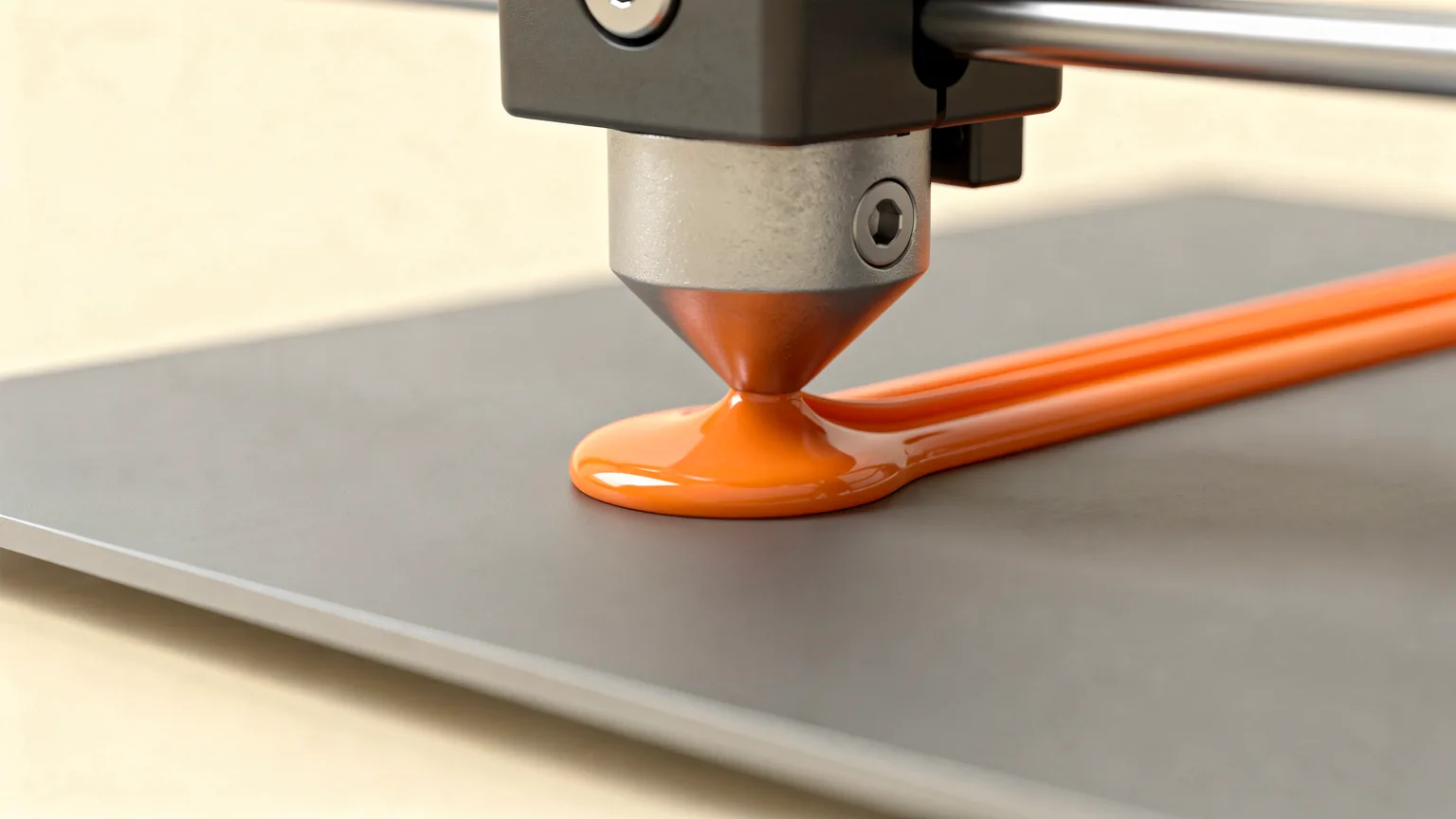
How to Fix a Nozzle That Is Too Close to the Bed (Z Offset)
A nozzle set too close squashes the first layer and can scrape the plate. Here is how to recognise it, raise the Z offset safely and make the setting stick.
10 October 2026 · 4 min read
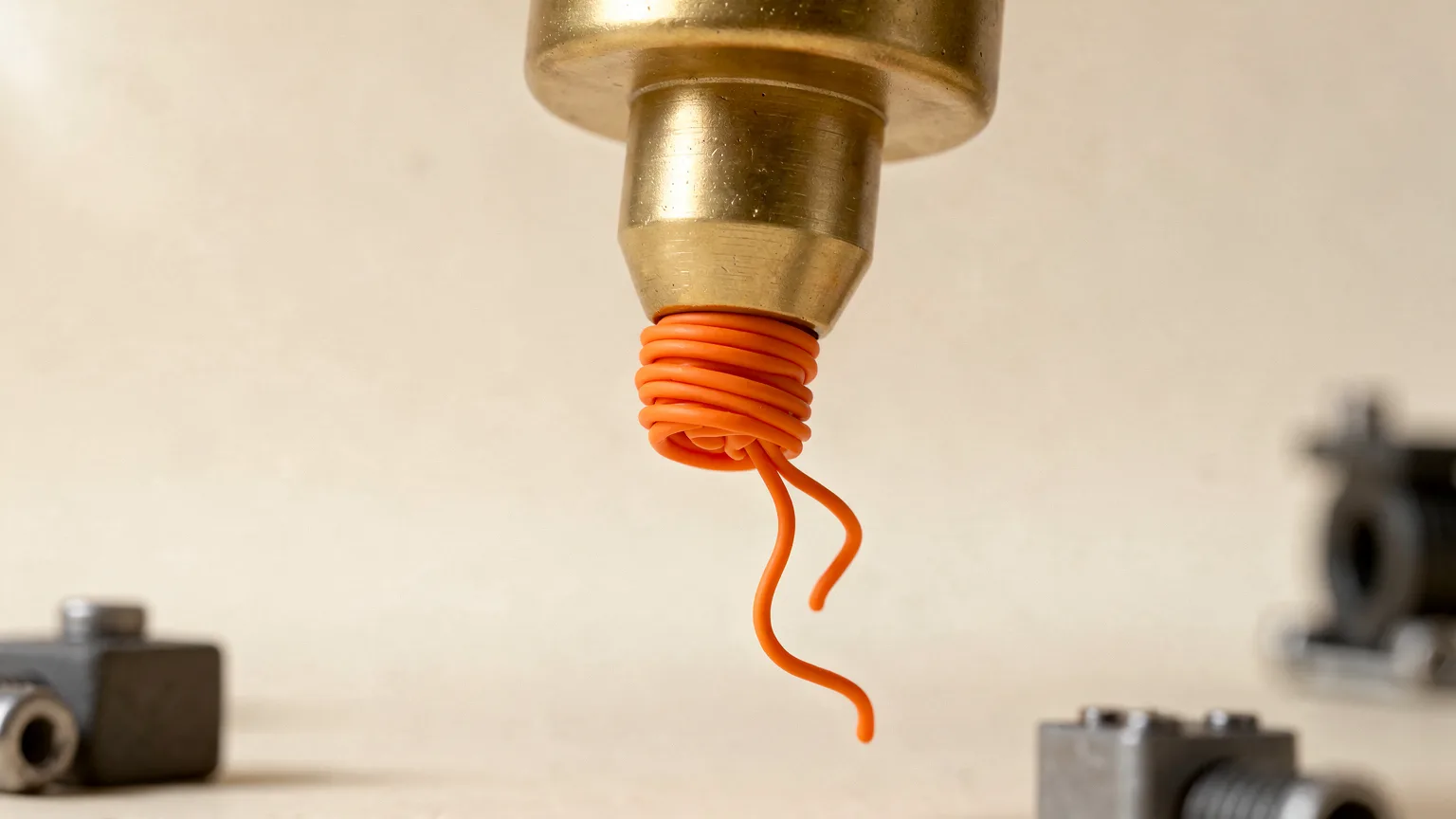
How to Clean a 3D Printer Nozzle and Fix a Clog
How to spot a clogged nozzle and clear it, from a hot push and needle clean to a cold pull, plus prevention tips. Steps follow Prusa's documentation.
10 October 2026 · 7 min read
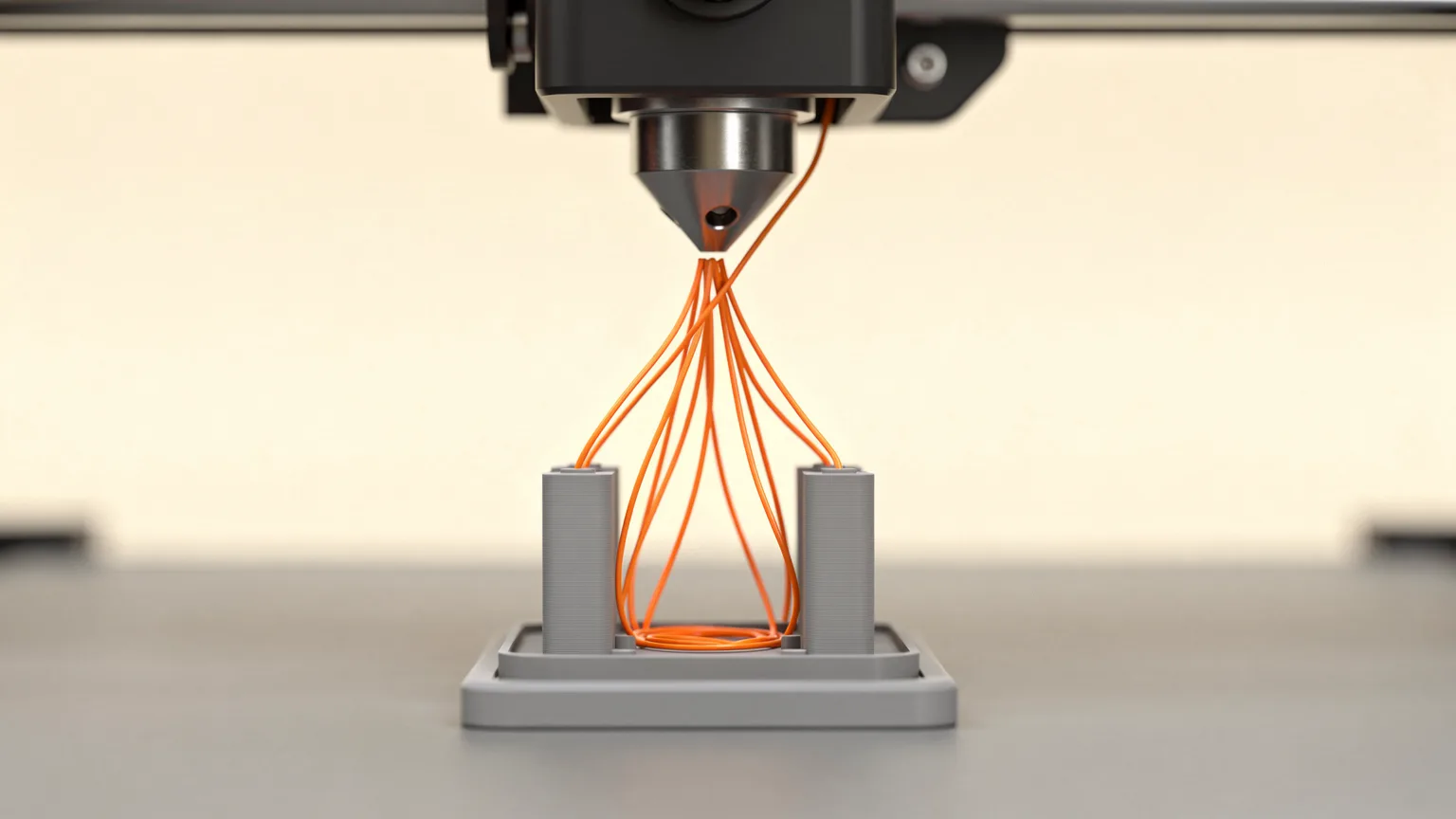
How to Stop PETG Stringing
PETG is prone to stringing. Fix it in this order: dry the spool, lower the nozzle temperature, tune retraction, shorten travel moves, then check cooling and the nozzle.
10 October 2026 · 4 min read