How to Choose a Filament Dryer
A filament dryer is only useful if it reaches the right temperature for your material and fits your spools. Five checks, with maker figures and prices checked 2026-10-10.
By Sepehr Sabbagh-pour · Published 10 October 2026 · 7 min read
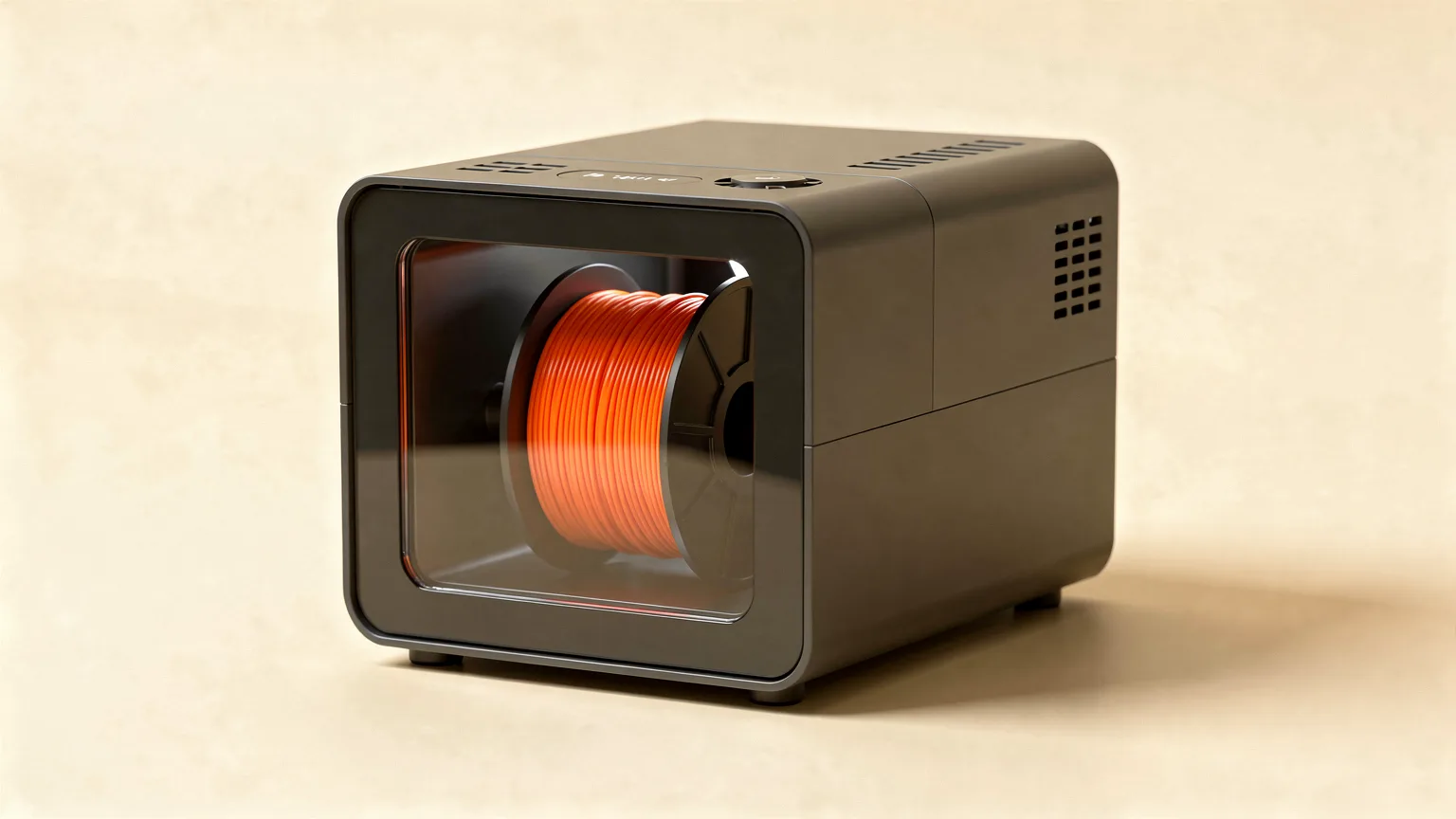
A filament dryer is a heated, enclosed box that pulls moisture out of a spool and, in most designs, lets you print from it. Choosing one comes down to five checks: the temperature it can reach, how many spools it holds, whether you can print from it, how well it seals, and what it costs against what you actually print with.
This is a research-based buying guide. It draws on maker documentation and store pages (listed in the sources), not on our own testing of dryers. Prices are the ones seen on the dates stated; check the current listing before buying.
If you only read one thing
Match the dryer's top temperature to the hottest material you plan to dry, then check that it fits your spool size. Prusa's table puts PLA at 45 degrees C, PETG at 55, TPU at 60 and ASA at 80, so a dryer that stops at 70 degrees C handles the common materials but not ASA or polycarbonate-type filaments.
Do you need a dryer at all?
Not always. If your spools live in a sealed box with desiccant, they may rarely need drying. Prusa says it is best to avoid having to dry filament, and that storage with desiccant is the first line of defense. A dryer earns its place when you have already seen moisture problems, when you print hygroscopic materials such as nylon, PVA or TPU, or when you live somewhere humid. Our guide to storing filament covers the box-and-desiccant approach, and how to dry filament shows what to do with a spool that is already wet.
Wet filament shows up as crackling at the nozzle, stringing that retraction changes do not fix, and rough or bubbly surfaces. If that sounds familiar, drying is the first thing to rule out before tuning, as in our stringing guide.
Step 1: Temperature range
This is the most important spec. The temperature you need depends on the material. As examples from published maker figures:
| Material | Prusa (Prusament) | Polymaker | Bambu Lab forced-air oven |
|---|---|---|---|
| PLA | 45 °C, 6 h | 55 °C, 6 h | 50 °C, 8 h (Basic and Matte) |
| PETG | 55 °C, 6 h | 60 °C, 6 h | 60 to 65 °C, 8 h |
| ABS | not listed | 70 °C, 6 h | 75 to 85 °C, 8 h (ABS and ASA) |
| ASA | 80 °C, 4 h | not checked | 75 to 85 °C, 8 h |
| TPU | 60 °C, 4 to 6 h | not checked | 70 °C, 8 h |
Sources: Prusa's drying guide, the Polymaker PolyLite PLA, PETG and ABS pages, and Bambu Lab's drying recommendations table. The three makers do not agree exactly, which is why the spool or manufacturer guidance comes first. Prusa also warns that exceeding the recommended temperature makes filament soften and stick together.
What this means for buying:
- PLA and PETG only: a dryer that reaches about 65 degrees C is enough.
- ABS and ASA: look for a model that reaches at least 80 degrees C.
- Nylon, polycarbonate and carbon-fiber blends: Prusa lists drying temperatures of 85 to 90 degrees C for several of these, and Bambu Lab lists 75 to 85 degrees C in a forced-air oven. Most compact dryers do not reach this, so check the maximum before you buy.
Bambu Lab's own AMS 2 Pro is a useful reference: its wiki says it suits filaments needing no more than 65 degrees C, and that some filaments need higher temperatures than it can reach. Its AMS HT can dry all filaments according to the wiki, but even it may not fully dry a few materials such as PVA, PPS-CF and PPA-CF.
Step 2: Capacity and spool size
Check how many spools fit, and the largest spool diameter and width. For reference, Bambu Lab gives its reusable spool as 200 mm in outer diameter and 67 mm in height. Spool-less refills need a reusable spool before they can be dried. Some dryers hold two rolls: for example, the Creality Space Pi Filament Dryer V2 Plus is described as a two-roll model. Polymaker's PolyDryer comes in a standard box for up to 1 kg and an XL box for up to 3 kg.
Also check the spool itself. Prusa notes that older Prusament spools can loosen above 45 degrees C, while its new black spools tolerate up to 90 degrees C. Third-party spools may deform in a hot dryer, and Bambu Lab warns of this when drying on a printer bed. Treat spool tolerance as part of the drying temperature limit.
Step 3: Print-from-box and filament path
Prusa notes that you can usually keep filament in a dryer box while printing, if the box specification matches the material. If you print slowly with a moisture-sensitive material, a dryer with a filament outlet keeps drying the spool during the job. Look for a port that does not kink the filament and a spool holder that turns freely.
Bambu Lab's wiki shows why this matters in practice: once a print starts, the AMS lowers its drying temperature automatically (to 45 degrees C when PLA is involved, 55 degrees C for PETG) so the filament does not soften and jam the feed. Whatever dryer you choose, assume the print-while-drying temperature is lower than the dry-only one.
Step 4: Heating and airflow
The two common designs are a heated cavity with a fan and a closed box that also seals. Creality advertises PTC heating with 360 degree hot-air circulation on the V2 Plus; Polymaker describes 360 degree airflow and three preset power levels on the PolyDryer. Both are claims from the makers, so treat them as claims rather than measurements. Even airflow matters because it helps the whole spool dry evenly.
Avoid dryers with no temperature control. Prusa warns about overdrying and about exceeding the recommended temperature. A thermostat, a timer and a stable setpoint are the minimum.
Step 5: Storage versus active drying
Not everything sold as a dry box heats the filament. Prusa's drying guide describes boxes made to keep filament dry (it names the USS Drybox) separately from dryers that actively remove moisture, so read the product description to see whether a box heats. A passive box holds desiccant but cannot recover a damp spool. A heated dryer can.
Price tiers (checked 2026-10-10)
| Type | Example | Price seen | Notes |
|---|---|---|---|
| Dry storage box | Prusa USS Drybox | GBP 32.99 on prusa3d.com | Sold as a dry box for keeping filament dry; check the listing for whether it heats. Price as listed on 2026-10-10. |
| Two-roll heated dryer | Creality Space Pi Filament Dryer V2 Plus | USD 89 on store.creality.com (shown as reduced from 104.25) | Adjustable 45 to 70 °C, two-roll capacity, PTC heating. |
| Modular dryer and box system | Polymaker PolyDryer | Several options; check the current listing | Box up to 1 kg, XL box up to 3 kg, shared drying dock. |
Prices change often and differ by region. The list above is not a ranking and does not include every dryer on the market. These products were picked because their maker pages were reachable and their specifications could be confirmed on 2026-10-10, not because they are the best options. We have not tested any of them.
Features that matter and features that do not
- Matters: top temperature, spool size, a reliable seal, a timer, and temperature that stays steady.
- Nice to have: a built-in humidity display, a filament port for printing from the box, and a window.
- Mostly marketing: app control, LED lighting and exact watt ratings. They are not drying specifications, so judge them last.
Do not use the kitchen oven
Bambu Lab's wiki says not to use a microwave or a kitchen oven to dry filament. If you do use an oven, Bambu recommends a forced-air convection oven large enough to hold a spool away from the heating elements. Prusa adds that home oven thermostats are imprecise and many cannot be set low enough. A dedicated dryer removes that risk.
After drying
Drying only helps if the spool does not soak up water again. Bambu Lab notes that in a typical indoor environment at about 55% relative humidity, dried filament can absorb enough moisture to affect print quality within about 2 to 12 hours. Put the spool back in a sealed box with desiccant, or print straight from the dryer. If your print temperature also needs tuning, see our explainers on PLA print temperature and PETG print temperature.
Frequently asked questions
What temperature should a filament dryer reach?
It depends on the material. Prusa's table lists 45 degrees C for PLA, 55 for PETG, 60 for TPU and 80 for ASA. A dryer that reaches 65 to 70 degrees C covers PLA and PETG, but check the maximum if you print ASA, nylon or polycarbonate.
Is a filament dryer worth it?
It is worth it if you have wet filament problems, print hygroscopic materials such as nylon, PVA or TPU, or live in a humid climate. Otherwise a sealed box with desiccant may be enough, as Prusa suggests.
Can I print directly from a filament dryer?
Many dryers allow it. Prusa notes you can usually keep filament in the box while printing, if its specifications match the material. Check that your model has a filament port and a smooth spool holder.
Can I use a food dehydrator or oven instead?
Bambu Lab says not to use a microwave or a kitchen oven, and Prusa says home ovens are imprecise and often cannot be set low enough. If you use any substitute, measure the temperature with a separate thermometer and follow the filament maker's drying guidance.
Sources

Founder and editor
Software engineer since 2009 and Head of Engineering by day, a maker who has owned several 3D printers, writing practical guides to 3D printers, filament and running costs, with every article saying what was and was not tested.
Keep reading
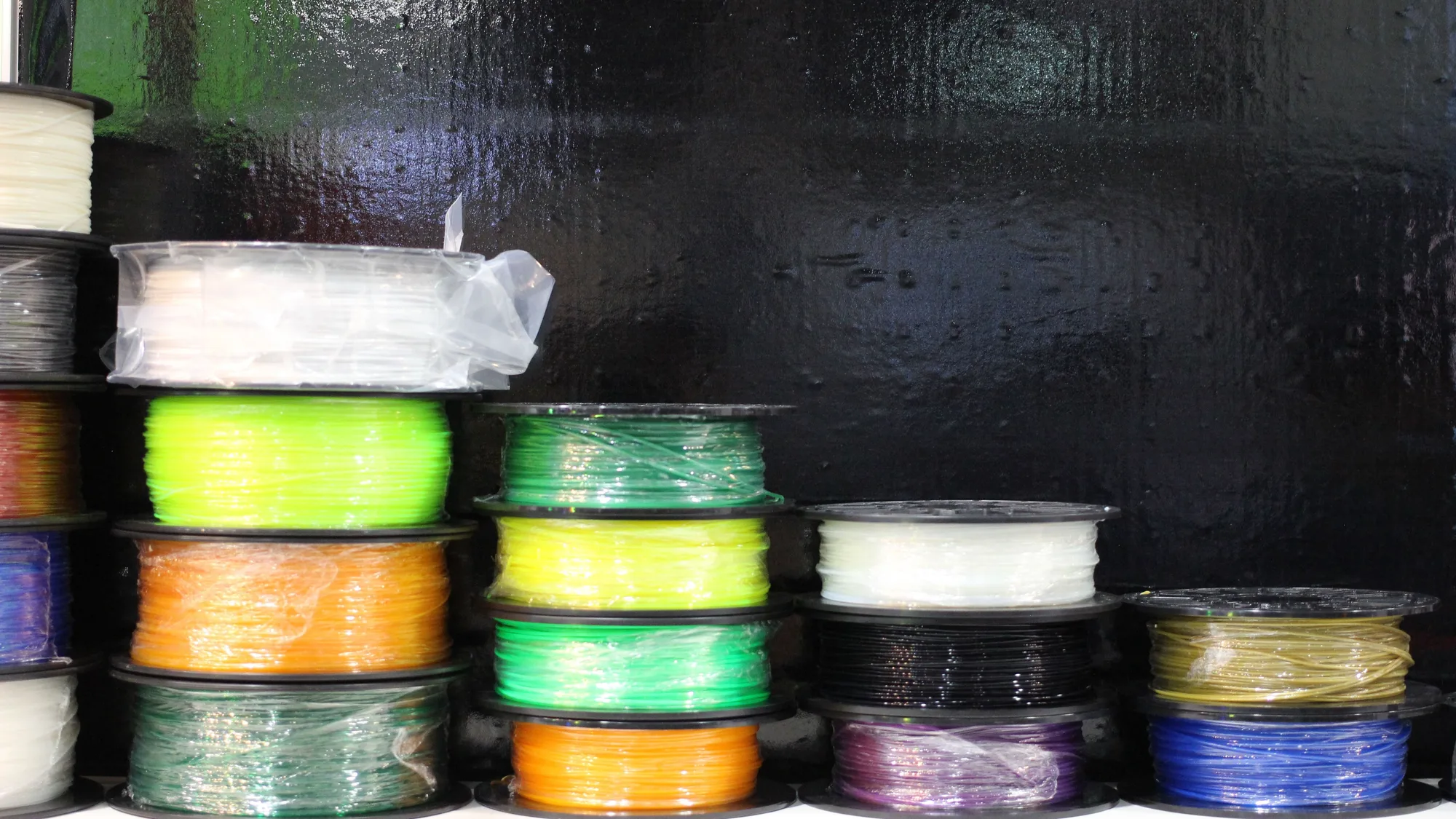
PLA vs PETG vs ABS vs TPU: Which Filament Should You Use?
Four materials cover most home printing. Here is what each is good at, what it demands from your printer, and how to choose without overthinking it.
10 October 2026 · 2 min read
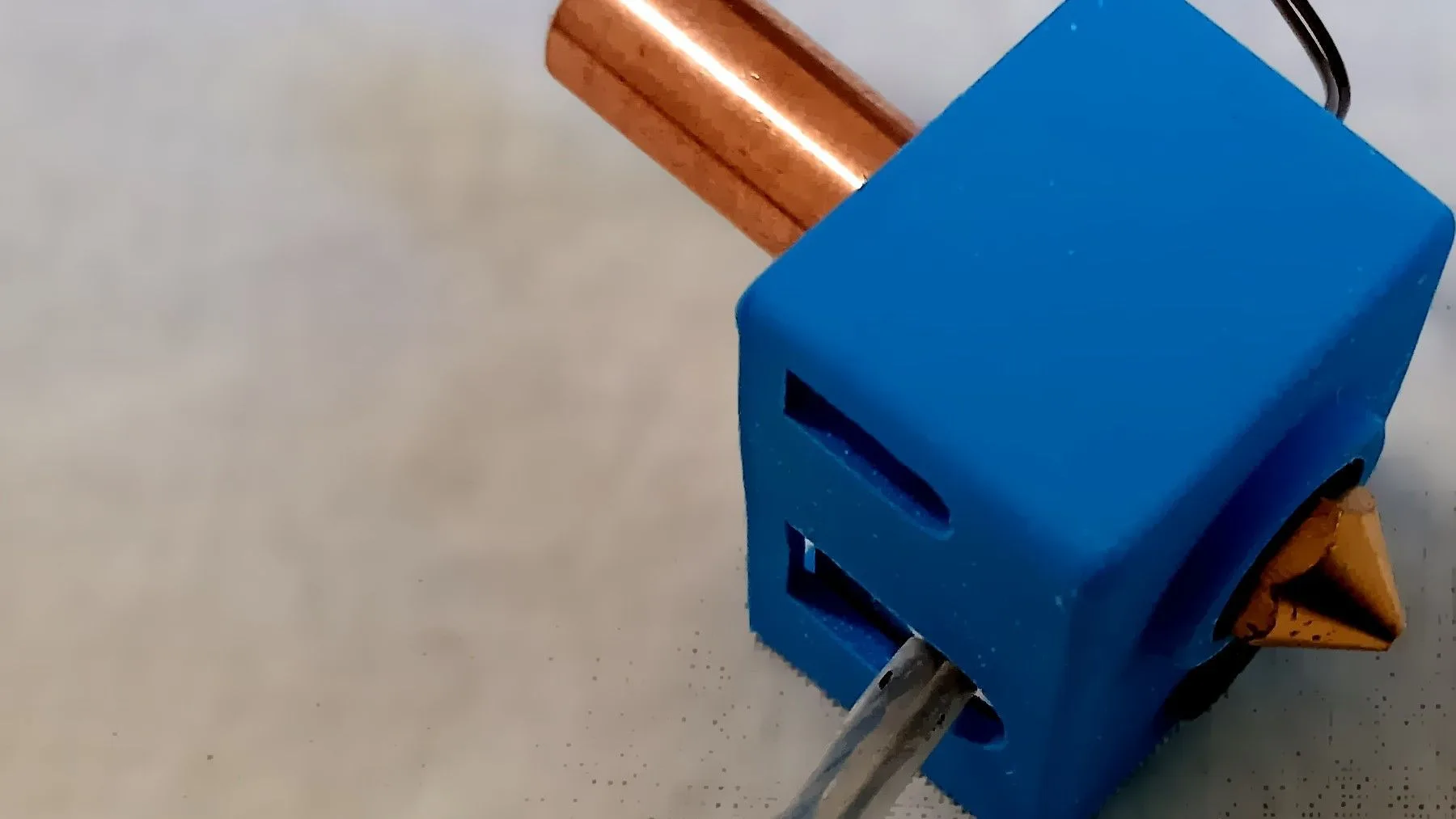
0.2, 0.4 or 0.6 mm? What Nozzle Size Actually Changes
The standard 0.4 mm nozzle is a good all-rounder, but swapping size trades detail for speed and strength. Here is what changes and what to watch for.
10 October 2026 · 2 min read
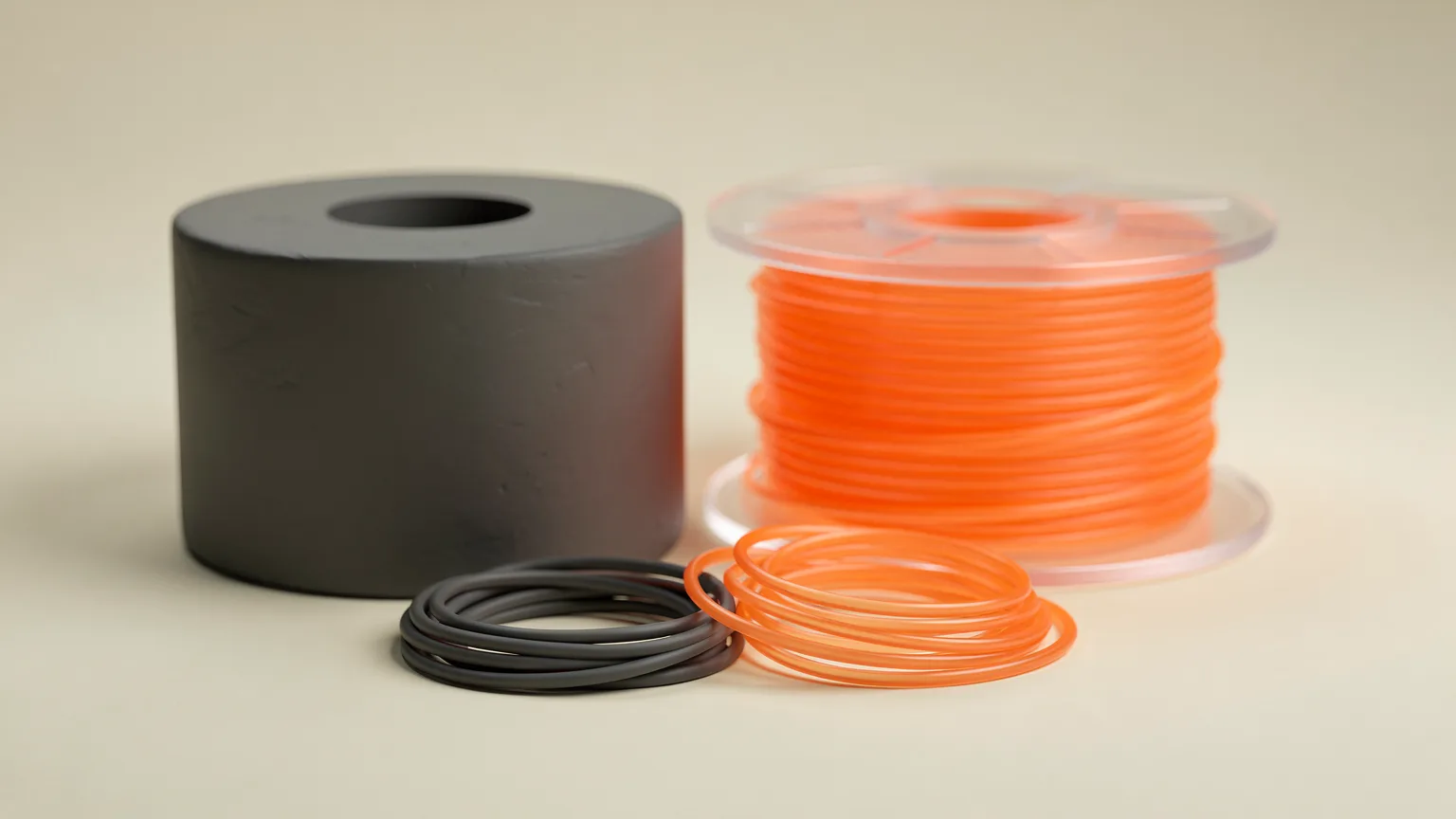
ABS vs PETG: Which Should You Print With?
ABS and PETG are both tougher than PLA. PETG prints easily on open printers; ABS needs an enclosure but can be smoothed with acetone. Here is how to choose.
10 October 2026 · 7 min read