Learn 3D printing software
Free courses for the slicers people actually use. Every lesson covers one job, and every step is run in the real program before it is published.
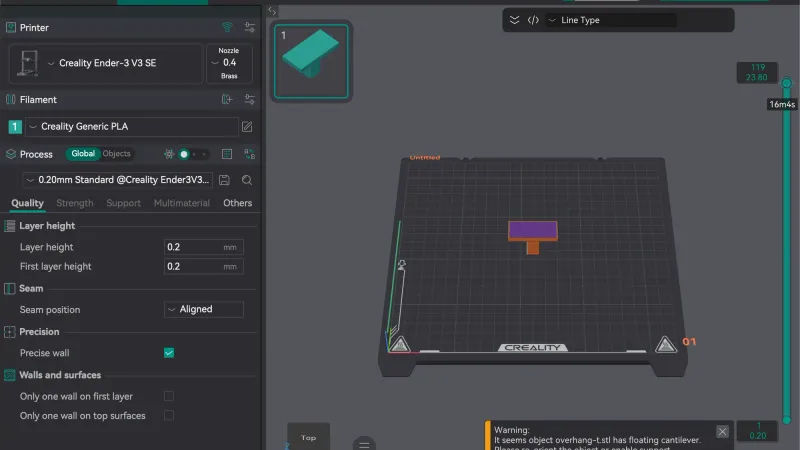
OrcaSlicer course
From installing OrcaSlicer to supports, calibration and advanced settings, one short lesson at a time.
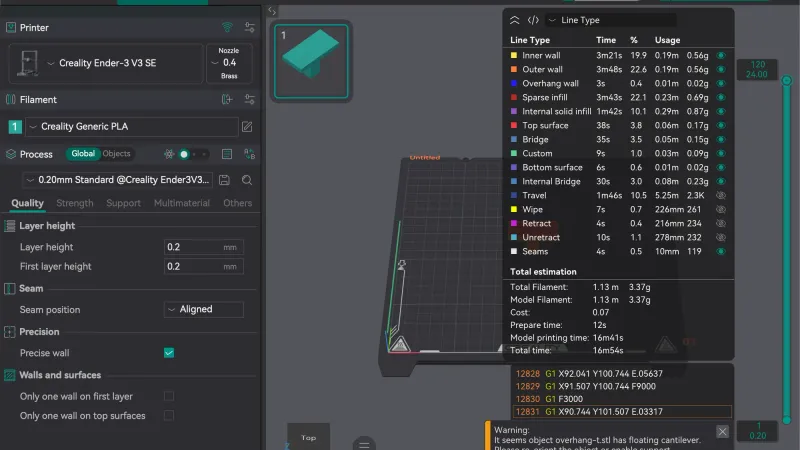
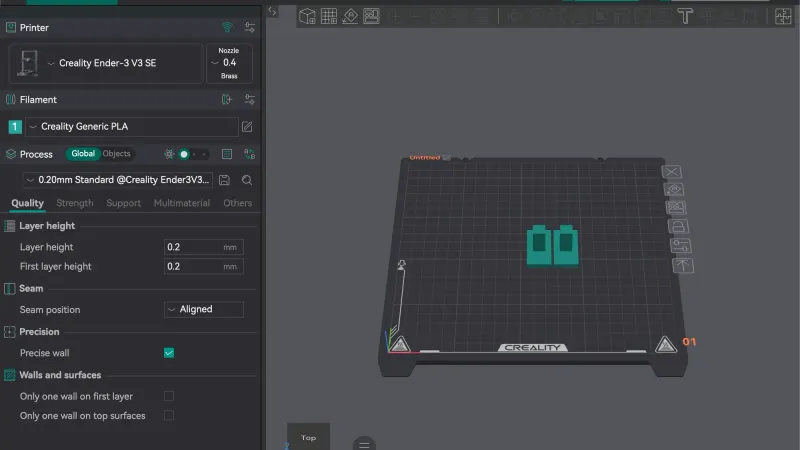
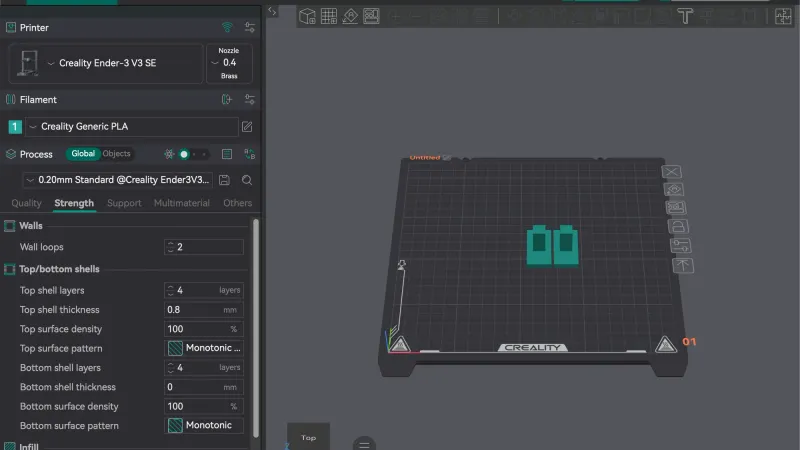
14 lessons and a hands-on review
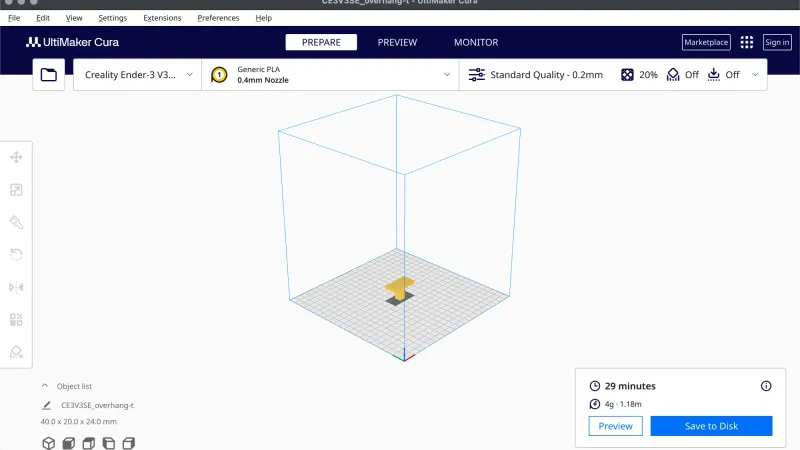
UltiMaker Cura course
From the first-launch wizard to supports, materials and plugins, one short Cura lesson at a time.
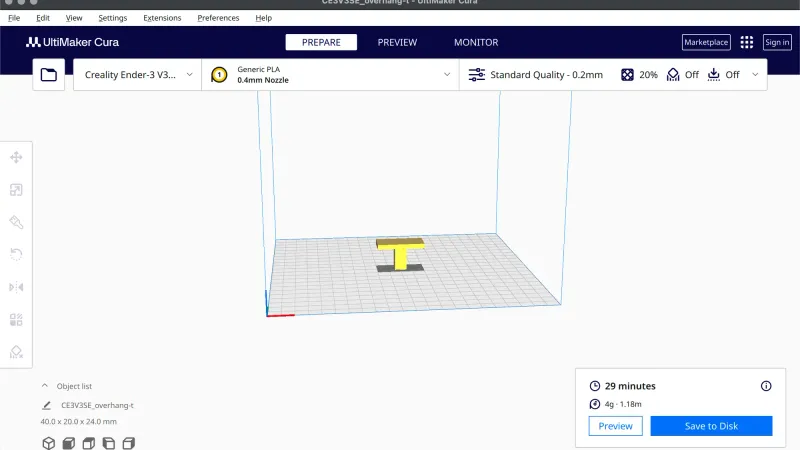
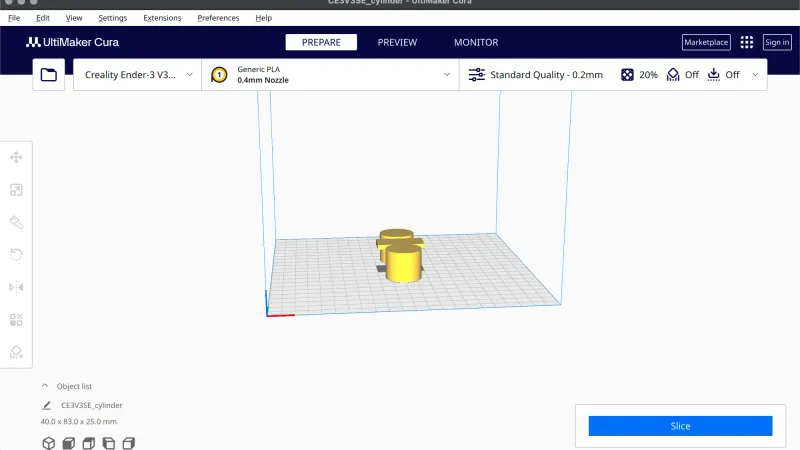
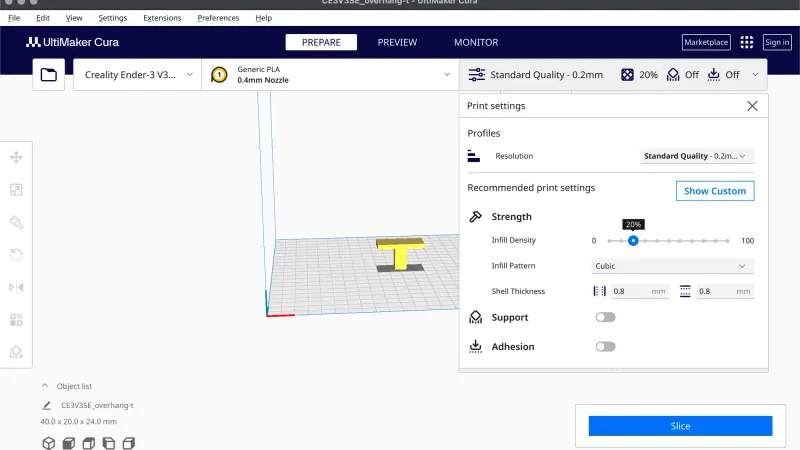
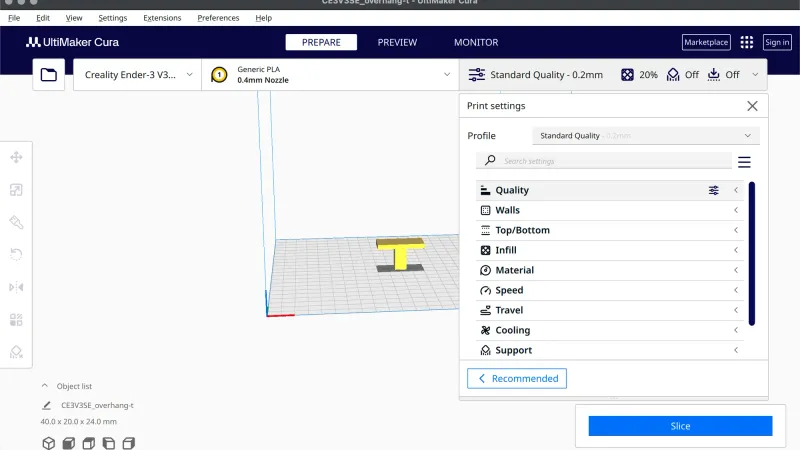
12 lessons and a hands-on review
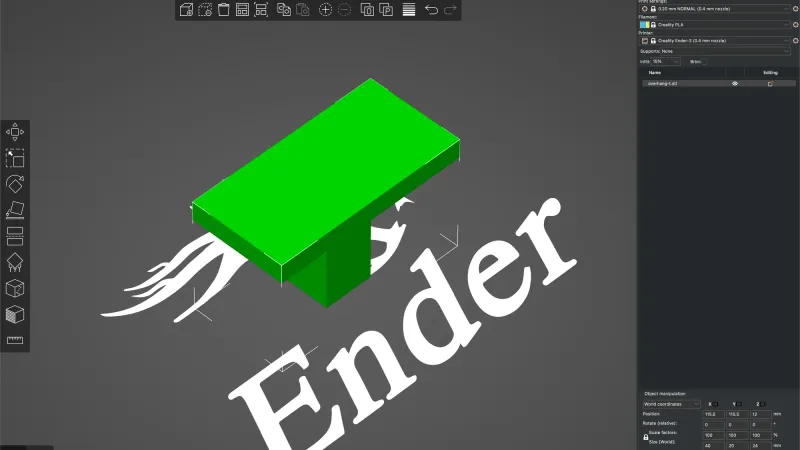
PrusaSlicer course
From the Configuration Wizard to supports, modifiers and the Cut tool, one short PrusaSlicer lesson at a time.
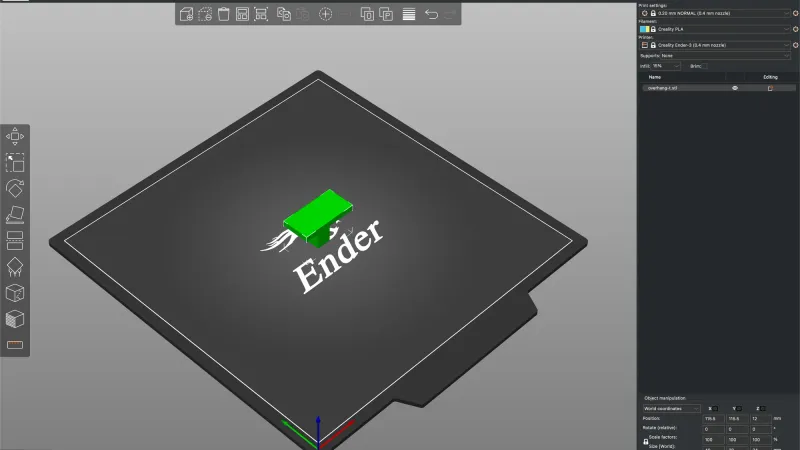
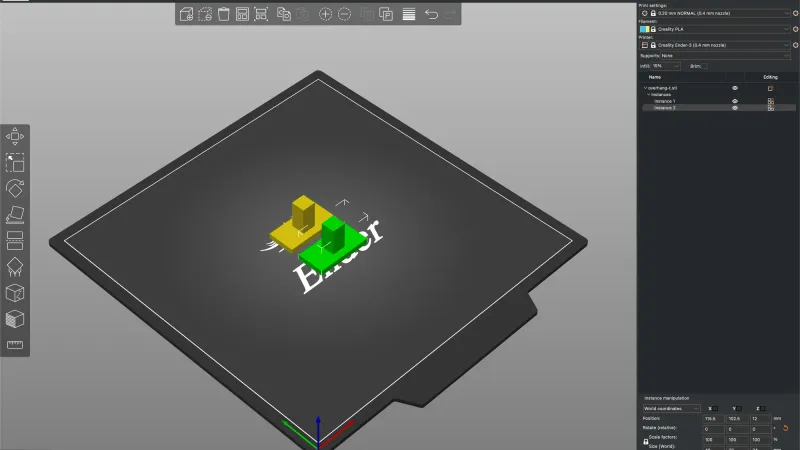
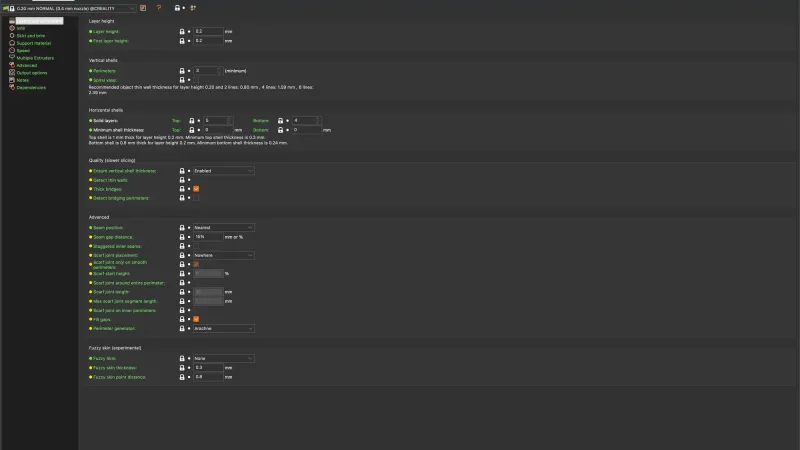
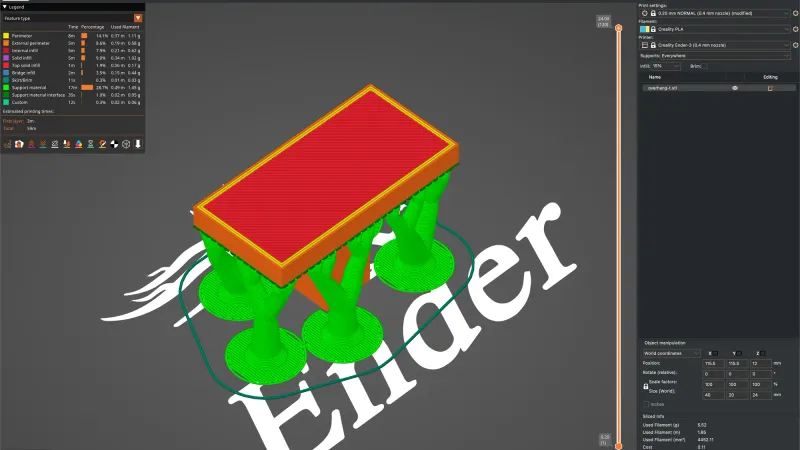
11 lessons and a hands-on review
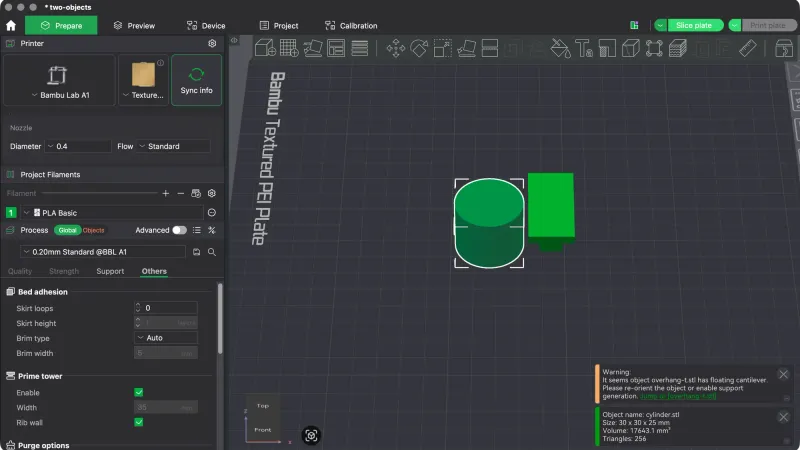
Bambu Studio course
From the first-launch setup to supports, multi-colour filaments and per-object settings, one short Bambu Studio lesson at a time.
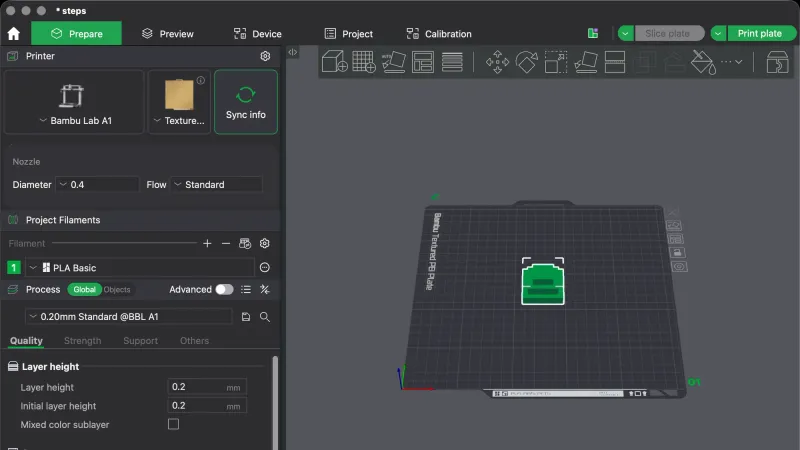
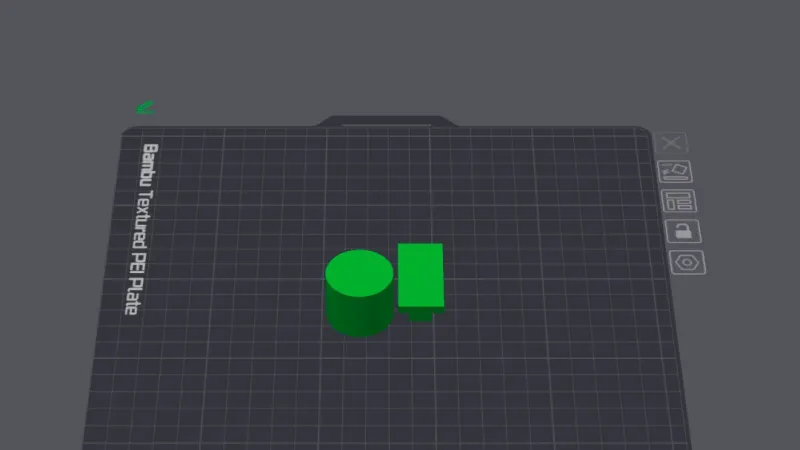
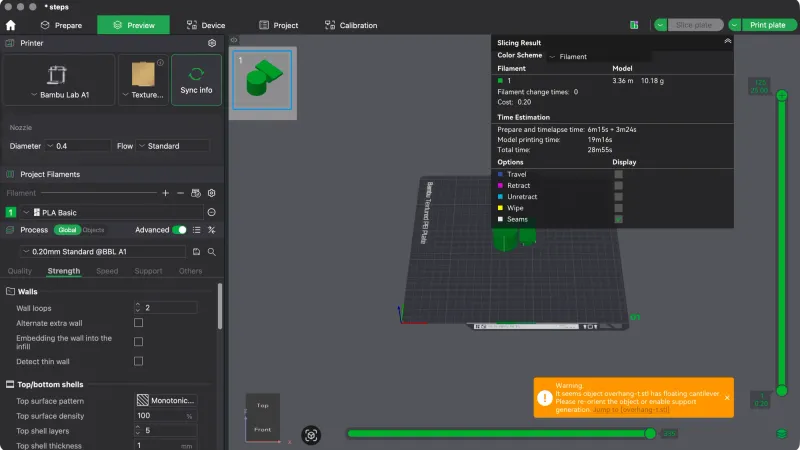
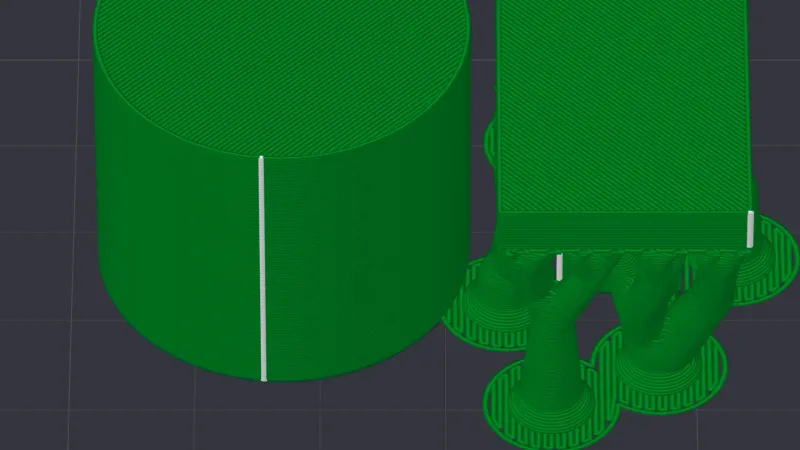
11 lessons and a hands-on review
How do the slicer courses work?
A slicer is the program that turns a 3D model into the G-code a printer follows. Each course here teaches one slicer in order, from the first launch wizard and the interface to print settings, supports, previewing and exporting, then the advanced tools. Every lesson covers a single job and was run in the real program, with our own screenshots. We only sliced and exported, so every time, weight and cost is a slicer estimate. New to the idea? Start with what is a slicer.
Which slicer should you learn?
| Course | Good for | Cost | Platforms |
|---|---|---|---|
| OrcaSlicer | Deep settings and built-in calibration tests | Free, AGPL-3.0 | Windows, macOS, Linux |
| UltiMaker Cura | The gentlest start, with a short Recommended panel | Free, LGPL-3.0 | Windows, macOS, Linux |
| PrusaSlicer | Precision tools: modifiers, Cut tool, variable layer height | Free, AGPL-3.0 | Windows, macOS, Linux (Flathub) |
| Bambu Studio | Bambu Lab printers and a clear Prepare and Preview flow | No payment asked in our test | Made by Bambu Lab |
Still undecided? Read Cura vs Orca Slicer vs PrusaSlicer, or the hands-on review at the top of each course.
Frequently asked questions
Which slicer should a beginner learn first?
Any of the four is fine to start with, because all of them are free and cover the same basic steps. Cura starts with a short Recommended panel, PrusaSlicer hides settings behind Beginner, Normal and Expert modes, OrcaSlicer and Bambu Studio show more at once. Read the hands-on reviews, then pick the one that matches your printer.
Do I need a 3D printer to follow these courses?
No. Every lesson stops at the slice or the exported file, so you only need a computer and the free download. We sliced and exported only and did not print anything, so the courses say nothing about print quality. All times, weights and costs are the slicer estimates.
How were the lessons tested?
Each lesson was driven step by step in the real program on macOS, with our own screenshots taken at each step. The version is named on every course and lesson: OrcaSlicer 2.4.2, UltiMaker Cura 5.13.0, PrusaSlicer 2.9.6 and Bambu Studio 02.08.02.61. Menu names can differ in other versions or on Windows and Linux.
Are the courses really free?
Yes. Every lesson is free to read and the four programs are free to download. In our tests none of them asked for payment or an account to slice a model and export G-code. Optional accounts, cloud features and printer plug-ins are mentioned where they appear but are not needed.