UltiMaker Cura course
A free, step-by-step UltiMaker Cura course. Each lesson covers one job, from the first-launch wizard and the interface to settings, supports, materials and plugins, and every step is run in the real app and captured in screenshots before it is published.
- Price and licence
- Free, open source (LGPL-3.0)
- Platforms
- Windows, macOS and Linux
- Version tested
- 5.13.0 on macOS
- Lessons
- 12, plus a hands-on review
Who is this UltiMaker Cura course for?
Beginners who want the gentlest start, and anyone who prefers a slicer that begins with a short Recommended panel and opens up to hundreds of settings in Custom mode. It suits people with printers from many makers, because Cura ships a large list of printer and material profiles.
What do you need to start?
A computer and the free download. No printer or account is needed, because the sign in page has a Skip button and every lesson stops at the slice and the exported file.
What will you learn in the UltiMaker Cura course?
- Work through the first launch wizard, including skipping the optional account
- Understand the Prepare, Preview and Monitor stages and the printer, material and profile selectors
- Import a model and use the move, scale, rotate and mirror tools
- Use the Recommended panel, then switch to Custom settings when you need more control
- Add supports and choose a build plate adhesion type
- Read the Preview, save and export G-code, and manage materials and profiles
- Set per model settings and look at plugins and the Marketplace
How were these lessons made?
Every lesson was run step by step in the real program, and each screenshot is our own. We tested UltiMaker Cura 5.13.0 on macOS, with a Creality Ender-3 V3 SE profile. Everything is sliced and exported only; nothing was printed. Times, weights and costs shown are the slicer's estimates. See how we test for what that label means.
Start here: the review
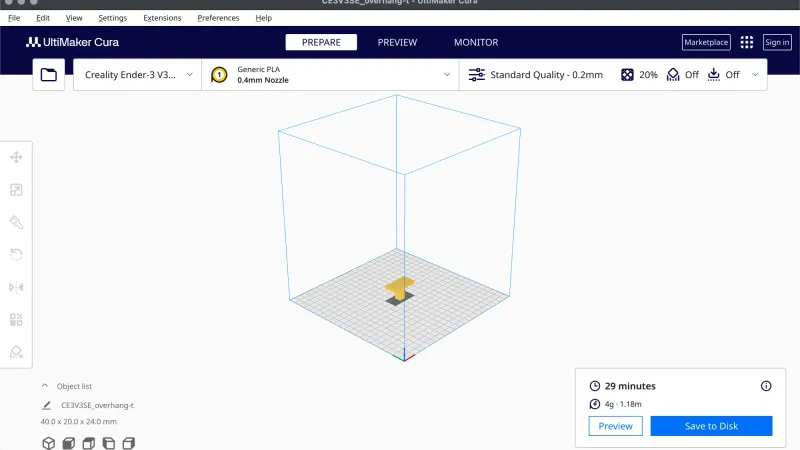 Cura Review: Hands On With UltiMaker Cura 5.13.0A hands on Cura review built from a 12 lesson test of UltiMaker Cura 5.13.0 on macOS: the strengths, the rough edges, what we did not test and who should use it.
Lessons
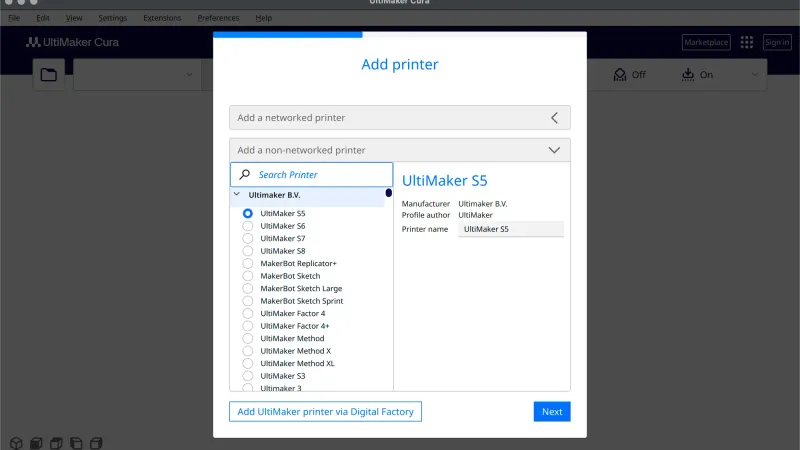 Cura First Launch Setup: Welcome Wizard Step by StepEvery screen of the UltiMaker Cura first launch wizard in order: agreement, data collection, sign in, add printer, machine settings and release notes.
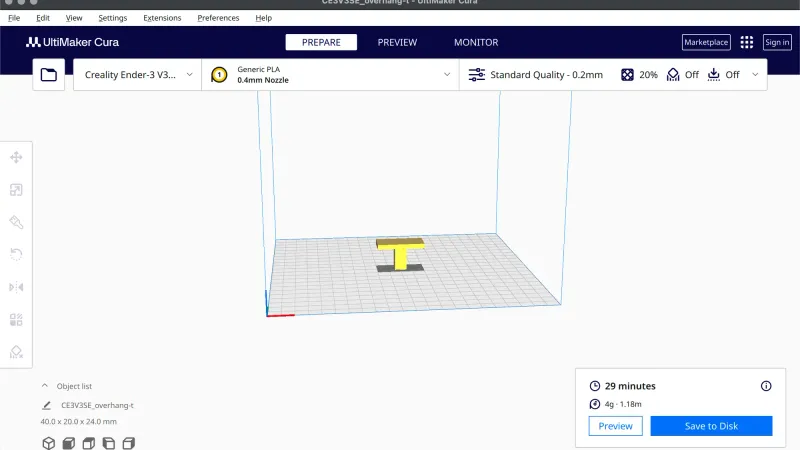 Cura Interface Tour: Menus, Toolbar and PanelsLearn where everything lives in the UltiMaker Cura window: Prepare, Preview and Monitor, the menu bar, the toolbar tooltips, the print settings panel and the Slice area.
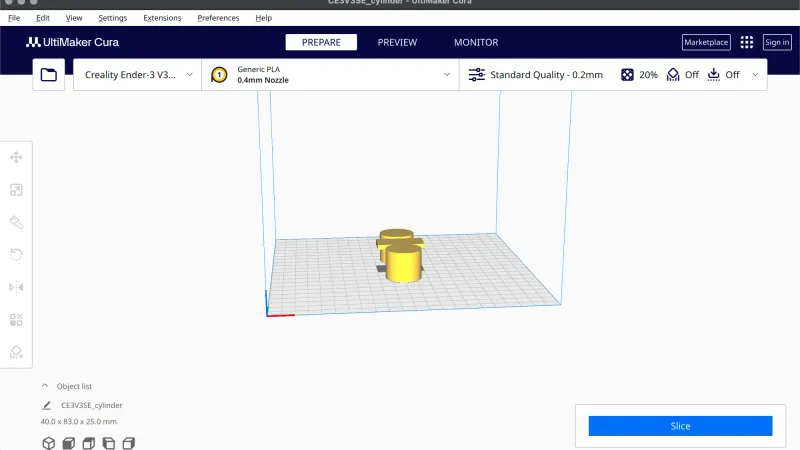 Cura Import Model: Open, Position and Resize PartsA hands-on UltiMaker Cura lesson: open an STL with Cmd+O, then position it with Move, Scale, Rotate and Mirror, add copies, arrange the plate, group models and reset.
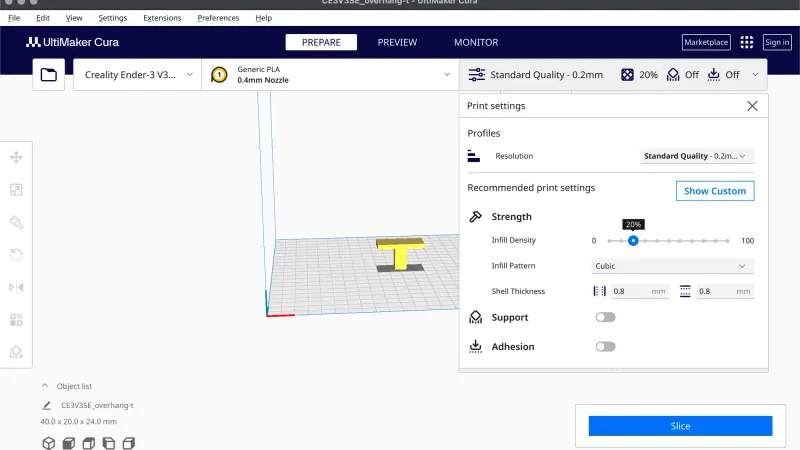 Cura Recommended Settings: Resolution, Infill and AdhesionA hands-on UltiMaker Cura lesson on the Recommended print settings panel: every control, the real profile names, how edits are flagged, and slicer estimates for six combinations.
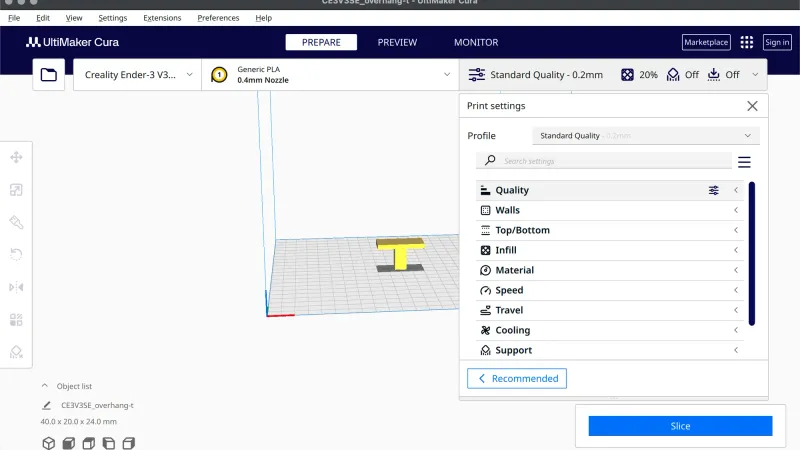 Cura Custom Settings: Show Custom, Search and VisibilityA hands-on UltiMaker Cura lesson on Custom mode: the profile list, the categories, Search settings, setting visibility, reset icons and slicer estimates for three edits.
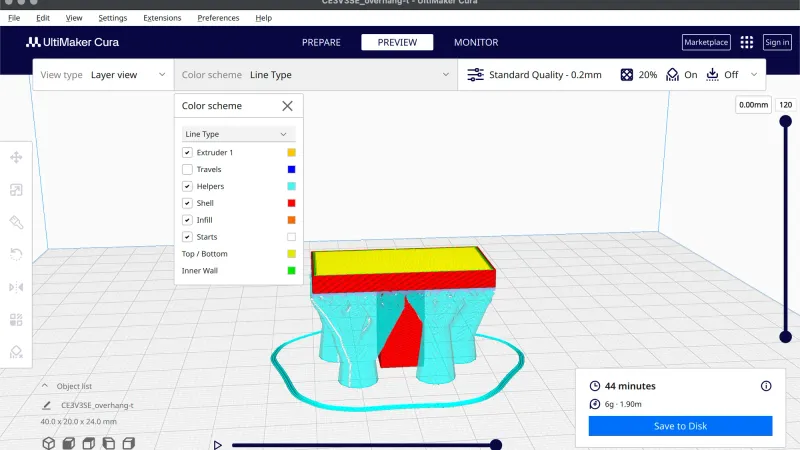 Cura Supports: Enable, Tree vs Normal and BlockersA hands-on UltiMaker Cura lesson on supports: the Recommended switch, Normal vs Tree, Placement, the Custom mode Support category, Preview colours and the Support Blocker tool.
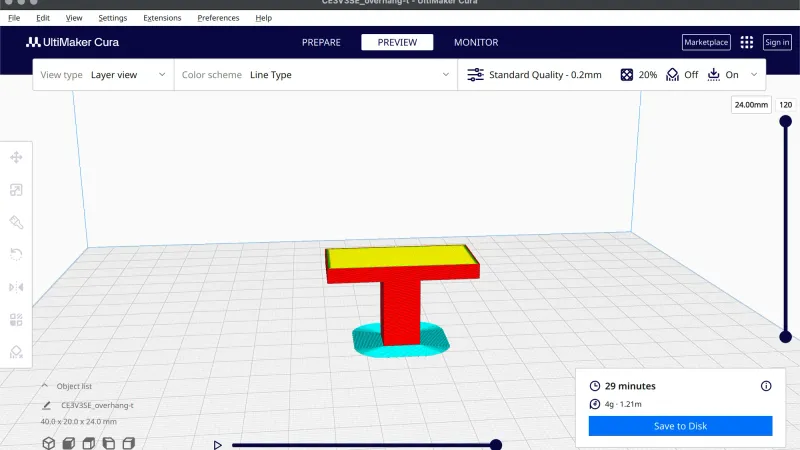 Cura Brim and Adhesion Settings: Skirt, Brim, RaftA hands-on UltiMaker Cura lesson on build plate adhesion: the Recommended switch, the Skirt, Brim, Raft and None types, the settings each one adds, Preview colours and the Z seam options.
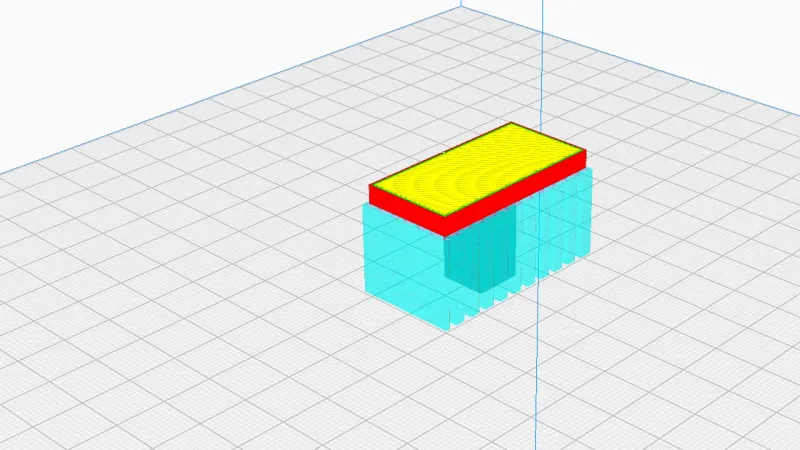 Cura Preview: Layer View, Colours and Slider ExplainedA hands-on UltiMaker Cura lesson on the Preview tab: View type, the six colour schemes, what each Line Type colour means, the layer slider and play button, X-Ray view and a support check.
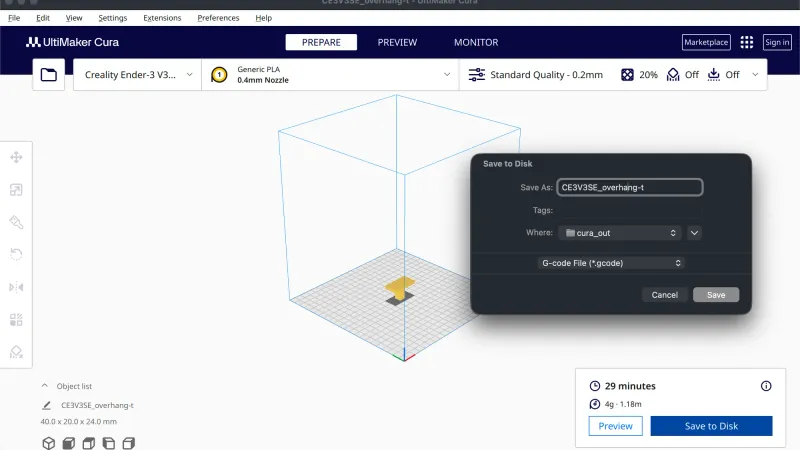 Cura Export Gcode: Save to Disk, Projects and ExportsA hands-on UltiMaker Cura lesson on saving: the Save to Disk button, the Save dialog and its formats, Save Project, Export and Export Selection, and what is inside the files they write.
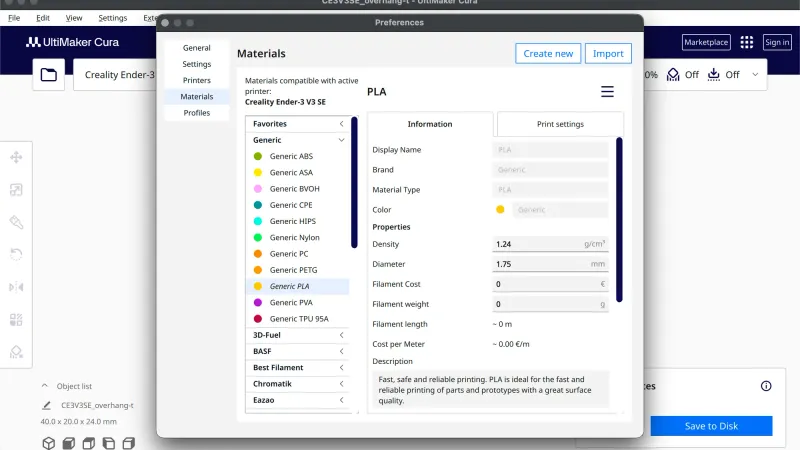 Cura Material Profiles: Choose, Add and Manage ThemA hands-on UltiMaker Cura lesson on materials: the selector in the top bar, the Materials and Profiles pages in Preferences, the temperatures each Generic material carries, and what changed when we switched to PETG and ABS.
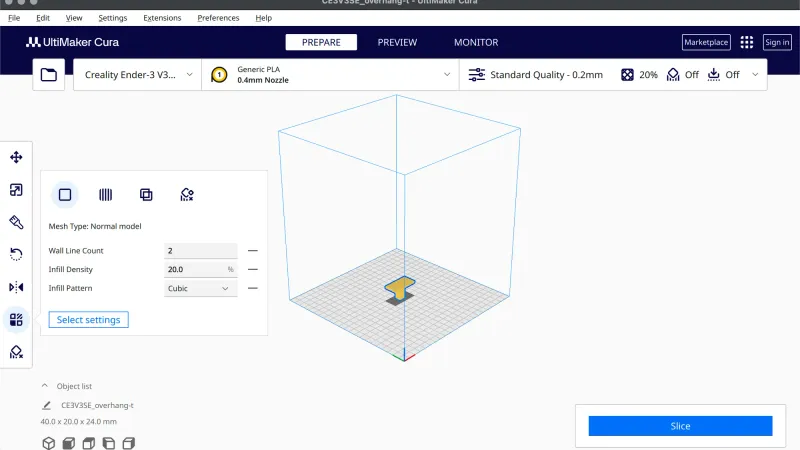 Cura Per Model Settings: Override Infill and WallsA hands-on UltiMaker Cura lesson on the Per Model Settings tool: the settings picker, the editable rows, the mesh type buttons and an infill mesh that changes infill only where two models overlap.
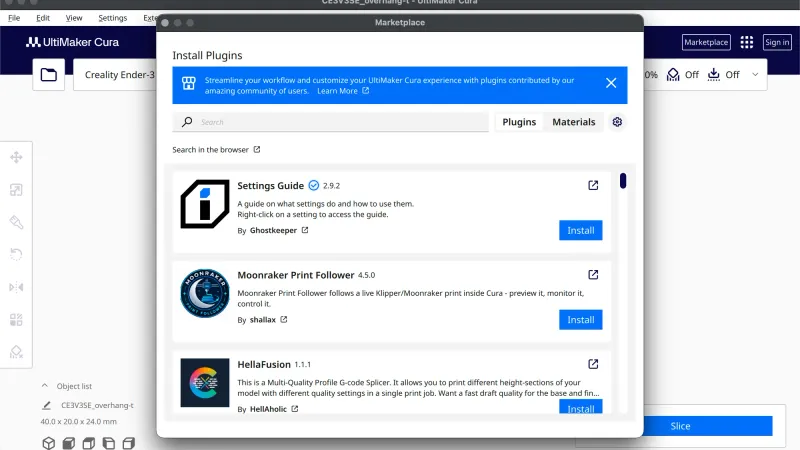 Cura Plugins and Marketplace: What You Can AddA hands-on UltiMaker Cura lesson on plugins: the Marketplace window, the Manage packages view, the Extensions menu, the Post Processing script list and the General preferences, tested without installing or signing in.
Frequently asked questions
Is UltiMaker Cura free?
Yes. Cura is open source under the LGPL-3.0 licence and its GitHub page lists no price. The setup wizard offers a free UltiMaker account, but we pressed Skip and slicing and exporting G-code worked without it. Nothing in our run asked for payment.
Do I need an UltiMaker account to use Cura?
No. The wizard has a sign in page that lists Marketplace access, backup and sync, but it also has a Skip button. We skipped it and carried on to slice and export. An account is only needed for the features that page names, and we did not test installing from the Marketplace.
Where should a complete beginner start?
Start with the first launch setup lesson, then the interface tour and the lesson on the Recommended print settings. Those three get a first slice done. After that, the course moves to custom settings, supports and adhesion, and the later lessons cover materials, per model settings and plugins.
Do the lessons work for other Cura versions?
They were run on Cura 5.13.0 on macOS. Newer or older versions can move settings around. For example, 5.13.0 has no Simulation view in Preview, which older guides mention, and the lessons describe only what we saw. If your window differs, check the release notes for your version.
Learning a different slicer?
- OrcaSlicer courseFrom installing OrcaSlicer to supports, calibration and advanced settings, one short lesson at a time.
- PrusaSlicer courseFrom the Configuration Wizard to supports, modifiers and the Cut tool, one short PrusaSlicer lesson at a time.
- Bambu Studio courseFrom the first-launch setup to supports, multi-colour filaments and per-object settings, one short Bambu Studio lesson at a time.