What Is G-code? A Plain-English Guide for 3D Printing
G-code is the text language that tells a 3D printer where to move, how hot to run and when to extrude. Here is how to read it and when to leave it alone.
By Sepehr Sabbagh-pour · Published · 5 min read
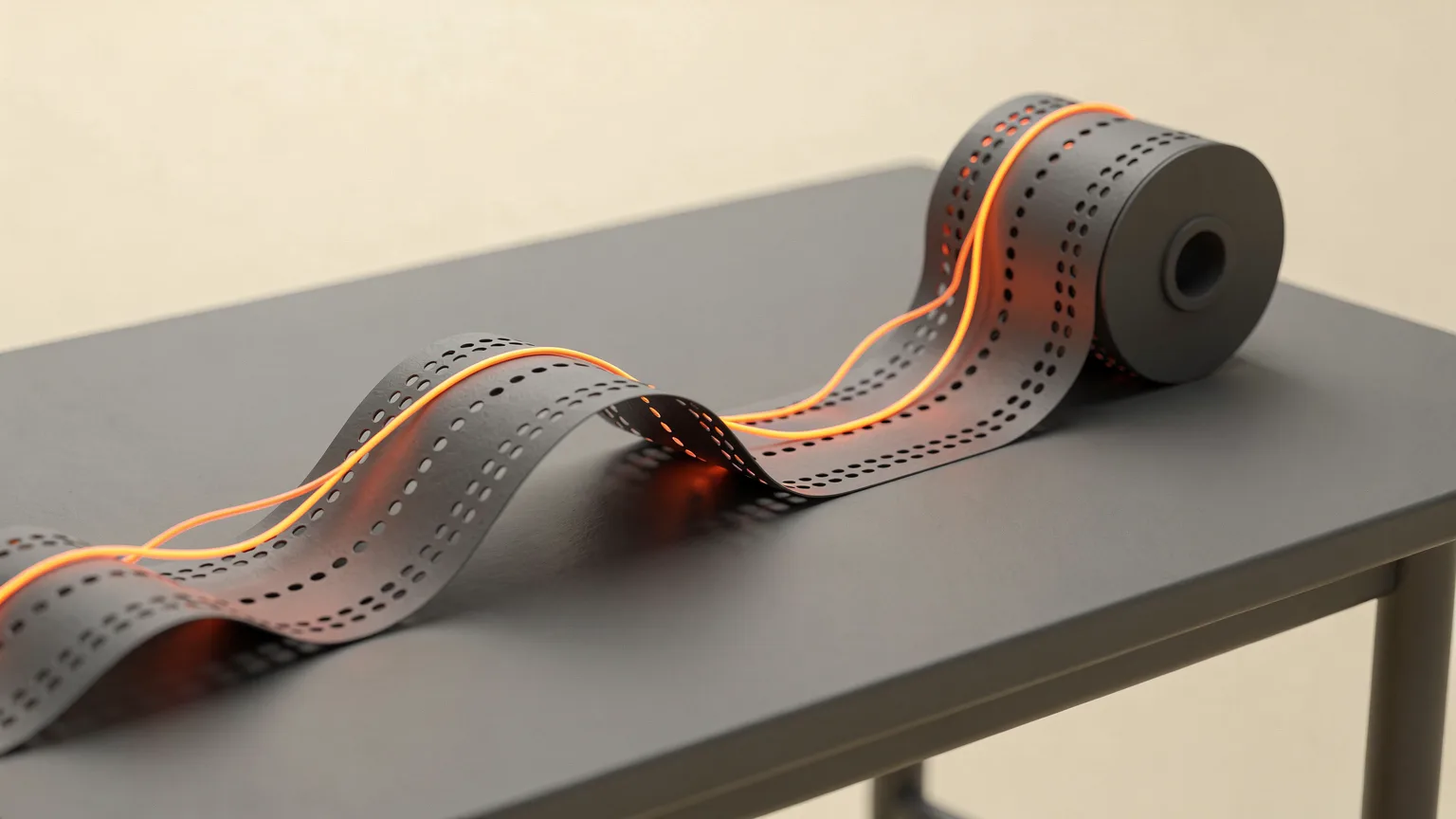
G-code (often written gcode) is the plain-text language that tells a 3D printer what to do. Each line is one instruction, such as heat the nozzle, move to a coordinate or push out a set amount of filament. Your slicer writes the file; the printer reads it line by line.
This guide explains what G-code is, what a few common lines mean, and when you actually need to read or edit it. The facts come from Marlin and Klipper documentation and Wikipedia, not from our own printing.
What is gcode? G-code in 3D printing explained
G-code in 3D printing is a list of text commands that a printer's firmware runs in order. Wikipedia traces the language back to numerical control work at the MIT Servomechanisms Laboratory in the 1950s. The first standardized US version, RS-274, was published by the Electronic Industries Association in 1963, and ISO 6983 was finalized in 1982. The name is short for "geometric code".
3D printers borrowed the idea from CNC machines. Your model does not go to the printer as a shape. A slicer cuts it into layers and converts each layer into thousands of small movement and extrusion commands. Our guide to what a slicer is covers that step, and STL vs 3MF vs G-code explains how the file types differ.
What does a line of G-code look like?
A typical line is a letter and number for the command, followed by parameters. Marlin's documentation describes G1 as a linear move: X, Y and Z give the target coordinates, E gives the extruder position and F sets the feedrate in units per minute. Coordinates are in millimeters by default.
So a line that starts with G1 and carries X, Y and E values means "move in a straight line to this point while feeding this much filament". A G1 line with no E value is a travel move that does not extrude. Marlin notes that G0 is an alias for G1 on Cartesian and delta machines, and by convention G0 is used for moves that do not extrude.
Which G-code commands do you see most often?
A few commands appear in almost every file. The meanings below come from Marlin's G-code index and command pages; Klipper's documentation lists the same core set as supported.
| Command | What it does |
|---|---|
G28 | Homes axes. With no parameters Marlin homes all axes; G28 X Z homes only X and Z. |
G0 / G1 | Linear move, with optional extrusion (E) and feedrate (F). |
G90 / G91 | Absolute or relative coordinates. G91 makes coordinates relative. |
G92 | Changes the recorded position of an axis without moving it. |
M104 | Sets the hotend target temperature and carries on. |
M109 | Sets the hotend temperature and waits until it is reached. |
M140 / M190 | Sets the bed temperature; M190 waits for it. |
M82 / M83 | Absolute or relative extruder positioning. |
M106 / M107 | Fan on and off (listed in Klipper's supported set). |
The pattern of M104 and M109 is worth knowing: the "wait" version stops the file until the temperature is reached, which is why start sequences usually heat the bed and nozzle before the first move.
How does a printer use a G-code file?
The slicer writes the file in this order: a start section, then every layer, then an end section. The start section typically homes the printer, heats the bed and nozzle and primes the nozzle. The layer sections hold the long run of G1 moves. The end section turns heaters off and parks the head. Slicer settings such as layer height, speed and retraction all end up as numbers inside these lines. See layer height explained for how one setting changes the Z moves, and retraction settings for the filament pull-backs you may spot between travel moves.
The file is sent to the printer by SD card, USB or network, depending on the machine. Firmware then reads it and plans the moves. Marlin explains that each move is added to a planner and runs after earlier moves finish, following acceleration and jerk limits, so a long straight line is not simply run at the F value from the first millimeter.
Is G-code the same on every printer?
No. The core commands are widely shared, but firmware differs. Wikipedia says machine makers have added their own extensions to G-code, so operators must learn each vendor's differences. The same is true in 3D printing. Klipper says it aims to support the G-code that common slicers produce in standard configurations, not every possible command, and it adds its own extended commands such as SAVE_CONFIG and RESTART that use readable names. Less common Marlin commands such as G29 or M42 can be provided through a gcode_macro section. Read what Klipper is for the wider picture.
The practical rule: pick the right printer profile in your slicer, because it sets the start and end sections and the flavor of G-code for that firmware. A file sliced for the wrong printer may use commands the firmware does not understand.
Do you need to read or edit G-code?
Most people never need to. Change settings in the slicer and re-slice instead of editing the file, because the slicer keeps every line consistent. Reading it helps when something odd happens at the start of a print, because the start section is where heating and homing commands live.
Editing is reasonable for small, well understood changes, such as adding a command to the start section or inserting a pause at a layer. If you edit by hand, keep a copy of the original, change one thing at a time and watch the first print of the changed file closely. Do not change temperature or heating commands unless you know the printer's limits; follow the maker's guidance for safe temperature ranges.
If you want to see what a file will do without printing it, a previewer in your slicer draws the toolpath from the G-code. It is a good way to check seams, travel moves and supports. For how speed values affect results, see print speed vs quality, and for bed probing commands see auto bed leveling explained.
Can you write G-code by hand?
Yes. G-code is plain text, so any text editor can open it, and printers accept hand-written commands through a terminal in Klipper-based interfaces or other host software. Beginners usually do this to send a single command, such as homing with G28 or setting a temperature with M104. Writing a whole print by hand is possible only for very simple shapes, which is why slicers exist.
Frequently asked questions
What is G-code in 3D printing?
G-code in 3D printing is the plain-text set of instructions a printer's firmware runs, one command per line. Each line says to home an axis, set a temperature, move to a coordinate or extrude filament. Your slicer creates the file from your model, so you rarely write it yourself. The language comes from numerical control work at MIT in the 1950s and was standardized as RS-274 in 1963 and ISO 6983 in 1982. Printer firmware such as Marlin and Klipper implement a shared core of commands, with their own extensions on top.
What does G1 mean in G-code?
G1 is a linear move. Marlin's documentation says it adds a straight-line move to the planner, with X, Y and Z giving target coordinates, E giving the extruder position and F setting the feedrate in units per minute. Coordinates are in millimeters by default. When a G1 line carries an E value the printer pushes filament while it moves; without one it is a travel move. On Cartesian and delta printers G0 is an alias for G1, and by convention G0 is used for moves that do not extrude.
What is the difference between M104 and M109?
Both set the hotend target temperature, but M109 waits and M104 does not. According to Marlin's G-code index, M104 sets the target and the file carries on, while M109 pauses until the hotend reaches the target. The bed has the same pair: M140 sets the bed temperature and M190 waits for it. Start sections often use the non-waiting commands to heat both at once, then a waiting command so the first layer does not begin until everything is ready.
Is G-code the same on every 3D printer?
The core commands are shared, but it is not identical everywhere. Wikipedia notes that machine makers add their own extensions to G-code, and Klipper's documentation says it supports the G-code common slicers produce in their standard configurations rather than every possible command. Klipper also adds extended commands with readable names, such as SAVE_CONFIG and RESTART. Choose the right printer profile in your slicer so the start and end sections and command flavor match your firmware.
Should beginners edit G-code files?
Usually not. Change the setting in the slicer and re-slice, which keeps every line consistent with the rest of the file. Reading G-code is useful for understanding what happens at the start of a print, such as homing and heating. If you do edit, keep a copy of the original, change one thing at a time, watch the first print closely and avoid altering temperature commands beyond what the printer maker specifies. A slicer preview is a safer way to inspect a toolpath.
Sources

Founder and editor
Software engineer since 2009 and Head of Engineering by day, a maker who has owned several 3D printers, writing practical guides to 3D printers, filament and running costs, with every article saying what was and was not tested.
Drafted with AI assistance, then edited and reviewed by Sepehr before it goes live. How we use AI.
Keep reading
 AI illustration
What Is a Slicer? How 3D Printing Software Works
A slicer cuts a 3D model into layers and writes the G-code your printer follows. Here is how slicing works, the main settings…
 AI illustration
STL vs 3MF vs G-code: 3D Printing File Types Explained
STL and 3MF describe a model; G-code tells the printer what to do. Learn what each file contains and which one to use at each…
 AI illustration
What Is Klipper? Firmware for 3D Printers Explained
Klipper is 3D printer firmware that splits the work between a small computer and the printer board. Here is how it works, what it…