PETG Print Temperature: Nozzle and Bed Settings
Prusa recommends 240 degrees C at the nozzle and 85 to 90 on the bed for PETG; Polymaker lists 240 to 260 and 60 to 70. Settings, cooling and tuning steps.
By Sepehr Sabbagh-pour · Published 10 October 2026 · 5 min read
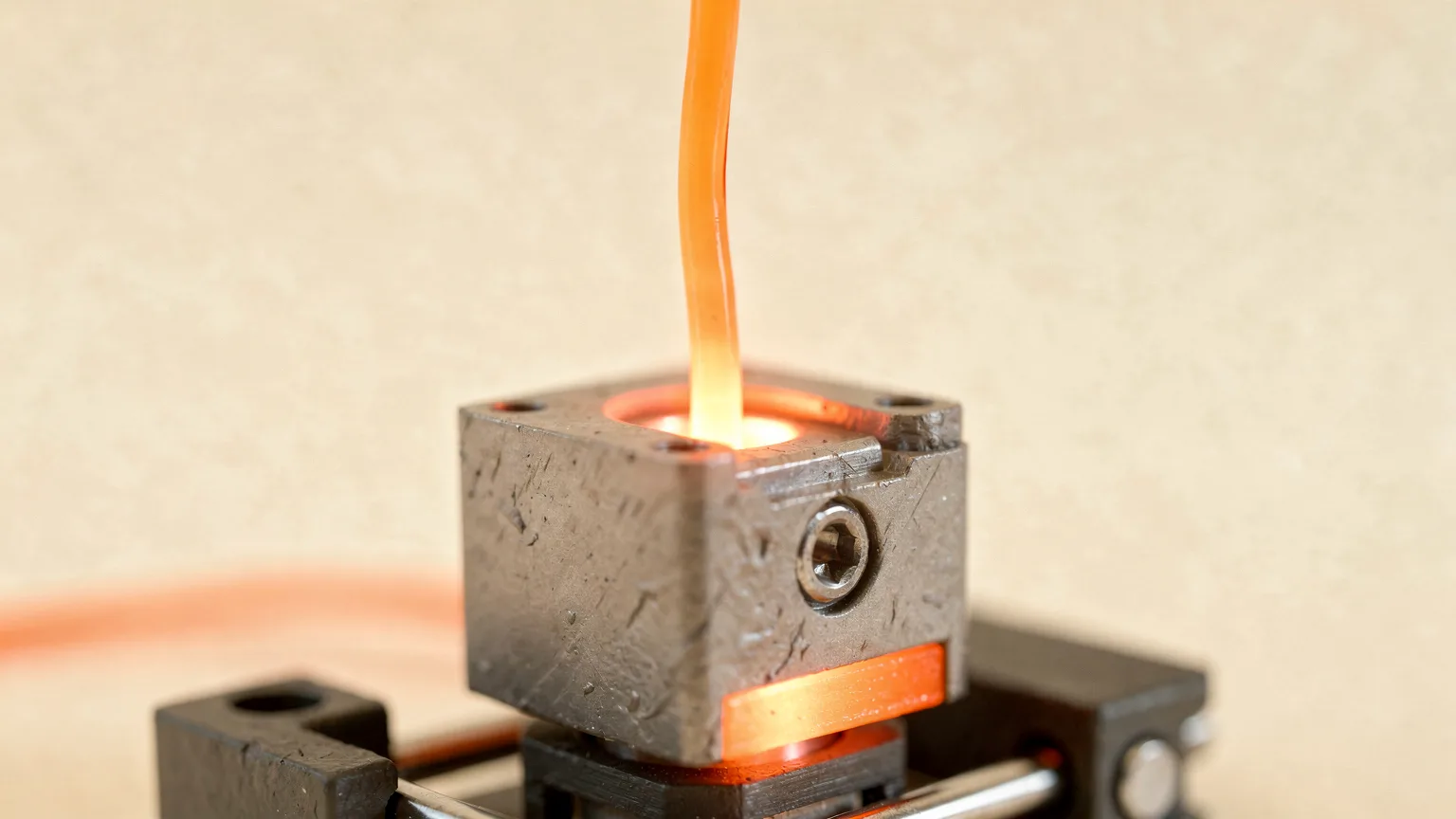
PETG prints hotter than PLA and needs a heated bed. Prusa recommends 230 degrees C for the first layer and 240 for the others, with the bed at 85 degrees C for the first layer and 90 for the rest. Polymaker's PETG lists 240 to 260 degrees C at the nozzle and 60 to 70 degrees C on the bed. The settings differ because the products and printers differ, which is why the spool label always wins over a chart.
This is a research article built from manufacturer documentation (sources below). It does not describe our own prints, and every figure is a starting point.
PETG temperature settings at a glance
| Setting | Prusa (Prusament PETG) | Polymaker PETG |
|---|---|---|
| Nozzle | 230 °C first layer, 240 °C other layers | 240 to 260 °C |
| Bed | 85 °C first layer, 90 °C other layers | 60 to 70 °C |
| Part cooling fan | Off for the first few layers, then about half power | 20% to 60% |
| Print speed | Not specified | Up to 300 mm/s |
| Retraction | Higher retraction can reduce stringing | 1 mm at 20 mm/s (direct drive); 3 mm at 40 mm/s (Bowden) |
| Drying | 55 °C for 6 hours | 60 °C for 6 hours, only if the material has absorbed moisture |
The bed figures are far apart. Prusa's profile is tuned for its own steel sheets, and Polymaker's is a general range for many printers. Start near the lower end of a maker's range and raise the bed only if adhesion is poor.
Nozzle temperature
Prusa explains the trade-off: higher filament temperature improves merging between layers, which gives better mechanical strength. Higher temperature also makes PETG ooze and string more. Its guidance for stringing is higher retraction and a lower nozzle temperature, or using the PrusaSlicer profiles.
Tuning method
- Start at the middle of the range on the spool, or 240 degrees C if the label is missing.
- If you see strings or blobs, lower the temperature by 5 degrees C and print the same small test again. The guide to fixing stringing lists the other causes in order.
- If layers split or the print looks weak, raise the temperature by 5 degrees C or slow down.
- Keep notes by brand and color. Two PETG spools from different makers can behave differently.
Bed temperature and the build plate
Unlike PLA, PETG requires a heated bed according to Prusa. The bigger problem is adhesion that is too strong. Prusa warns against printing PETG directly on a smooth PEI sheet because the bond can be strong enough to damage the sheet, and recommends a powder-coated textured or satin sheet. If you do use smooth PEI, Prusa says to apply a glue stick first. Keep the plate clean as well.
If the first layer does not stick or leaves gaps, work through fixing a bad first layer before changing temperatures.
Cooling
Prusa's advice is nuanced. Cooling keeps the model detailed and reduces stringing and oozing. But if you want the toughest part, turn the fan off, because hotter layers bond better. Its general recommendation is to print the first few layers with the fan off to prevent deformation, then run it at about half power. Polymaker lists the fan at 20% to 60%.
Speed and retraction
Polymaker states a speed of up to 300 mm/s for its PETG, which depends on a printer built for that speed. Slower speeds are safer if your printer is older or you see under-extrusion. Retraction starting points from Polymaker are 1 mm at 20 mm/s for direct drive, 3 mm at 40 mm/s for Bowden setups.
What PETG is good for, and where temperature matters
- Mechanical parts: Prusa notes PETG's good temperature resistance makes it suitable for most interior and exterior use with temperatures below 80 degrees C. It also lists poor bridging and overhangs, stringing and hard-to-remove supports as drawbacks.
- Layer adhesion: Prusa lists PETG as having good layer adhesion and being water and humidity resistant.
- Moisture: PETG strings badly when wet. See how to store filament and how to dry filament.
For a comparison with PLA and ABS, see PETG vs PLA and PLA vs PETG vs ABS vs TPU. For the PLA equivalent of this page, see PLA print temperature.
Common mistakes
- Printing PETG on a smooth PEI plate with no release layer. The bond can be too strong, per Prusa.
- Using PLA fan settings. Full fan from the first layers can cause deformation and poor bonding.
- Setting the nozzle too close. A very low nozzle makes PETG blobs and sticks to the nozzle.
- Chasing temperature when the spool is wet. Dry the spool first.
Starting point if the spool has no label. Nozzle 240 degrees C, bed 70 to 85 degrees C, fan off for the first few layers and then roughly half, 1 to 3 mm retraction. Adjust one setting at a time.
Frequently asked questions
What temperature should I print PETG at?
Prusa recommends 230 degrees C for the first layer and 240 for the rest. Polymaker lists 240 to 260 degrees C. Start near 240 degrees C and adjust in 5 degree steps.
What bed temperature does PETG need?
PETG needs a heated bed. Prusa recommends 85 degrees C for the first layer and 90 for the rest on its sheets, while Polymaker lists 60 to 70 degrees C. Start lower and raise only if adhesion is poor.
Should the cooling fan be on for PETG?
Prusa says cooling keeps the print detailed and reduces stringing, but turning the fan off makes the part tougher. It suggests fan off for the first few layers, then about half power. Polymaker lists 20% to 60%.
How do I stop PETG from stringing?
Dry the filament, lower the nozzle temperature in small steps and increase retraction. Prusa also suggests starting from the slicer profiles made for the filament.
Sources

Founder and editor
Software engineer since 2009 and Head of Engineering by day, a maker who has owned several 3D printers, writing practical guides to 3D printers, filament and running costs, with every article saying what was and was not tested.
Keep reading
How Much Does 3D Printer Filament Cost?
PLA typically costs $14 to $20 per kilogram from mainstream makers, with engineering filaments several times higher. Dated store prices, cost per gram and ways to spend less.
10 October 2026 · 7 min read
Nylon Filament for 3D Printing: What It Is and What It Needs
Nylon is tough, slippery and heat tolerant, but it needs a hot nozzle, a dry spool and usually an enclosure. Here is what it is, what it costs and what it asks of your printer.
10 October 2026 · 6 min read
What Is PETG-CF? Carbon Fiber Filament Explained
PETG-CF is PETG filled with carbon fiber: stiffer, more stable and less stringy, but less tough and abrasive on nozzles. Here is what it needs and when it is worth it.
10 October 2026 · 6 min read