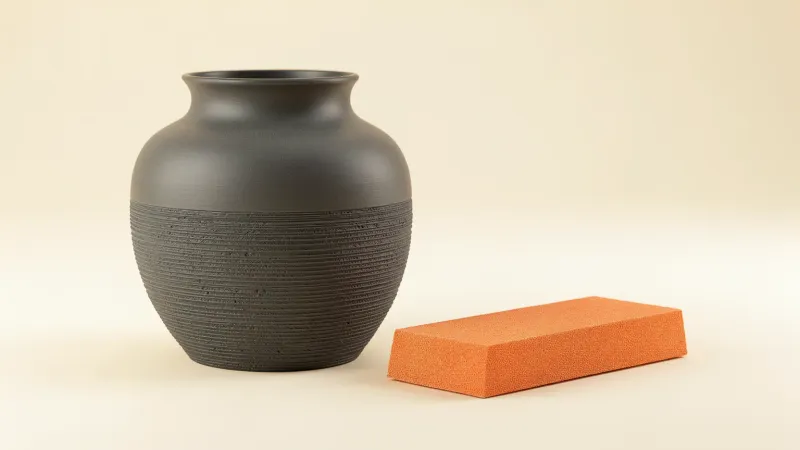
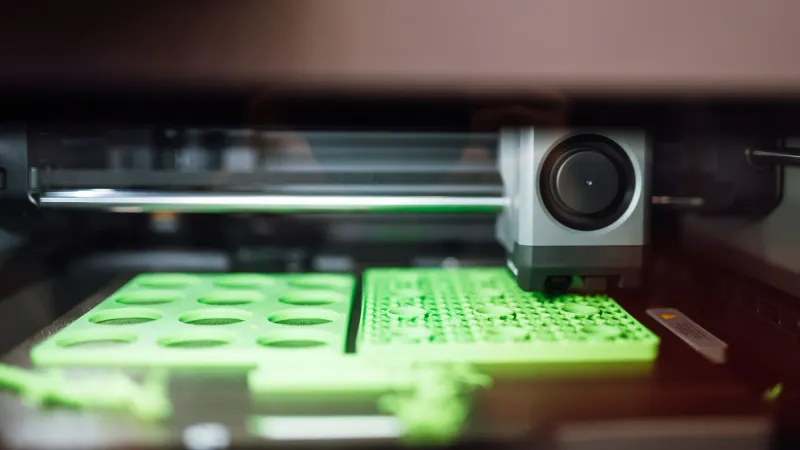
How to paint 3D prints comes down to four steps: sand, prime, paint in thin coats, then seal. Primer is the key step because paint hides no flaws, while a gray primer coat exposes them so you can fix them first. Maker guides from Formlabs and Anycubic agree on that order.
Research-based guide. This article is compiled from maker documentation and has not been checked on a test printer. Drying times and coat counts are the makers' figures; always follow the label on your own paint.
What is the best way to paint a 3D print?
The best way to paint a 3D print is to spray a plastic-compatible primer, then build color in several thin coats and finish with a clear coat. Thin coats keep fine detail visible, and each layer must dry before the next. Formlabs advises against thick hardware-store paint, which tends to clump, and favors thin, even spray coverage from one brand of primer, paint and clear coat.
The workflow is the same whether the part is FDM or resin, but the amount of prep differs. A resin print needs support marks removed and a light sanding. An FDM print with a large layer height may need the whole surface sanded so layer lines do not show through, according to Formlabs. Heavy primer can stand in for some of that sanding, at the cost of softening fine detail.
What do you need to paint 3D prints?
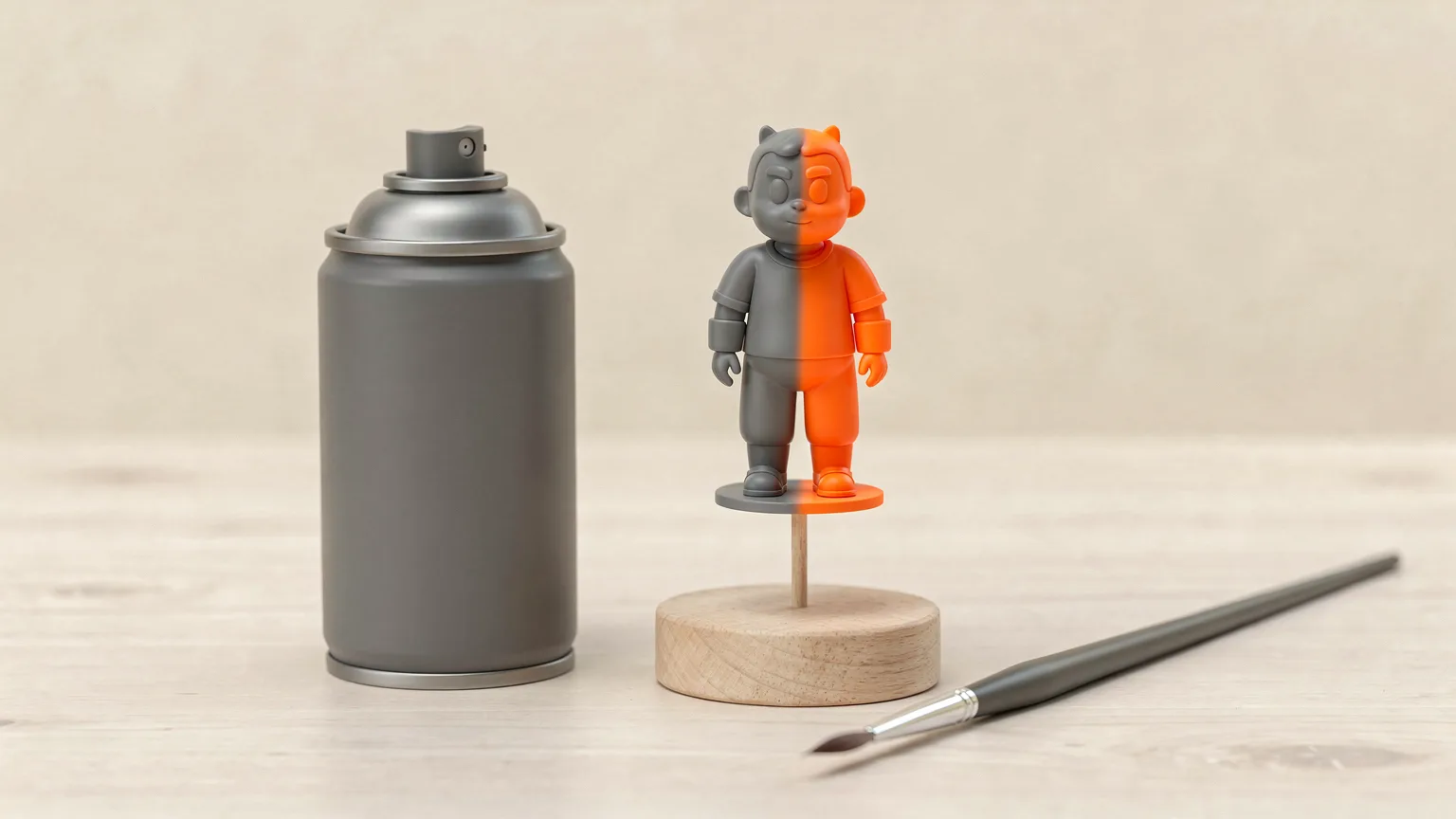
You need a small kit, and most of it is cheap. The list below combines the kits named by Formlabs, Anycubic and eufyMake.
- Sandpaper: roughly 220 or 320 grit, then 400 or 600 grit (Formlabs). Anycubic lists 120, 220 and 600 grit sheets plus sponge sanders. See sanding 3D prints for the full grit ladder.
- Primer: a spray primer made for plastic. Formlabs names Tamiya Fine Surface Primer in light gray as its top pick and calls Krylon and Montana thick.
- Paint: acrylic is the usual choice for brush work (eufyMake, Anycubic). Spray lacquers such as Tamiya TS paints give thin, even coverage (Formlabs).
- Clear coat: gloss, satin or matte, ideally from the same brand as the paint.
- Handling gear: a dowel and a painting block to hold the part, masking tape, a tack cloth and nitrile gloves.
- Safety gear: a respirator and a ventilated space.
How do you prepare a 3D print for painting?
Prepare a 3D print by removing supports, sanding support marks and the surface, then washing and drying the part. Paint does not cover flaws, so the surface you hand to the primer sets the finish. Start from a clean part, and for resin prints make sure it is fully washed and cured first (see how to wash and cure resin prints).
- Remove supports. Use flush cutters, or an X-Acto knife for delicate tips. If supports have fused to the part, this fix guide covers it, and supports explained shows how to place them to leave fewer marks.
- Sand the marks. A rotary tool, hand file or 220 grit paper. Formlabs suggests keeping a rotary tool to about 500 to 1,000 RPM with a light touch to avoid scorching.
- Smooth the whole surface. Start at 220 or 320 grit, then 400 or 600 grit. Formlabs says the smoothness you reach here determines the final finish.
- Wash and dry. Scrub with a soft brush and water; Formlabs prefers distilled or deionized water in hard-water areas. eufyMake suggests wiping with isopropyl alcohol.
- Mount the part. Drill a small starter hole in a hidden spot, push in a dowel and seat it in a painting block so you can spray without touching the surface.
- Tack cloth. Wipe in one direction with nitrile gloves, only once the part is dry, because water spoils the cloth's waxy surface.
Heat matters for sanding some materials: a power tool can deform PLA, which is covered in the sanding guide. Hand sanding is the safer default on PLA and PETG.
How do you prime a 3D print?
Prime a 3D print by spraying two to three light coats of plastic-safe primer from 6 to 8 inches away, stopping as soon as the color is opaque. Formlabs and eufyMake give the same distance. Primer gives paint an even base, and a gray coat shows every layer line and scratch you missed.
- Swirl the can for 2 to 3 minutes. Do not shake it, because Formlabs says that causes bubbles.
- Spray in short, quick strokes that start and end off the part, and rotate the part as you go.
- Inspect the first coat. Fix problems with fine sandpaper above 600 grit, then wash and tack-cloth the part again before respraying.
- Add a final light coat and stop at opacity. Thick primer fills fine detail.
- Let it dry for the time printed on the can.
Anycubic describes a brush-on alternative: a thin, even coat of surface primer, never brushed over a half-dry surface, with each coat fully dry before the next. If imperfections remain, sand lightly and re-prime any spot where the primer comes off.
How many coats of paint does a 3D print need?
A 3D print usually needs two to four thin coats of paint for even coverage. Formlabs expects 2 to 4 undercoat layers, often 2 to 3, with the first passes looking translucent. Once the coat turns opaque, it recommends waiting 20 to 30 minutes before the next step.
| Stage | Typical amount | Source |
|---|---|---|
| Primer | 2 to 3 light coats | eufyMake, Formlabs |
| Undercoat or base color | 2 to 4 thin coats | Formlabs |
| Topcoat for gradients | 1 to 2 light coats | Formlabs |
| Clear coat | 1 to 2 thin coats | Formlabs |
| Acrylic dry time | 15 to 30 minutes per coat | eufyMake |
| Full cure | 24 hours minimum, up to a week | eufyMake, Formlabs |
Pick the undercoat to suit the color: black for dark tones and white for light ones (Formlabs). Between coats, Formlabs suggests lightly wet sanding with its finest paper, then buffing. Thin paint with water or a medium for smoother layers if you brush (eufyMake).
Brush, spray or airbrush?
Brush acrylics suit small parts and detail work. Spray paint gives a smoother finish on larger parts, and an airbrush handles gradients, according to eufyMake. Anycubic recommends a wet palette to keep acrylic from drying, and rinsing a brush straight away if it sits unused for more than 30 seconds. Use masking tape for two-tone parts: press the edge down firmly and run a plastic card along it to prevent bleed (Formlabs).
How do you seal painted 3D prints?
Seal painted 3D prints with one or two thin coats of clear coat, sprayed from 6 to 8 inches away once the paint is fully dry. Pick gloss, satin or matte to suit the part. The clear coat protects the color and, per Formlabs, helps small droplets of paint blend into a smooth shell.
Let the finished part cure before you handle it. eufyMake gives 24 hours as a minimum for clear coat and says some people wait up to a week. Formlabs recommends at least a week, and gloves with a light touch if you must move it sooner. Anycubic notes that varnish should only go on after the paint is completely dry, so check whether the product you buy is gloss or matte.
What safety steps matter when painting 3D prints?
Wear a respirator and work in fresh air whenever you spray primer, paint or clear coat. Formlabs specifies a NIOSH-approved respirator and warns that spray particulates and solvents are health hazards. eufyMake adds gloves and a drop cloth. Anycubic recommends goggles and a mask for the sanding stage as well.
Follow the safety data on each can and the maker's guidance for ventilation. This guide does not replace it. For wider workshop habits, see 3D printer safety basics, and for resin parts resin 3D printing safety. If you want to estimate what a finished part costs once paint and primer are included, try the print cost calculator.
Common mistakes when painting 3D prints
- Skipping primer. Paint hides no flaws, so layer lines and support scars show through.
- Spraying thick coats. Thick primer and paint fill fine detail and can run.
- Mixing brands. Formlabs recommends primer, paint and clear coat from the same brand so they are compatible.
- Using heavy hardware-store paint. Formlabs says it clumps and builds thick layers.
- Handling too soon. Fingerprints and dents appear before the paint has hardened.