3D Printer Safety Basics: Heat, Fire and Ventilation
3D printer safety basics for filament printers: hot parts, fire prevention, thermal runaway protection, ventilation and when to read the filament safety data sheet.
By Sepehr Sabbagh-pour · Published · 4 min read
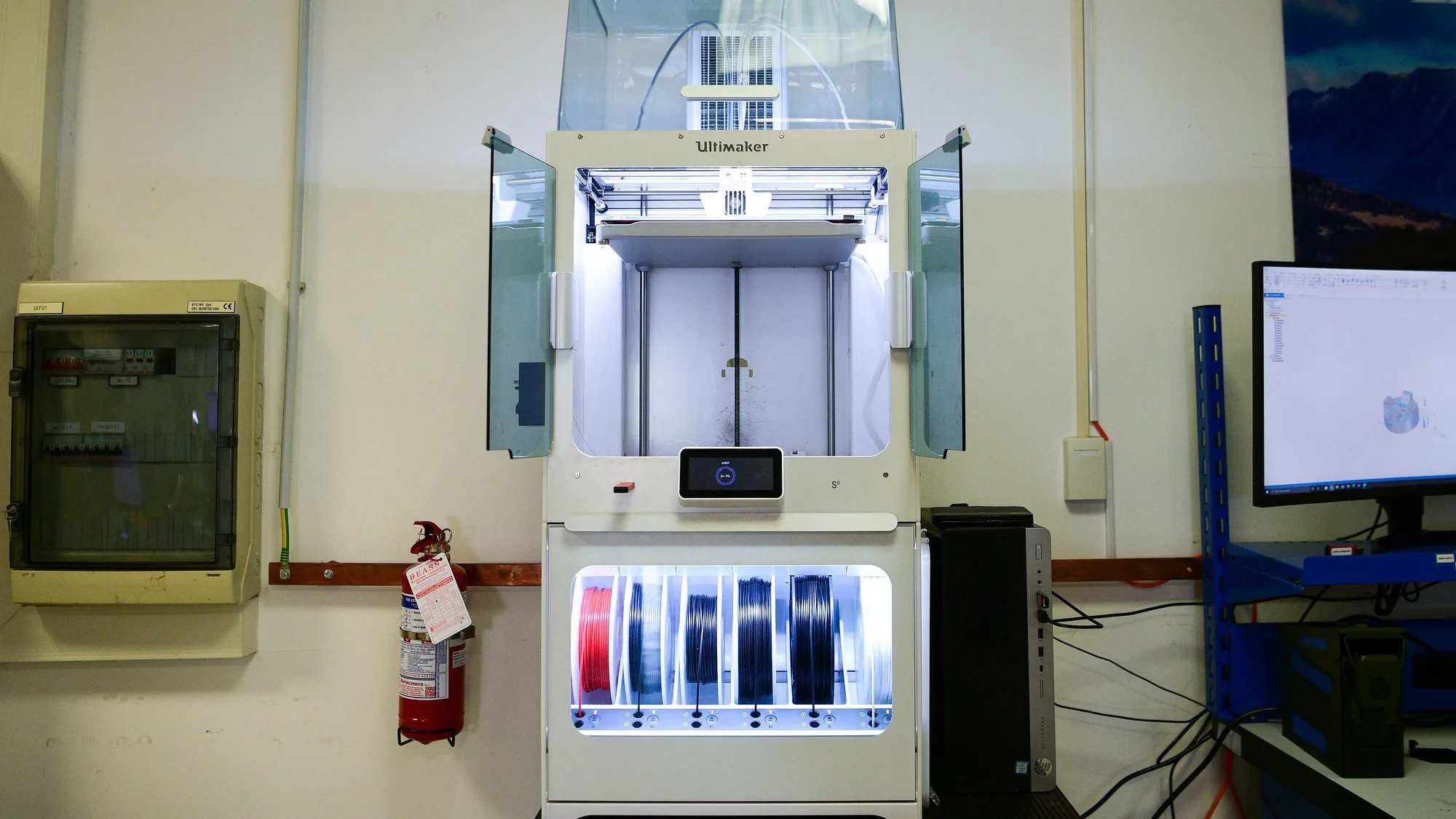
3D printer safety basics come down to three things for filament (FDM) printers: hot parts, fire, and what comes out of the plastic as it melts. This guide is desk research from Prusa documentation and two university safety pages, not a test of any printer. It is general information, not medical, legal or electrical advice. Always follow your printer's manual and the Safety Data Sheet (SDS) for each filament, and treat the numbers below as guidance for labs and workshops rather than home rules.
If you only read one thing: never bypass a safety feature, give the printer good ventilation, let hot parts cool before you touch them, and read the SDS for any material other than basic PLA.
Heat: avoiding burns
Nozzles, heater blocks and heated beds get hot enough to burn. Prusa's maintenance page puts it bluntly: heated parts can cause severe burns. When cleaning the nozzle at 250 °C, it says to wait until the hot parts have cooled to ambient temperature, which takes about 10 minutes, and to check the values on the display rather than guessing.
Bambu Lab's A1 documentation lists heat-resistant gloves among the tools and says the hotend should be below 60 degrees before swapping the silicone sock or hotend. Moving parts are a hazard too: Wayne State University lists pinch hazards from moving components and says enclosures help prevent pinch injuries.
- Switch the printer off or let it cool before reaching in to fix a jam.
- Tie back hair and loose sleeves, and keep fingers clear of moving axes.
- Use tweezers or pliers rather than fingers near the nozzle.
Fire: what to know
Modern printers are designed with protections, but fire is a recognized hazard. Wayne State University notes that thermoplastics can be flammable, that solvents such as acetone can combust near a heat source, and that bed-preparation chemicals such as hairspray are flammable. It adds that printers can overheat and catch fire if thermal runaway protection is not activated in the firmware or is not working properly.
Prusa explains the idea. Thermal runaway protection cuts power to the heaters if a temperature sensor fails. Without it, the heater could reach dangerously high temperatures, with the printer potentially becoming a fire hazard. On its i3 series, Prusa describes the printer shutting down when the temperature drops by more than 15 °C for more than 45 seconds. Details differ by model.
Practical fire habits
- Do not disable protections. Wayne State says never to bypass interlocks or safety controls during printing, and Prusa says not to bypass its fan RPM check as this could damage the printer.
- Keep flammables away. Wayne State advises storing flammable liquids away from printers and enclosures.
- Use certified equipment where possible. Wayne State recommends printers certified to ANSI/CAN/UL 2904, a standard aimed at reducing emissions.
- Treat thermal runaway errors seriously. If the error appears, check the Prusa guidance for your model, look for damaged wiring or a dislodged sensor, and do not keep restarting the print.
- Think about unattended printing. Neither maker page above sets a rule for this, so this is general caution: a smoke alarm in the room and a clear space around the printer are common-sense measures. Check your manual for the maker's position.
If your printer stops with a thermal runaway message, see what it means and how to fix it.
Ventilation and fumes
Heating plastic produces ultrafine particles and, depending on the material, chemical vapors. Clemson University lists the hazards as ultrafine or nano-sized particles, chemical vapors such as styrene, acrylonitrile or formaldehyde depending on the material, hot surfaces, moving parts, high voltage, ultraviolet light and the tools used to finish parts. Wayne State likewise notes that many filaments and resins produce volatile organic compounds when heated.
Clemson's guidance, written for a university, says printers should be in a well-ventilated area or vented to the outside, recommends at least 4 to 6 air changes per hour for up to four desktop printers, and says to buy enclosed models where possible. It adds that full enclosure appears more effective at controlling ultrafine particle emissions than a cover. Wayne State recommends a minimum of 6 air changes per hour and filtered fume extractors or fume hoods where possible. These figures are for institutional spaces. Use them to understand the principle, not as a home rule, and follow your maker's own ventilation advice. For what an enclosure does and does not do, see our 3D printer enclosure guide.
Both universities say to keep your distance from a running printer when you can and not to congregate around it. Clemson advises that if a nozzle jams you should turn off the printer and allow it to ventilate before removing the cover.
Which material is safer?
Clemson states that in general PLA is much safer to use than ABS, and that anything other than PLA, or any experimental material, calls for a risk assessment. Both universities tell users to read the SDS for the specific product. For a non-medical overview of materials, see our comparisons of PETG vs PLA and types of 3D printer filament. If you want ABS, an enclosure matters. Read enclosed vs open frame printers.
Good housekeeping
- Wash your hands after handling printers and prints, and do not eat or drink where you print (Clemson).
- Clean surfaces with a wet method rather than sweeping, which can raise airborne particles (Clemson).
- Post-processing with solvents brings its own inhalation and fire hazards (Wayne State).
- Take care with sharps. Wayne State lists spatulas, razors and scalpels used to remove supports as cut hazards.
- Do not use acetone on sheets that the maker says it will damage. See the maintenance checklist.
Where to put the printer
A stable, non-cluttered spot with airflow and no stored fuels or solvents nearby is a good starting point. Our guide to where to put a 3D printer goes further.
Resin printers are different
Resin printers use liquid photopolymer and UV light, with their own chemical and eye hazards. Wayne State notes UV exposure risks, and Clemson says resin printers should be in lab-type areas with eyewash. See resin 3D printing safety and follow the resin's SDS.
Frequently asked questions
Is 3D printing safe at home?
Many people print at home, but safety depends on the printer, material and room. Follow the manual, ventilate the room, keep flammables away and read the filament Safety Data Sheet. University guidance describes PLA as much safer than ABS.
Can a 3D printer catch fire?
It is a recognized hazard. Wayne State University says printers can overheat and catch fire if thermal runaway protection is not active or not working, and Prusa describes it as a protection against sensor failure. Never disable safety features.
Do 3D printers need ventilation?
Clemson University says printers should be in a well-ventilated area or vented to the outside, and prefers enclosed printers. Its air-change figures are for institutional spaces, so follow your maker's own advice at home.
Is PLA safe to print indoors?
Clemson University states PLA is in general much safer than ABS, but any printer produces particles and heat, so ventilation still matters. Check the filament SDS and your manual.
How long should I wait before touching the nozzle?
Prusa says the hot parts take roughly 10 minutes to cool to ambient temperature after cleaning at 250 degrees Celsius, and to check the display rather than guess. Bambu Lab says the A1 hotend should be below 60 degrees before swapping certain parts.
Sources

Founder and editor
Software engineer since 2009 and Head of Engineering by day, a maker who has owned several 3D printers, writing practical guides to 3D printers, filament and running costs, with every article saying what was and was not tested.
Drafted with AI assistance, then edited and reviewed by Sepehr before it goes live. How we use AI.
Keep reading
 AI illustration
Resin 3D Printing Safety Basics
What printer makers say about handling liquid resin: gloves, ventilation, storage, isopropyl alcohol and disposal, with the SDS…
 AI illustration
Heat Creep 3D Printer Jams: Causes and Fixes
What heat creep is, how to tell it from an ordinary clog, and the cooling, enclosure and settings fixes Prusa's documentation…
Where to Put a 3D Printer: Space, Noise and Ventilation
Where you put a 3D printer affects print quality, noise and air quality. A practical guide to space, surfaces, ventilation and…