3D Printer Enclosure: Do You Need One and Which to Get
An enclosure matters for ABS, ASA and nylon and does little for PLA. Here is when to get one, what it cannot do, and how buying compares with building.
By Sepehr Sabbagh-pour · Published · 5 min read
Prices checked .
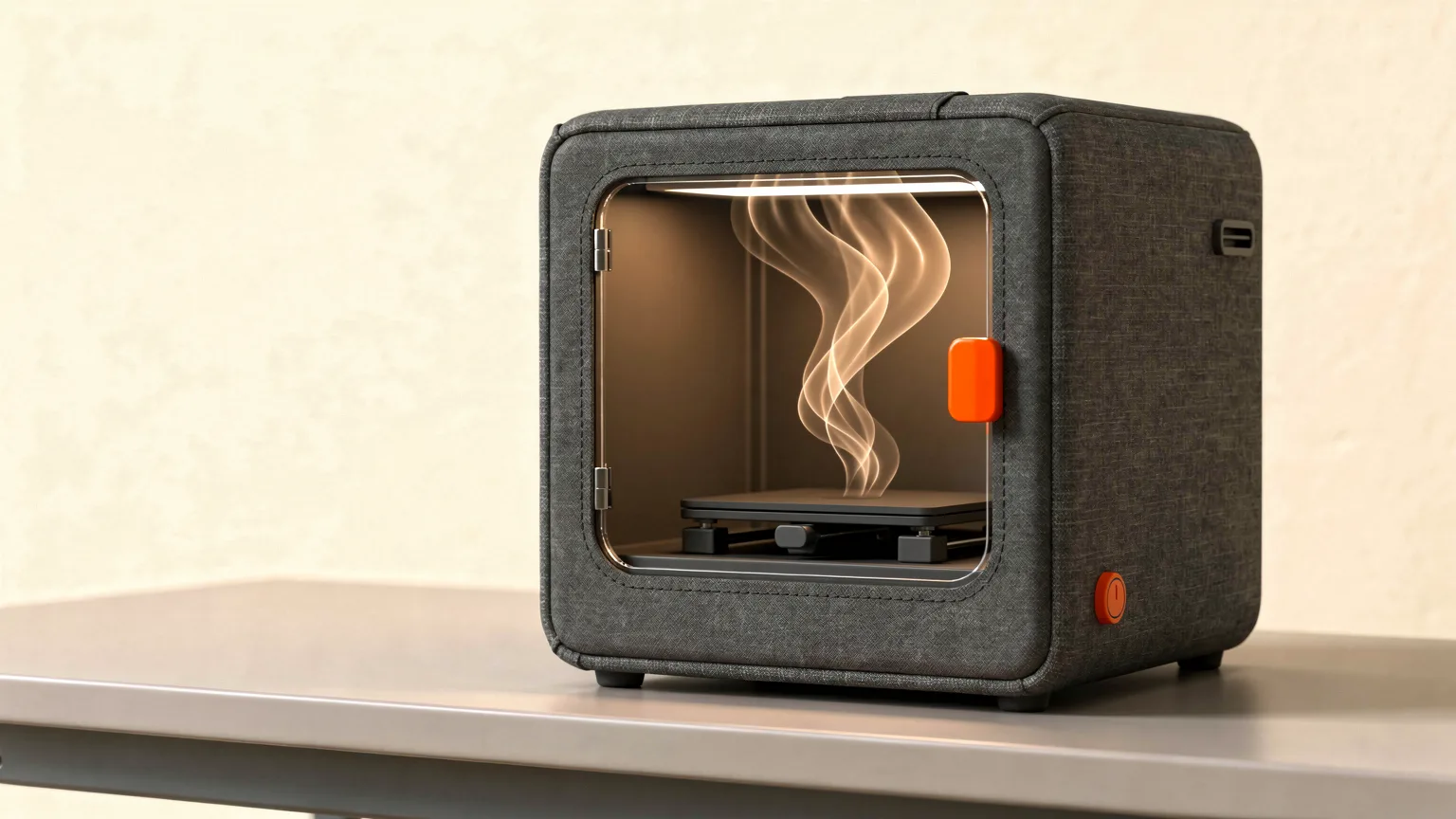
A 3D printer enclosure is a box, tent or cabinet around the printer that holds heat in, blocks drafts and takes the edge off noise. You need one for warp-prone materials such as ABS, ASA and nylon, but not for PLA or PETG. Buy one made for your printer rather than improvising.
Do you need a 3D printer enclosure?
You need a 3D printer enclosure if you plan to print ABS, ASA, nylon or polycarbonate, and you probably do not if you will print mostly PLA and PETG. The deciding factor is the material, not the printer brand.
Prusa's ABS guide says the printer should be inside an enclosure with a higher ambient temperature, and it names significant warping and fumes as the main disadvantages of the material. Prusa's polypropylene page also says PP is highly prone to warping and suggests printing in an enclosure. Prusa's PLA page, by contrast, says PLA is not prone to significant warping and does not require a heated bed. That is the whole decision in miniature: materials that shrink as they cool want warm, still air, and PLA does not.
| Material | Enclosure? | Why |
|---|---|---|
| PLA | Not needed | Low warping; can soften if the chamber gets hot (PLA print temperature) |
| PETG | Not needed | Prints well open; avoid drafts (PETG print temperature) |
| ABS | Strongly advised | Warps and cracks in cold air; fumes need ventilation (what is ABS) |
| ASA | Strongly advised | Same warping behavior as ABS (what is ASA) |
| Nylon, PC | Strongly advised | Need stable, elevated temperatures (what is nylon) |
What does a 3D printer enclosure actually do?
An enclosure does four things, and only the first matters for material choice.
- Holds heat. Prusa describes its MK4/S enclosure as creating a stable printing environment with increased temperatures. It is passive: the heat comes only from the printer's own heated bed.
- Blocks drafts. The same page says it shields the printer from drafts, which ruin first layers and crack tall parts. If warping is your problem right now, read how to fix warping before spending money.
- Cuts noise. Prusa says the enclosure lowers noise. It will not silence a printer.
- Keeps dust off. Prusa notes it reduces dust buildup on moving parts.
Without an enclosure, Prusa's ABS guide suggests turning on the draft shield in PrusaSlicer's skirt and brim settings, which keeps the model warmer. Our brim, raft and skirt guide explains what those settings do.
Does a 3D printer enclosure make printing safe?
No. An enclosure reduces some risks, but it is not a fume filter and does not make printing safe on its own. Fumes from ABS and ASA still build up inside the box and escape when you open it, so the room needs ventilation.
Prusa's ABS guide says to run prints in a well-ventilated room and lists potentially dangerous fumes (styrene) among the drawbacks. Prusa says its enclosure helps reduce odors from certain materials, and offers an optional HEPA filter with 99.9% efficiency for ultra-fine particles. Filters and fume claims vary by maker, so follow the manufacturer's guidance for your printer and material. This site gives no medical or electrical-safety advice; see 3D printer safety basics for the general points and choose where the machine sits using where to put a 3D printer.
Does an enclosure help with PLA?
Not usually, and it can hurt. Prusa's PLA page says PLA gets soft and deforms above 60 °C, so a warm, closed chamber works against it. Heat can soften the filament before it reaches the nozzle and cause jams (see fix heat creep clogs).
Enclosed printers handle this in different ways. Prusa says the CORE One prints PLA and PETG with the door closed because rear fans keep the chamber as cool as possible, after you open a small vent on top. Prusa's current CORE One+ page says smart chamber ventilation opens the top vent automatically for PLA and PETG and closes it for high-temperature materials. On a printer without that ventilation, check the maker's guidance on whether to open the door or lid for PLA.
Should you buy a 3D printer enclosure, buy an enclosed printer or build one?
Buy an enclosure made for your printer if you already own an open machine, buy an enclosed printer if you are choosing now and want ABS or ASA, and build one only if you understand the heat and electronics risks. There are three realistic routes.
| Route | Price example (USD) | Best for | Watch out for |
|---|---|---|---|
| Maker enclosure kit | Prusa MK4/S Enclosure: $349 | Owners of a supported open printer who want ABS or ASA | Fits only the listed models (MK3S+ or MK4 for Prusa's) |
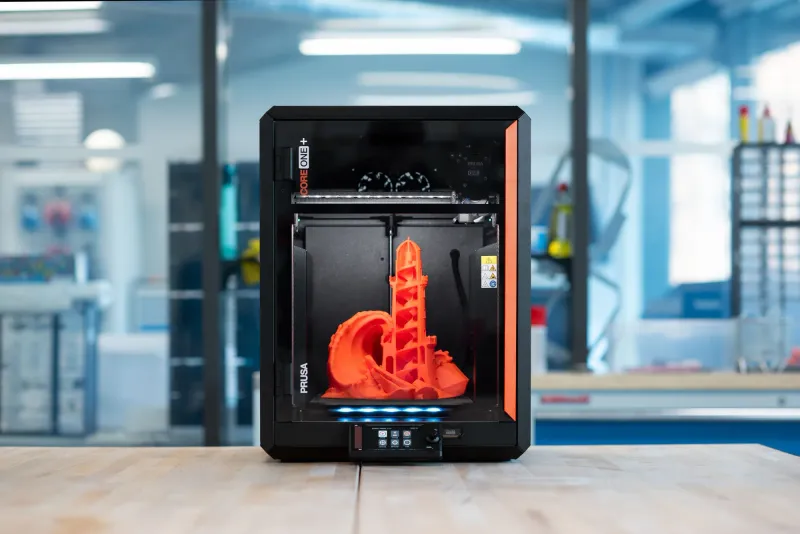
| Enclosed printer | Prusa CORE One+ kit: $925 | New buyers who want one machine for every material | More cost and a larger footprint |
| DIY tent or cabinet | Varies | Tinkerers on a tight budget | Heat near electronics, fit, no maker support |
Prices are from Prusa's own product pages, checked on October 13, 2026. Prusa's pages showed the United Kingdom as a shipping country, so confirm the currency and total at checkout.
When a maker enclosure makes sense
A kit designed for your model fits the frame, leaves room for cables and cooling, and comes with the maker's guidance. Prusa says its enclosure is aimed at warping-prone materials such as ASA, PC-CF and PP. The cost is real, though: at $349 it is a large share of the price of many printers, so compare against an enclosed printer first. Our enclosed vs open-frame guide walks through that choice, and the Bambu Lab A1 vs P1S comparison shows one open and one enclosed machine side by side.
When an enclosed printer is the better buy
If you know you want ASA or nylon, an enclosed machine avoids the add-on cost and the fit question. Prusa says the CORE One chamber reaches 55 °C and that its heated chamber suits ASA, ABS, PC and nylon. Prusa also sells an Advanced Filtration System, which it recommends for materials such as ASA. If you are weighing frame styles too, see CoreXY vs bed slinger.
Is a DIY enclosure a good idea?
It can work, but it is the riskiest route, and the research here is limited to what makers publish. Prusa's ABS guide warns that printing inside an enclosure can deform the fan shroud and other plastic parts, which shows how a hot box affects the printer itself. Before building one, read your printer maker's guidance on chamber temperature, keep the printer's electronics and cooling in mind, and never leave a heated printer unattended. If in doubt, buy the maker's enclosure.
How do you choose in three steps?
- List the materials you will print for the next year. PLA and PETG only means no enclosure. ABS, ASA, nylon or polycarbonate means yes.
- Check where the printer will live. A drafty garage or a shared room points toward an enclosure even for PLA, mainly for drafts and noise.
- Price the full route. Add the enclosure, any filter and any ventilation to the printer price, then compare it with an enclosed model. Ongoing costs are covered in 3D printer running costs.
Rule of thumb. Do not buy an enclosure for PLA. Buy one the day you decide to print ABS or ASA, and ventilate the room either way.
Frequently asked questions
Do you need a 3D printer enclosure?
You need a 3D printer enclosure if you plan to print ABS, ASA, nylon or polycarbonate, because these materials warp and crack in cold or drafty air. Prusa's ABS guide says the printer should sit inside an enclosure with a higher ambient temperature. You probably do not need one for PLA and PETG, which print well on open printers. An enclosure also blocks drafts and lowers noise, so it can still help in a garage or shared room, but the material you print is the real deciding factor.
Does a 3D printer enclosure make printing safe?
No. An enclosure reduces some risks but it is not a fume filter and does not make printing safe by itself. Fumes from ABS and ASA still collect inside and escape when you open it, so the room needs ventilation. Prusa's ABS guide says to run prints in a well-ventilated room, and Prusa offers an optional HEPA filter with 99.9% efficiency for ultra-fine particles. Follow your printer maker's guidance for fumes, heat and fire, because this site does not give safety advice.
Does an enclosure help with PLA?
Usually not. Prusa's PLA page says PLA is not prone to significant warping and that it softens above 60 °C, so a warm closed chamber can work against it and cause jams. Some enclosed printers solve this with fans and vents: Prusa says the CORE One prints PLA and PETG with the door closed because rear fans keep the chamber cool. On other printers, check the maker's guidance on whether to open the door or lid when printing PLA.
Should you buy or build a 3D printer enclosure?
Buy an enclosure made for your printer if you own an open machine, or buy an enclosed printer if you are choosing one now and want ABS or ASA. Prusa's MK4/S Enclosure was listed at $349 and its CORE One+ kit at $925 on October 13, 2026. Building your own is cheaper but riskier, since a hot box can deform plastic printer parts, as Prusa's ABS guide warns. Check your maker's guidance on chamber temperature before building anything.
Sources
- Prusa Knowledge Base: ABS
- Prusa Knowledge Base: PLA
- Prusa Knowledge Base: Polypropylene (PP)
- Prusa3D: Original Prusa MK4/S Enclosure product page (price checked October 13, 2026)
- Prusa3D: Prusa CORE One+ (Gen 2) Assembly kit product page (price checked October 13, 2026)
- Prusa Research blog: Introducing Prusa CORE One (November 19, 2024)

Founder and editor
Software engineer since 2009 and Head of Engineering by day, a maker who has owned several 3D printers, writing practical guides to 3D printers, filament and running costs, with every article saying what was and was not tested.
Drafted with AI assistance, then edited and reviewed by Sepehr before it goes live. How we use AI.
Keep reading
Prusa Core One: Enclosed CoreXY, Kit or Assembled
The Prusa CORE One is an enclosed CoreXY printer, now sold as the CORE One+ (Gen 2). Specs, US prices, reviewer findings and who…
3D Printer Starter Kit: Tools and Accessories You Actually Need
A no-fluff 3D printer starter kit built from the tool lists in Prusa and Bambu Lab maintenance documentation, with dated prices…
Enclosed vs Open-Frame 3D Printers: Which Do You Need?
An enclosure helps with some materials and noise, and hurts with others. Here is a plain way to decide which style fits what you…