PLA Print Temperature: Nozzle and Bed Settings
Prusa recommends 210 to 215 degrees C at the nozzle and 60 on the bed for PLA; Polymaker gives 190 to 230. Here is how to pick a starting point and tune it.
By Sepehr Sabbagh-pour · Published 11 October 2026 · Updated 11 October 2026 · 5 min read
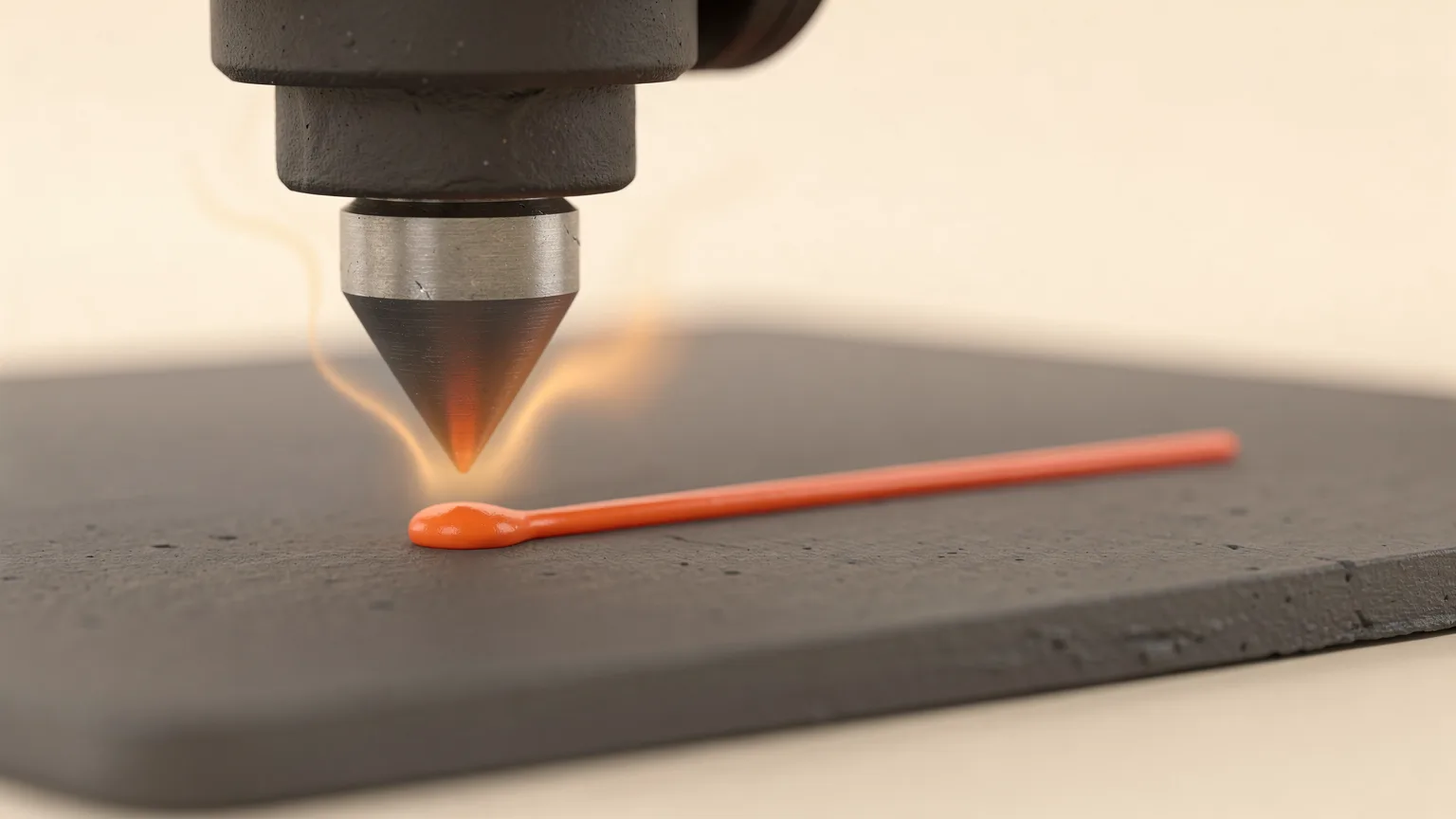
PLA is among the easiest filaments to print. Prusa recommends 215 degrees C for the first layer and 210 degrees C for the rest, with the bed at 60 degrees C. Polymaker's PolyLite PLA gives a wider window: 190 to 230 degrees C at the nozzle and 25 to 60 degrees C on the bed. Start in the middle of the range on the spool label, then adjust in small steps. Modified blends are covered in PLA+ vs PLA.
This article is based on manufacturer documentation (sources below), not on our own printing. Treat every number as a starting point, because filament brands, colors and printers differ.
PLA temperature settings at a glance
| Setting | Prusa (Prusament PLA) | Polymaker PolyLite PLA |
|---|---|---|
| Nozzle, first layer | 215 °C | 190 to 230 °C range |
| Nozzle, other layers | 210 °C | 190 to 230 °C range |
| Bed | 60 °C | 25 to 60 °C |
| Part cooling fan | Not specified in the PLA article | On |
| Print speed | Not specified | 40 to 60 mm/s |
| Drying | 45 °C for 6 hours | 55 °C for 6 hours, only if the material has absorbed moisture |
Notice the gap between makers on the drying temperature. That is why the label on your spool or the maker's page comes before any general table.
Nozzle temperature
Prusa says PLA melts at around 175 degrees C, and that it can be printed at fairly low temperatures. The recommended printing temperatures are well above the melting point so the plastic flows through the nozzle at speed.
How to pick a number
- Start from the middle of the range on the spool label. For Polymaker PolyLite PLA that is around 210 degrees C, which matches Prusa's figure.
- If you see stringing or blobs, lower the nozzle temperature in steps of about 5 degrees C. See fixing stringing for the full order of checks.
- If layers separate or the extruder clicks, raise it by 5 degrees C, or slow the print down.
- Print the same small model after each change and compare.
Printing hotter can improve layer bonding but increases oozing. Printing cooler reduces strings but weakens layers. Printing speed changes the balance: faster printing needs hotter plastic because it has less time to melt in the nozzle.
Bed temperature
Prusa recommends 60 degrees C, and notes that PLA does not strictly need a heated bed. Polymaker's range runs from 25 to 60 degrees C. A bed around 55 to 60 degrees C is a common starting point on a clean textured or smooth PEI plate. If a first layer will not stick, check the plate is clean and the nozzle height is right before raising the bed temperature. Our guide to fixing a bad first layer goes through this in order.
Prusa also says smooth or satin powder-coated sheets work for PLA, and that a smooth sheet works better for parts with a small contact area. PLA can also be printed on glass, Kapton tape or with a glue stick.
Cooling and speed
Polymaker lists the part cooling fan as on for PolyLite PLA. Cooling lets PLA solidify before the next layer, which helps overhangs and small details. Its suggested speed is 40 to 60 mm/s, which is conservative compared with the speeds modern printers advertise. Raise speed gradually and raise nozzle temperature if you see weak layers or under-extrusion.
Retraction starting points
Polymaker's page lists retraction of 1 mm at 20 mm/s for direct-drive extruders and 3 mm at 40 mm/s for Bowden (indirect drive) setups. Prusa notes PLA is sometimes prone to stringing and oozing, which proper retraction reduces.
Why PLA temperature matters beyond the print
- Heat resistance: Prusa says PLA softens and deforms above 60 degrees C, so a part left in a hot car can sag even though it printed fine.
- Moisture: wet PLA strings and looks rough no matter how well you tune temperature. See how to dry filament and how to store filament.
- Variants: blends and special effects (silk, matte, wood, carbon fiber) often print at different temperatures. Bambu Lab's drying table, for instance, lists different drying settings for Basic, Silk and wood-filled PLA. Follow the label for those.
Common mistakes
- Copying one number for every brand. The range printed by the maker is the reference.
- Changing several settings at once. Change one, print one test, and compare.
- Ignoring the chamber. Enclosed printers can get hot enough to soften PLA near the extruder, which can cause jams. If you print PLA in an enclosure, leave the lid or door open if you see heat creep. This is general practice, not a specific maker figure. See enclosed vs open-frame printers for the wider picture.
Check the spool first. Brand-specific numbers beat any chart. Where the spool has no label, start with 210 degrees C and 60 degrees C on the bed, which match Prusa's figures, and tune from there.
Looking to compare materials rather than tune one? Our PETG vs PLA comparison covers where each fits.
Frequently asked questions
What is the best temperature to print PLA at?
Most makers list a range. Prusa recommends 210 to 215 degrees C and Polymaker lists 190 to 230 degrees C. Start around 210 degrees C and adjust by 5 degrees C based on stringing and layer bonding.
What bed temperature does PLA need?
Prusa recommends 60 degrees C. Polymaker lists 25 to 60 degrees C. A bed around 55 to 60 degrees C is a common starting point, and PLA does not strictly require a heated bed.
Does PLA need a cooling fan?
Polymaker lists the fan as on for PLA. Cooling helps layers set quickly, which improves overhangs and small details.
Why does my PLA string at the recommended temperature?
Moisture in the filament is a frequent cause, followed by a nozzle that is slightly too hot and retraction that is too low. Dry the spool first, then lower the temperature in small steps.
Sources

Founder and editor
Software engineer since 2009 and Head of Engineering by day, a maker who has owned several 3D printers, writing practical guides to 3D printers, filament and running costs, with every article saying what was and was not tested.
Keep reading
What Is Silk PLA? How It Differs From Standard PLA
Silk PLA is a glossy, decorative PLA that is weaker and more brittle than the basic kind. Here is how it differs from standard PLA and what to print with it.
11 October 2026 · 6 min read
What Is Wood Filament? Uses, Wear and Settings
Wood filament is usually PLA mixed with wood fibers for a matte, stainable finish. Here is what it is, what it wears, and the maker settings to start from.
11 October 2026 · 4 min read
How Much Does 3D Printer Filament Cost?
PLA typically costs $14 to $20 per kilogram from mainstream makers, with engineering filaments several times higher. Dated store prices, cost per gram and ways to spend less.
10 October 2026 · 7 min read