How to Stop ABS Cracking and Splitting
ABS cracks when layers cool at different rates and shrinkage beats layer bonding. Keep the print warm, cut cooling and avoid drafts.
By Sepehr Sabbagh-pour · Published · 4 min read
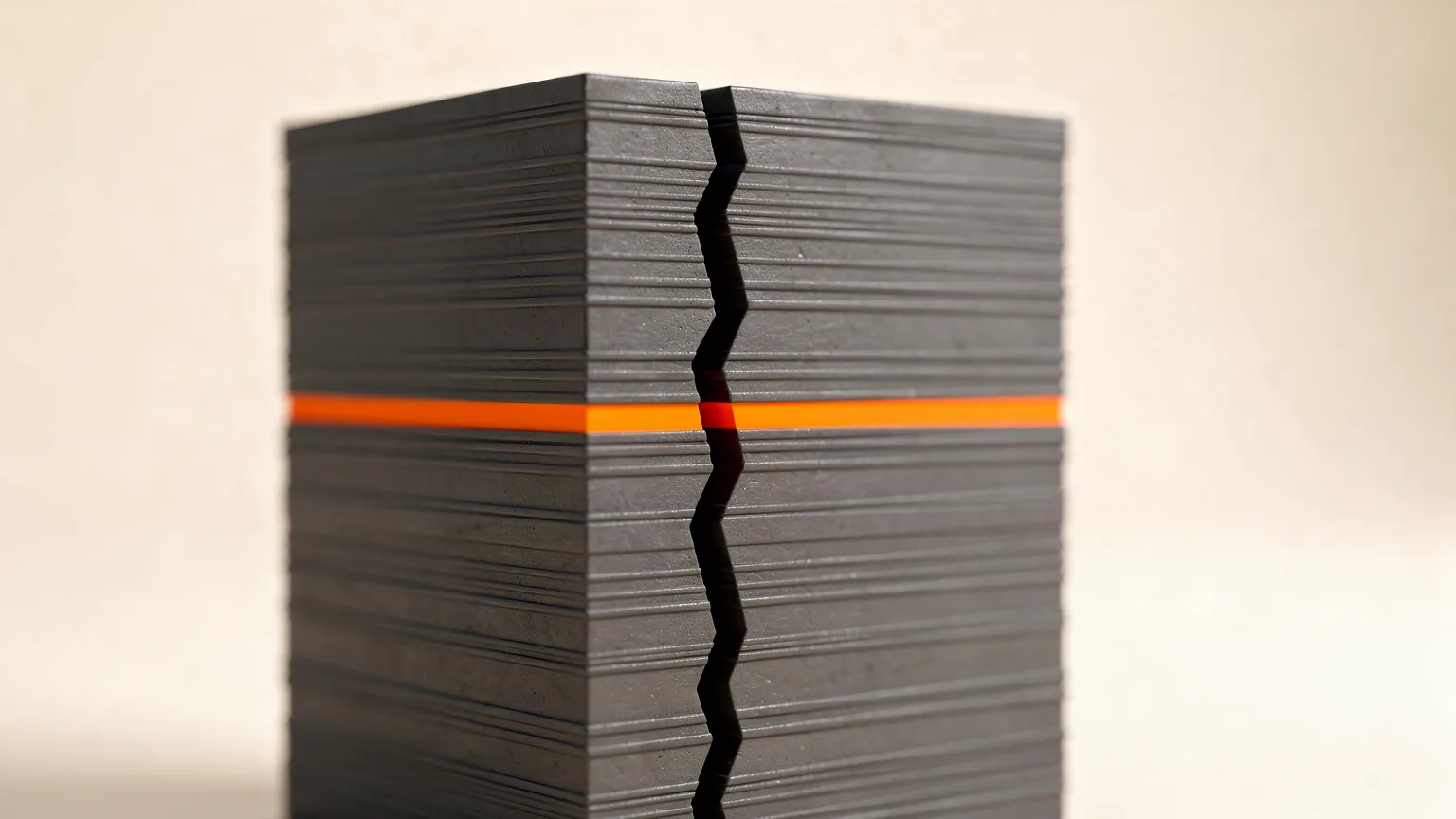
ABS cracking in 3D printing shows up as vertical splits along the part or as layers peeling apart. It happens because ABS shrinks as it cools, and the outside and upper layers cool faster than the rest. When that stress grows larger than the bond between layers, the part splits. The cure is to slow the cooling and strengthen the bond. New to the material? Read what ABS filament is.
This guide is research-based. It relays manufacturer documentation (Prusa and Bambu Lab) and general practice. The numbers below are starting points for your own printer and filament, so check the data sheet for your brand.
Symptom table
| Symptom | Likely cause | Try first |
|---|---|---|
| Horizontal splits between layers | Cooling too fast, drafts, too little heat | Enclose, fans off, hotter bed |
| Vertical crack up a tall wall | Shrinkage with weak layer bonding | Raise nozzle temperature or slow down |
| Crack at one layer height only | Slight clog, momentary under-extrusion | Clean or cold-pull the nozzle |
| Corners lifting and cracking | Warping with weak bed adhesion | Brim, glue stick, higher bed temperature |
1. Print inside an enclosure
Prusa's ABS page says the material requires a printer enclosure to keep ambient temperature high enough to prevent warping, and its layer separation guide recommends an enclosed, heated chamber. Bambu Lab's warping guide says the same logic applies to ABS, ASA, PA and PC: they are usually printed with little or no part cooling in an enclosed printer so the area around the part stays warm and the layers cool slowly.
An open-frame printer sits at room temperature, which makes cracking far more likely. See enclosed versus open-frame printers for the differences. Prusa also warns that printing inside an enclosure can deform the fan shroud and other plastic parts of the printer, so check your printer's rated limits before adding one.
Without a full enclosure, Prusa suggests the draft shield option in PrusaSlicer (under Skirt and Brim). It builds a wall around the model to keep it slightly warmer.
2. Turn the part cooling fan off or right down
Prusa says ABS is highly susceptible to layer separation when cold air blows on the print and recommends turning fans off completely. Bambu Lab's cracking guide says to reduce the maximum fan speed when the preview shows high speeds (for example 60 percent) on the walls. Overhangs and bridges may need some cooling, so cut it back in steps rather than guessing.
3. Raise temperatures a little
Hotter plastic bonds better to the layer below. Prusament ABS is rated by Prusa at a 255 °C nozzle with a 100 °C bed, and Prusa says to set the bed between 80 and 110 °C depending on object size, with larger objects wanting more heat. Bambu Lab adds that you can raise the bed 5 to 10 °C when cracks appear, and raise the chamber temperature by 5 °C if the printer has active chamber heating. Increase the nozzle temperature in small steps, and stay inside the range on your spool.
4. Slow down
Bambu Lab lists reducing print speed as an option because it gives each line more time to bond to the layer below. Its ABS example is an inner wall speed of 150 mm/s and an outer wall speed of 100 mm/s. Those are an example for their machines, not a target for every printer. See print speed versus quality.
5. Stop drafts and keep the lid on
Prusa says not to create a draft around the print. Close doors and windows, keep the enclosure shut during the whole print, and avoid opening it to check the part. Bambu Lab also warns that drafts cool the model faster and raise stress between layers. If ABS needs to cool after a print, let the chamber come down gradually before removing the part.
6. Reduce stress in the model
Large parts with high infill shrink more. Bambu Lab suggests lowering a very high infill density (its example is 60 percent against a 15 percent default) and trying the Gyroid pattern, since patterns with long straight lines are more likely to shrink. Rounded corners, a brim for adhesion and splitting very long parts also help. If warping lifts the corners, see fixing warping.
7. Rule out a partial clog
Bambu Lab notes that a slight nozzle clog can stop extrusion at a specific layer and look just like a crack. If the split sits at one height, clean the nozzle or do a cold pull per your printer's guide. See fixing a clogged nozzle and fixing layer separation.
Ventilation. Prusa's ABS page says the material releases fumes and substances that could pose a potential health risk, and that proper ventilation is needed. Follow the manufacturer's safety data sheet and printer guidance. See 3D printer safety basics.
If it keeps cracking
Switch material. Prusa notes that PETG has similar advantages to ABS but is much better for large objects and does not tend to crack or delaminate in the same way, and it lists ASA as another alternative. Read ABS versus PETG and ABS print settings for more.
Confirm the fix
Print a tall, thin-walled box (for example 40 mm square and 80 mm high). Change one setting at a time, then inspect the walls for splits. Let the part cool inside the closed chamber before you handle it, since cooling quickly afterwards can also cause cracks. Prusa adds that ABS parts tend to shrink slightly after cooling, around 1 to 2 percent, so size critical parts accordingly.
Frequently asked questions
Why does ABS crack between layers?
ABS shrinks as it cools. When the outer layers cool faster than the inner ones, stress builds until it exceeds the layer bond and the part splits. Keeping the part warm and bonding layers better prevents it.
Can I print ABS without an enclosure?
Prusa says ABS requires an enclosure. A draft shield in the slicer can help a little, but cracking and warping are much more likely on an open printer.
Should the cooling fan be on for ABS?
Prusa recommends turning fans off completely for ABS. If bridges or overhangs suffer, add a small amount of cooling back and watch for splits.
What bed temperature should I use for ABS?
Prusa lists 100 C for its Prusament ABS, within a range of 80 to 110 C depending on part size. Check your own filament's data sheet.
Is there a filament that cracks less than ABS?
ASA and PETG are the usual alternatives. Prusa says PETG is much better for large objects and does not tend to crack or delaminate like ABS.
Sources

Founder and editor
Software engineer since 2009 and Head of Engineering by day, a maker who has owned several 3D printers, writing practical guides to 3D printers, filament and running costs, with every article saying what was and was not tested.
Drafted with AI assistance, then edited and reviewed by Sepehr before it goes live. How we use AI.
Keep reading
 AI illustration
3D Printer Problems and Fixes: A Troubleshooting Guide
A symptom-first guide to common 3D printer problems: what causes them and what to try first, based on manufacturer…
 AI illustration
What Is ABS Filament? Properties, Uses and Risks
ABS is a tough, heat-resistant filament that warps, shrinks and releases fumes. Learn what it is, what it is used for, and when…
 AI illustration
ABS vs PETG: Which Should You Print With?
ABS and PETG are both tougher than PLA. PETG prints easily on open printers; ABS needs an enclosure but can be smoothed with…