ABS Print Settings: Temperature, Enclosure and Cooling
ABS needs a hot nozzle, a hot bed, an enclosure and no drafts. Starting settings from Prusa and Polymaker, plus warping, shrinkage and ventilation guidance.
By Sepehr Sabbagh-pour · Published · 4 min read
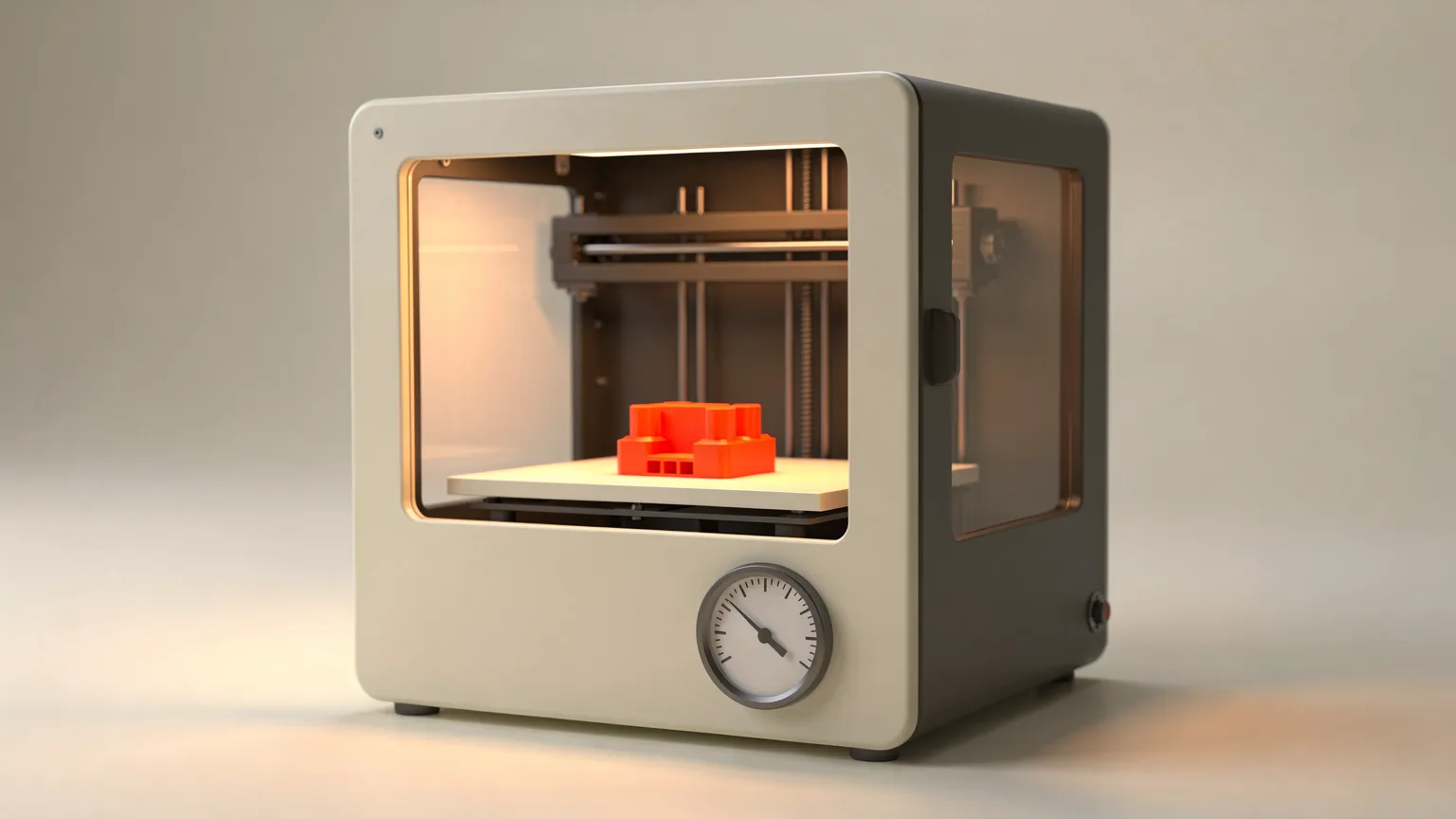
ABS is a strong, heat-resistant filament that is harder to print than PLA or PETG. Prusa recommends a nozzle at 255 degrees C and a bed at 100 degrees C (80 to 110 depending on part size), inside an enclosure. Polymaker's PolyLite ABS lists 245 to 265 degrees C, a bed of 90 to 100 degrees C and the part cooling fan off. The main problems are warping, shrinkage and fumes, and most of the settings below exist to manage those three. New to the material? Read what ABS filament is.
This is a research article based on manufacturer documentation (sources below), not on our own printing. All numbers are starting points.
ABS print settings at a glance
| Setting | Prusa ABS | Polymaker PolyLite ABS |
|---|---|---|
| Nozzle | 255 °C | 245 to 265 °C |
| Bed | 100 °C (80 to 110 °C by part size) | 90 to 100 °C |
| Part cooling fan | Not listed (keep drafts away) | Off |
| Print speed | Not listed | 30 to 50 mm/s |
| Retraction | Not listed | 1 mm at 20 mm/s (direct drive); 3 mm at 40 mm/s (Bowden) |
| Surface | Smooth or powder-coated PEI with glue stick | Clean build plate; avoid drafts |
| Drying | Not listed in drying table (ASA: 80 °C, 4 h) | 70 °C for 6 hours, only if the material has absorbed moisture |
Why ABS needs an enclosure
Prusa lists significant warping as one of ABS's main disadvantages and says an enclosure is required. It recommends heating the bed to at least 100 degrees C and keeping the printer inside an enclosure with a higher ambient temperature. Polymaker says the same: use an enclosure, avoid drafts, and maintain the recommended bed temperature to reduce warping and layer separation. Bambu Lab's ABS page labels the filament as needing enclosure printers.
If you do not have an enclosure, Prusa offers one simple alternative: turn on the draft shield under skirt and brim in PrusaSlicer. It keeps the model slightly warmer and reduces warping, but it is a mitigation, not a replacement for an enclosure. For a broader comparison, see enclosed vs open-frame printers.
Prusa also notes that printing inside an enclosure can deform the fan shroud and other plastic parts of the printer. If that happens, it suggests printing those parts in a more heat-resistant material such as its polycarbonate blend. To decide whether to buy an enclosure at all, read our 3D printer enclosure guide.
Nozzle temperature
Start around the middle of the range: about 255 degrees C matches Prusa's figure and sits inside Polymaker's 245 to 265 window. A hotter nozzle improves layer bonding, which matters because ABS parts can split along layers. Too hot increases stringing and fumes. Adjust in steps of about 5 degrees C.
Bed temperature and adhesion
Prusa recommends 100 degrees C and suggests lowering the temperature toward 80 for small objects and raising it toward 110 for larger ones. It advises a smooth or powder-coated PEI sheet with a glue stick. A Prusa staff reply in the comments on that page suggests a PVA glue stick as the release agent, because ABS can bond strongly to PEI. Let the bed cool before removing the part. If the first layer is the problem, see fixing a bad first layer.
Cooling and drafts
Polymaker lists the part cooling fan as off for its ABS, because rapid cooling is what drives warping and layer splits. Bambu Lab's ABS notes advise lower print speed and a higher bed temperature to avoid warping on large or dense models. Prusa also cautions that while you should ventilate the room, you must not create a draft around the print.
Speed and part design
Polymaker suggests 30 to 50 mm/s. Bambu Lab says ABS is prone to warping on large, high infill models and suggests avoiding both. Rounding corners in your design and reducing the footprint in contact with the bed are general ways to limit warping (this is common practice, not a specific maker figure).
Shrinkage
Prusa says ABS parts shrink slightly after cooling, usually 1% to 2%. It recommends printing a test object and comparing it with the source model before printing parts that must fit together.
Fumes and ventilation
Safety. Prusa lists potentially dangerous fumes (styrene) among ABS's cons and says to print in a well-ventilated room. Bambu Lab's ABS page warns that at printing temperatures the filament may release harmful gases including styrene, and recommends an enclosed printer and good ventilation or an effective air filtration or exhaust system. It says that if people with asthma or respiratory conditions, pregnant women or children are present, you should increase ventilation or pause printing. Follow the manufacturer's and the Safety Data Sheet's guidance. This article gives no medical advice.
Drying and storage
ABS also absorbs moisture. Polymaker lists 70 degrees C for 6 hours if the filament has taken on water, and Bambu Lab lists 75 to 85 degrees C for 8 hours in a forced-air oven for ABS and ASA. Dry temperatures vary by maker, so use the one on your spool. See how to dry filament and how to store filament. Also see how to choose a filament dryer, because several compact dryers do not reach ABS temperatures.
ABS compared with PETG and PLA
Prusa describes ABS as tenacious and high-temperature resistant, with easy post-processing and the option of acetone smoothing and gluing. It also notes ABS lacks the UV resistance of ASA and turns yellowish and more brittle outdoors. Compared with PETG and PLA, it is harder to print, hotter and smellier, so choose it when you need the heat resistance. The wider comparison is in types of 3D printer filament.
Frequently asked questions
What temperature do you print ABS at?
Prusa recommends 255 degrees C at the nozzle and 100 degrees C on the bed. Polymaker lists 245 to 265 degrees C for the nozzle and 90 to 100 degrees C for the bed. Adjust by 5 degrees C based on layer bonding and stringing.
Can you print ABS without an enclosure?
It is difficult. Prusa lists significant warping and says an enclosure is required. Without one, its slicer draft shield option keeps the model slightly warmer and reduces warping, but results are less reliable.
Should the cooling fan be on for ABS?
Polymaker lists the part cooling fan as off for PolyLite ABS. Fast cooling increases warping and layer splitting, and drafts around the print also hurt.
Is printing ABS safe indoors?
ABS releases fumes including styrene. Prusa and Bambu Lab both say to print in a well-ventilated area, and Bambu recommends an enclosed printer and an air filtration or exhaust system. Follow the manufacturer's and Safety Data Sheet guidance.
How much does ABS shrink?
Prusa says ABS parts usually shrink about 1% to 2% after cooling. Print a test object and compare it with the source model for parts that must fit.
Sources

Founder and editor
Software engineer since 2009 and Head of Engineering by day, a maker who has owned several 3D printers, writing practical guides to 3D printers, filament and running costs, with every article saying what was and was not tested.
Drafted with AI assistance, then edited and reviewed by Sepehr before it goes live. How we use AI.
Keep reading
Types of 3D Printer Filament: PLA, PETG, ABS, TPU and More
Six plastics cover most home printing, plus filled and specialty blends. Here is what each is good at, what it demands from your…
 AI illustration
ABS vs PETG: Which Should You Print With?
ABS and PETG are both tougher than PLA. PETG prints easily on open printers; ABS needs an enclosure but can be smoothed with…
 AI illustration
PLA Print Temperature: Nozzle and Bed Settings
Prusa recommends 210 to 215 degrees C at the nozzle and 60 on the bed for PLA; Polymaker gives 190 to 230. Here is how to pick a…