How to Fix Drooping Overhangs
Drooping 3D printing overhangs happen when plastic is not cooled fast enough to hold its shape. Add supports past 45 degrees, lower the temperature, slow down and add cooling.
By Sepehr Sabbagh-pour · Published 12 October 2026 · 3 min read
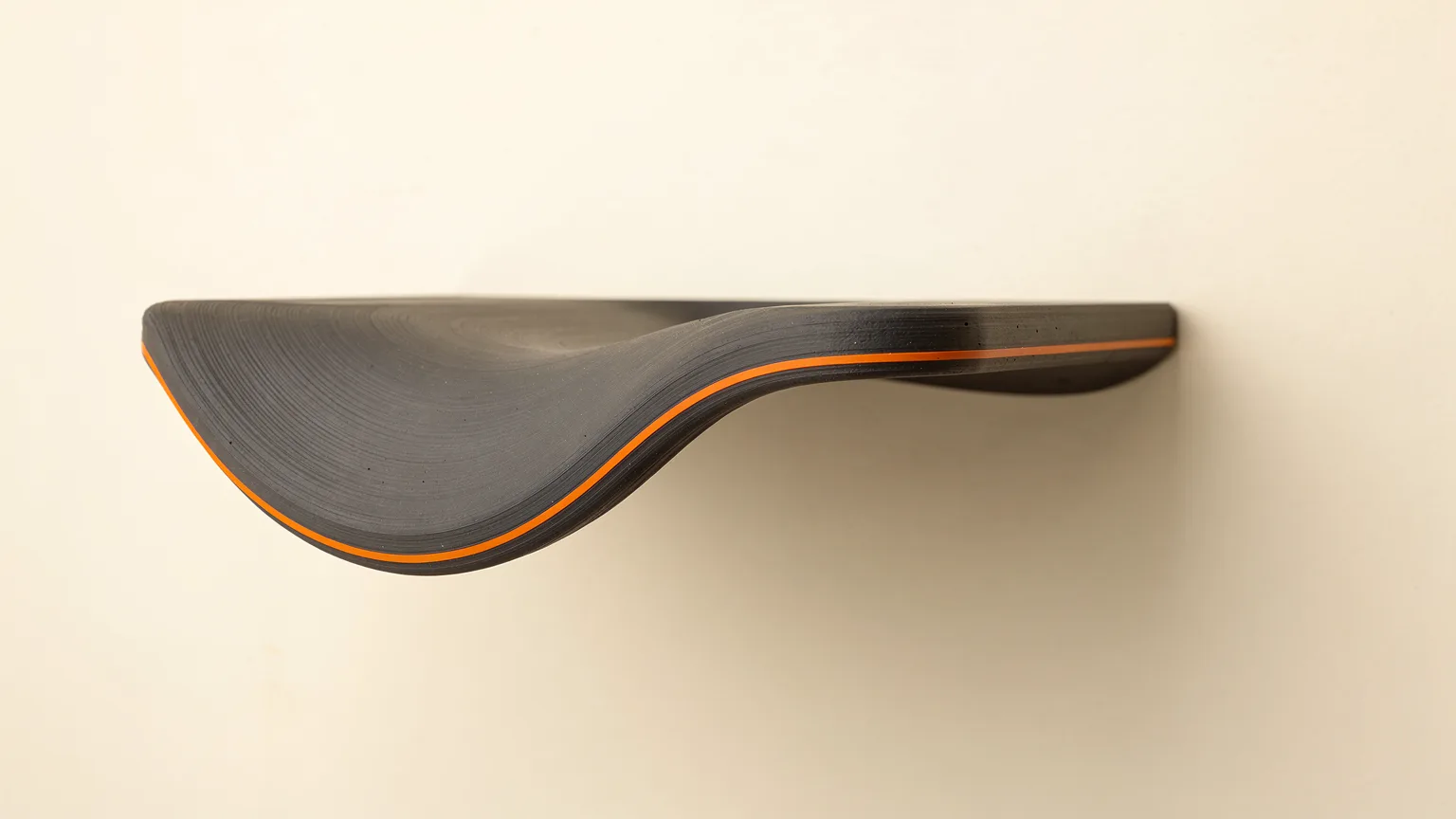
An overhang is any part of a model that extends outward with nothing solid underneath. Because FDM printing builds layer by layer, Bambu Lab's wiki notes that unsupported material tends to sag or deform under gravity. Droopy, rough or curled undersides are the result.
Research-based guide. This article is compiled from manufacturer documentation and has not been checked on a test printer. Treat every number as a starting point and change one setting at a time.
Why overhangs sag
Prusa describes the core problem: once melted plastic leaves the nozzle it is no longer under precise control, and when printing overhangs or bridges the plastic must freeze in place as soon as possible or it will sag. Fixes therefore fall into three groups: give the plastic something to rest on (supports, orientation), make it easier to freeze (cooler, slower, more air) or reduce the unsupported distance.
Quick reference
| Step | Source guidance |
|---|---|
| Check the angle | Under 45 degrees from the bed: Bambu Lab suggests supports |
| Lower nozzle temperature | About 5 to 10 degrees C, within filament range |
| Slow overhangs | Overhang speeds generally 10 to 60 mm/s (Bambu Lab) |
| More cooling | Raise part and auxiliary fan speed |
| Rotate the model | Prusa: avoid bridges and supports where possible |
1. Look at the angle and add supports
Bambu Lab defines the overhang angle as the angle between the sloped surface and the heatbed. Its rule of thumb is that below 45 degrees supports are recommended, and above 45 degrees none are needed, though the other settings below can still improve quality. Do not confuse this with the "overhang threshold" setting, which measures the proportion of an extrusion line left unsupported. Learn how the options differ in supports explained.
2. Try rotating the model
Prusa's bridging guide gives the best solution as changing orientation until the troublesome overhangs or bridges disappear, because the surest way to avoid droop is to have no unsupported area. That is not always possible, but check before you generate supports.
3. Lower the nozzle temperature
For steep overhangs, Bambu Lab suggests a slightly cooler nozzle, because when overhang speed is slow the plastic then needs less cooling. For PLA it says other-layer temperature can go down to about 205 degrees C with the overhang cooling fan at 100%. For other filaments, check the filament's recommended range and lower by about 5 to 10 degrees C if needed. For third-party filament, Bambu Lab suggests printing a temperature tower. These figures come from Bambu Lab's own filament and printers, so use them as a starting point only.
4. Slow down on overhangs
Either lower the overall print speed or turn on slowing for overhangs. Bambu Lab says overhang speeds are generally set between 10 and 60 mm/s, with larger unsupported areas needing slower speeds. Slicers expose this as a "slow down for overhangs" option. Prusa's slicer also has a separate bridge speed. More on how speed affects quality is in print speed vs quality.
5. Add cooling
Prusa's cooling article explains that fans are the main tool to freeze plastic. In its slicer you can set a higher bridge and overhang fan speed than the normal print, and a dynamic fan option scales the fan by how much of the extrusion overlaps the layer below. Prusa notes that with some materials more cooling can worsen warping or layer separation, so tune per filament. Bambu Lab says to confirm the part cooling fan and auxiliary fan actually work during the print.
Bambu Lab also says opening the front door and lid can improve cooling for PLA, PETG and TPU, but is not advised for high-temperature filaments, which may then warp or have weak layers. See enclosed vs open-frame printers for how enclosures change this.
6. Treat bridges separately
Flat spans between two supports are bridges, not slopes. Prusa recommends a lower bridging flow, lower bridge speed, and optionally a support island halfway across a long bridge. Our poor bridging guide covers this.
Material notes
Prusa lists "poor bridging and overhangs" as a con of PETG, so budget for supports and strong cooling with it. See PETG vs PLA for the wider trade-offs.
If you add supports and they then fuse to the underside, this guide to supports stuck to the print covers the Z distance and interface settings.
Confirm the fix
Print an overhang test with steps at increasing angles, change one thing at a time and note the angle where the underside turns rough. That angle is your printer's practical limit for that filament.
Frequently asked questions
What angle can a 3D printer print without supports?
Bambu Lab uses 45 degrees, measured between the sloped surface and the heatbed, as a general guide: below 45 degrees supports are recommended, above it overhangs can often be printed unsupported. Results vary by printer, material and cooling.
Why do overhangs droop?
Prusa explains that plastic leaving the nozzle is no longer under the extrusion system's control and must solidify quickly, otherwise it sags. Bambu Lab similarly says droop happens when the filament is not cooled in time.
Does lowering nozzle temperature help overhangs?
Bambu Lab recommends it for steep overhangs: stay within the filament's recommended range and lower it by about 5 to 10 degrees C if needed, while raising overhang fan speed.
Does opening the printer door help?
Bambu Lab says opening the front door and lid can improve cooling for PLA, PETG and TPU, but can cause warping or poor layer adhesion with high-temperature filaments.
Sources

Founder and editor
Software engineer since 2009 and Head of Engineering by day, a maker who has owned several 3D printers, writing practical guides to 3D printers, filament and running costs, with every article saying what was and was not tested.
Keep reading
How to Fix Pillowing and Gaps in Top Layers
Pillowing in 3D printing is a lumpy top surface with small holes, caused by top layers sagging into the infill. More top layers, denser infill and stronger cooling usually fix it.
12 October 2026 · 3 min read
How to Improve Bridging in 3D Printing
Bridges sag because plastic is printed in mid-air. Shorten the span, cool it, tune bridge speed and flow, or redesign the part.
12 October 2026 · 5 min read
Why 3D Prints Do Not Stick to the Bed and How to Fix It
A 3D print not sticking to the bed is usually a dirty plate, wrong plate setting, wrong nozzle height or a first layer that is too fast or cool. Fix them in this order.
12 October 2026 · 4 min read