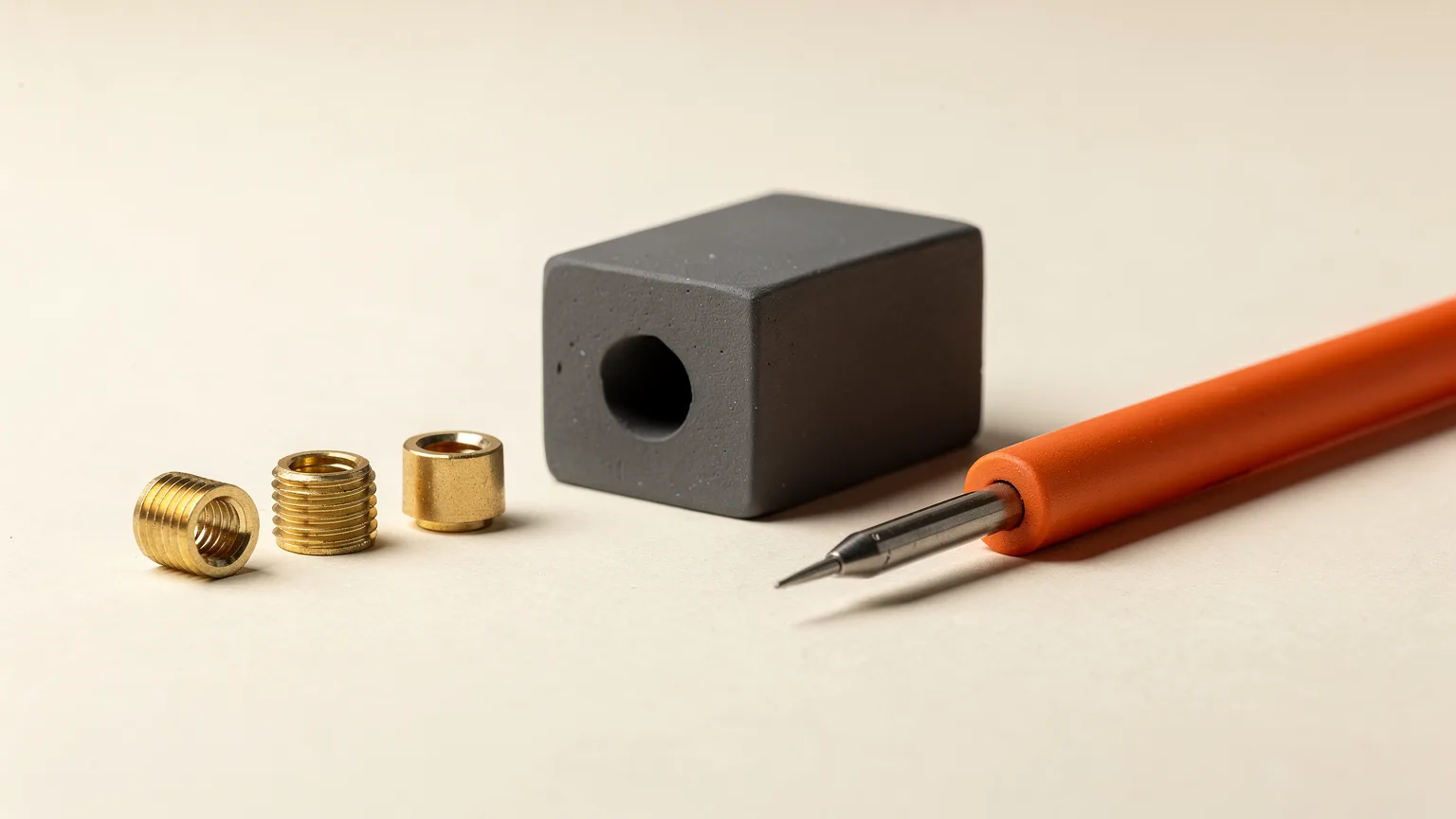
Heat set inserts for 3D printing are small knurled brass nuts that you melt into a printed hole with a soldering iron, giving plastic parts strong, reusable metal threads. Size the hole from the insert's datasheet, set the iron near the filament's print temperature, press the insert in slowly until it is flush, and hold it still while it cools.
How do heat set inserts for 3D printing work?
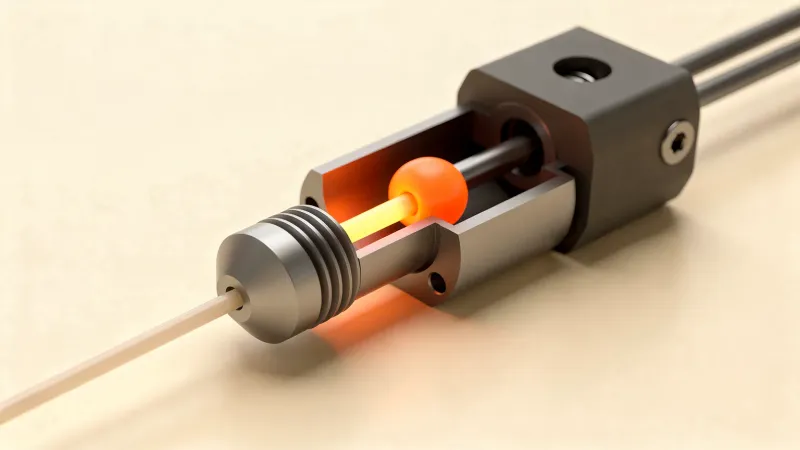
A heat set insert works by melting its own seat. LulzBot's guide, published through DigiKey Maker.io, explains that the insert is heated past the plastic's glass transition temperature, pressed into a slightly undersized hole, and locks in as the plastic cools around its knurled outer surface. The result is a metal thread that a bare printed thread cannot match once you have screwed and unscrewed it many times.
Use them where a part will be taken apart repeatedly, carries a load, or needs a small screw such as M3. For a one-off glued assembly, gluing 3D printed parts may be enough. For parts that see heat or stress, pair inserts with a suitable material from the best filament for functional parts.
What size hole do heat set inserts need?
The hole should be slightly smaller than the insert's knurled body, and the exact size comes from the insert's datasheet. Guides do not agree on one rule, so check the maker's figures rather than a general number. The table collects what each source gives.
| Source | Hole sizing guidance |
|---|---|
| CNC Kitchen M3 insert (5.7 mm or 3.0 mm long) | Insert diameter 4.6 mm, hole diameter 4.0 mm, minimum wall 1.6 mm |
| CNC Kitchen M3 Voron insert (4.0 mm long) | Insert diameter 5.0 mm, hole diameter 4.4 mm, minimum wall 1.3 mm |
| CNC Kitchen M4 insert (8.1 mm or 4.0 mm long) | Insert diameter 6.3 mm, hole diameter 5.6 mm, minimum wall 2.1 mm |
| University of Wisconsin design lab | Interference fit of about 0.2 to 0.4 mm; the example uses the outer diameter minus 0.3 mm |
| DigiKey FreeCAD tutorial (M3, 4 mm insert) | About 3.85 mm, the smooth tip diameter plus 0.1 mm; the tutorial then uses 3.9 mm |
The sources differ by a few tenths of a millimeter because they describe different inserts, so take the number for your own insert. Printers also vary in how closely a printed hole matches the model, so print a small test block with a few hole sizes before committing a large part.
How deep should the hole be?
Make the hole at least 1 mm deeper than the insert. DigiKey's FreeCAD tutorial gives this as the minimum, to leave room for melted plastic, and its example uses a 5.2 mm hole for a 4 mm insert. The University of Wisconsin guide adds that a hole shallower than the insert lets it stick out of the part, and that the hole must be deep enough that the end of the screw does not hit plastic at the bottom.
Add a small chamfer at the hole entrance as well. LulzBot's guide says it leaves room for displaced plastic and improves fit and finish, and it also helps center the insert when you start.
How do you install a heat set insert step by step?
Install a heat set insert by seating it in the hole, heating it with a soldering iron tip, pressing it in slowly until it is flush, and letting it cool without moving it. The steps below combine the LulzBot, DigiKey and University of Wisconsin instructions.
- Heat the iron. LulzBot suggests the filament's extrusion temperature. CNC Kitchen's product page says 10 to 20 °C above the print temperature gives maximum connection strength. The University of Wisconsin guide uses about 20 °C above, which is 240 to 260 °C for PLA printed at 200 to 220 °C. The DigiKey tutorial uses about 260 °C (500 °F).
- Pick a tip. Choose one wide enough to push the center of the insert evenly but small enough not to touch other printed surfaces. DigiKey suggests a flat or chisel tip for better heat transfer.
- Seat the insert. Place it in the hole with the smaller diameter facing down. If your tip is not matched to the insert, DigiKey suggests threading a screw in flush with the bottom to keep plastic out of the threads.
- Heat and press. Touch the tip to the insert, wait a few seconds for it to settle, then press slowly and evenly until it is level with the surface. LulzBot warns that pressing quickly lets molten plastic flow over the top.
- Cool without moving. Remove the iron and hold the insert in place; the University of Wisconsin guide allows 15 to 30 seconds. DigiKey suggests pliers or a flat metal tool on top to stop it pulling out with the iron.
- Test the thread. Unscrew any helper screw and test-fit your hardware so it threads smoothly.
CNC Kitchen's product page also suggests melting in about 90 percent of the insert with the iron and pressing the rest in with a tool. Whatever you use, keep the insert square to the hole. A crooked insert means a crooked screw.
How do you design a part so the insert holds?
Surround the insert with solid plastic. The University of Wisconsin guide recommends 25 percent infill or more and more wall loops, comparing 2 and 4, so the insert has more plastic to grip. LulzBot recommends two or more perimeters and wall thickness that is a multiple of the extrusion width so the walls print as solid perimeters. CNC Kitchen lists a minimum wall around each hole, such as 1.6 mm for M3. See walls and perimeters explained and infill explained for how those settings work.
- Load direction: LulzBot says to orient the insert so the load pushes it into the plastic rather than pulling it out, with the screw passing through the mating part into the insert.
- Size: larger inserts resist torque-out better because they have more surface area.
- Tool clearance: leave room for the iron tip around the hole.
- Hole direction: keep the hole perpendicular to the part face so the press is even.
If you design your own parts, the same hole and chamfer features can be modeled in any CAD tool; FreeCAD, Fusion 360 and Tinkercad compared helps you pick one.
What can go wrong, and how do you fix it?
| Problem | Likely cause | What the sources suggest |
|---|---|---|
| Insert sits proud of the surface | Hole too shallow or pressed too little | Make the hole deeper than the insert and press until flush (Wisconsin) |
| Plastic over the top of the insert | Pressed too fast | Press slowly and evenly (LulzBot) |
| Plastic in the threads | Insert not protected while melting | Thread a screw in flush with the bottom (DigiKey) |
| Insert pulls out or spins | Thin walls or load pulls it out | Add perimeters, check minimum wall, reorient the load (LulzBot, CNC Kitchen) |
| Screw hits bottom | Hole too shallow | Leave room beyond the insert for the screw end (Wisconsin) |
A soldering iron at 240 to 260 °C will burn skin and melt plastic, so follow the iron maker's safety guidance and keep a stand nearby. For other print-quality problems with the part itself, the tools section and the troubleshooting guides are a good next stop.
Sources and what they do not cover
This guide is research only and draws on LulzBot's guide republished on DigiKey Maker.io, the DigiKey FreeCAD tutorial, the University of Wisconsin design lab guide and CNC Kitchen's published insert dimensions as listed on a 3DJake product page. None of them gives a single universal hole size or iron temperature, so always check your insert's datasheet and test on scrap first.
For how much gap to leave in parts that mate with printed holes, see 3D printing tolerances and clearances.