Why a 3D Print Stops Halfway and What to Check
A print can stop for several different reasons. Read the error message first, then check the filament, the hotend, the power and the connection.
By Sepehr Sabbagh-pour · Published 12 October 2026 · 6 min read
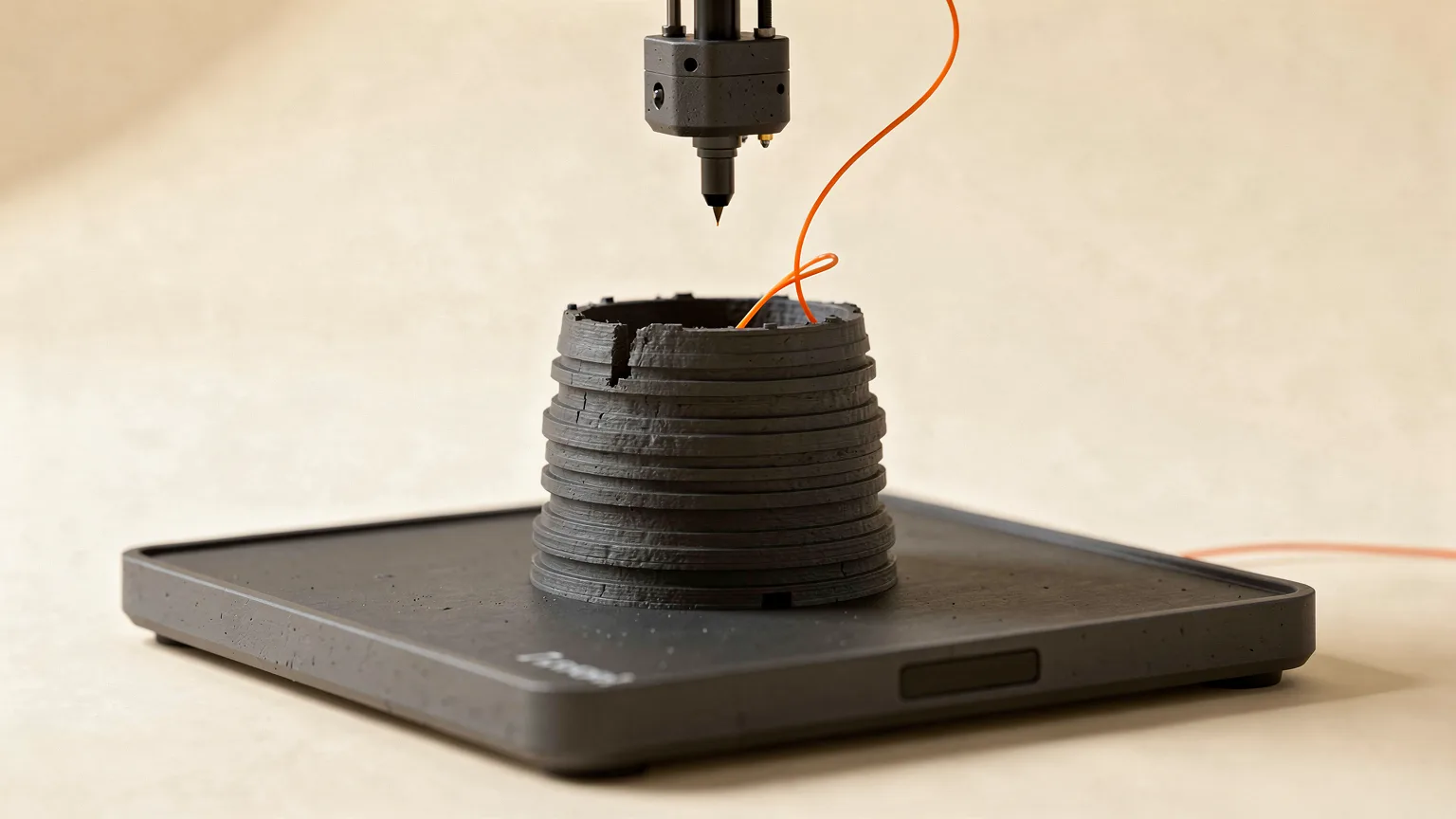
A 3D print that stops mid print, or halfway through, can mean three quite different things: the printer paused and is waiting for you, the printer is still running but nothing is coming out of the nozzle, or the job has ended and the machine has gone idle. Work out which one you have before changing settings, because the fixes are not the same.
This guide is research-based. It relays documentation from Prusa and Bambu Lab and general practice. Error numbers and menus differ by printer, so use your manufacturer's page for the exact steps.
First, identify what kind of stop it is
| What you see | Likely cause | Go to |
|---|---|---|
| Printer paused with a runout or filament message | Spool empty, filament tangled or sensor triggered | Section 1 |
| Printer moving but no plastic coming out | Clog, heat creep, jam | Sections 2 and 3 |
| Printer shut down or rebooted | Power loss or interruption | Section 4 |
| Heaters off, printer idle, job incomplete | Heater timeout, file or connection problem | Sections 5 and 6 |
| Print kept going but turned to a mess | Part detached from bed | Fix spaghetti prints |
1. Filament runout, tangles and spool problems
Prusa describes a filament runout pause as a normal and expected function, triggered by the filament sensor to prevent failed prints when a spool ends. The fix is to insert new filament when prompted, confirm it loads and extrudes correctly, then press Continue. Check how much filament remains on a spool before a long job.
If you get false runouts, Prusa says to check the sensor wiring, the sensor's cleanliness, and whether the filament path is smooth and free of friction. A spool that cannot turn freely, or a loop of filament that has tangled, will cause the same pause. Bambu Lab has a guide for fixing a tangle in the AMS without cancelling the print, and another for spools that have come loose from their tray. If the spool wobbles or catches on a holder, fix that before the next long print.
2. Nozzle clogs and jams
When the motor clicks or the filament stops advancing, the hotend is usually the cause. Bambu Lab's clog guide lists a nozzle that is too cool, printing speed so high that filament does not melt fully, and residue or fibers inside the nozzle. Its advice is to clear the nozzle, then reduce speed or raise temperature slightly before resuming. Read how to fix a clogged nozzle and fixing an extruder that clicks.
3. Heat creep
For a full guide, see heat creep 3D printer jams: causes and fixes. If a print runs fine for a while and then extrusion simply stops, Prusa's guide on extrusion stopping mid-print points to heat creep. Contributing factors it lists include ambient temperature above 35 °C (30 °C for some filaments), too little airflow over the heatsink, a hotend temperature set higher than needed, and very thin layers. Its fixes include cleaning dust from the heatsink, checking the extruder fan, lowering the bed temperature by 5 or 10 °C, using a 0.15 or 0.20 mm layer height, and unloading filament while the hotend is still hot after a print.
4. Power loss
If the printer lost mains power, check the plug, the power strip, and whether a shared circuit tripped. Bambu Lab's Power Loss Recovery page says the system lets a printer continue a job after an unexpected power interruption, but that it cannot produce a perfect continuation. There will almost always be a small visible mark at the recovery point, and Bambu says it should be viewed as a way of salvaging a print, not a guarantee.
Before you resume, check the part. Prusa's safety documentation notes that after a power outage the print may detach from the bed, so inspect it first. If the part has lifted or shifted, resuming will probably fail. Consider a surge protector or a UPS if outages are common, and see the manufacturer's guidance for your model.
5. Heater timeout and safety shutdowns
Printers cut the heaters if they think a job has stalled. Prusa's safety timer page states that heating disables after 30 minutes of idle time on the models it covers, and that the printer warns if the heatbreak thermistor is disconnected. If the printer shut the heaters down on its own, read the message on the display and follow the manufacturer's page for that specific error. Never bypass a safety feature to keep a print going.
If the printer shows a thermal runaway message, follow the thermal runaway error guide.
6. File, card or connection problems
If the printer is fed over USB from a computer, the print can stop when the computer sleeps, the cable is poor, or the connection drops. Printing from the printer's own storage (card, internal storage or network upload) avoids this. Try a different card, reformat it, and re-slice the file if one specific file always stops at the same point, since a corrupt file stops in the same place every time. Check that the computer or host is not set to sleep during a long print.
Safety. Do not leave a stopped printer with heaters on and unattended. If anything smells burnt, looks melted or a wire has come loose, switch off at the mains and follow the manufacturer's guidance. See 3D printer safety basics.
How to stop it happening again
- Check the filament amount and spool movement before long prints, and dry hygroscopic filament.
- Keep the hotend, heatsink fan and gears clean as part of a maintenance routine.
- Reduce speed on the first long print of a new filament and raise it in steps.
- Watch the first layers closely: a poor first layer is a common reason a part detaches later.
Confirm the fix
Resume or restart with a small object that takes about half an hour, and watch the extruder for the first 10 minutes. Then repeat with a longer job and check in at the point where the previous one stopped. If it stops at the same layer each time, suspect the file or a mechanical catch at that height. If the time varies, suspect heat, power or connection.
Frequently asked questions
Why did my 3D print stop in the middle?
Common reasons are filament running out or tangling, a clogged nozzle, heat creep, a power interruption, or a file or connection problem. Read the printer's message first because it usually points to the cause.
Can I resume a print after a power cut?
Many printers can, but check first that the part is still stuck to the bed. Bambu Lab notes the recovery will leave a visible mark at the restart point and should be seen as salvaging the print.
Why does my printer pause with a filament runout message when there is filament left?
Prusa says false runouts can come from the sensor wiring, a dirty sensor, or filament path friction. Check those, and make sure the spool turns freely.
Could heat creep stop a print part-way through?
Yes. Prusa describes extrusion stopping mid-print from heat creep, linked to high ambient temperature, poor heatsink airflow or a hotend set hotter than needed.
Sources

Founder and editor
Software engineer since 2009 and Head of Engineering by day, a maker who has owned several 3D printers, writing practical guides to 3D printers, filament and running costs, with every article saying what was and was not tested.
Keep reading
How to Fix Pillowing and Gaps in Top Layers
Pillowing in 3D printing is a lumpy top surface with small holes, caused by top layers sagging into the infill. More top layers, denser infill and stronger cooling usually fix it.
12 October 2026 · 3 min read
How to Improve Bridging in 3D Printing
Bridges sag because plastic is printed in mid-air. Shorten the span, cool it, tune bridge speed and flow, or redesign the part.
12 October 2026 · 5 min read
Why 3D Prints Do Not Stick to the Bed and How to Fix It
A 3D print not sticking to the bed is usually a dirty plate, wrong plate setting, wrong nozzle height or a first layer that is too fast or cool. Fix them in this order.
12 October 2026 · 4 min read